Quick Answer
Buy 4K 144Hz for most high-end gaming builds and 4K 240Hz only if you own extreme GPU power and play titles that can reach it. The 240Hz option is premium, not the default. Expect broad monitor bands from about R3,500 to R6,000 for many 1440p high-refresh panels, while 4K and OLED options can move well above R8,000 depending on size and refresh rate.
Start with the GPU, not the panel label
The screen can only show what the graphics card can render. RTX 4060-class hardware is a 1080p high-refresh or lighter 1440p card. RTX 4070 Super-class hardware is a cleaner 1440p 144Hz match. RTX 4080-class hardware is where 4K high refresh starts making more sense. If your games sit under 80fps, paying for 240Hz will not feel useful.
Compare smoothness and image quality
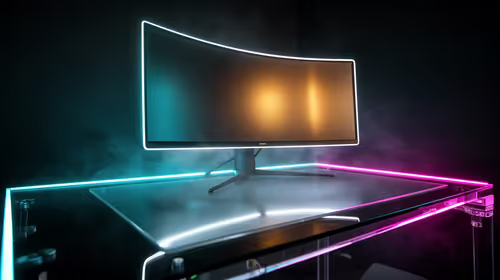
IPS panels are practical for work, study, and long desktop sessions because they are bright, sharp, and low-risk. OLED gives excellent contrast and very fast pixel response, but buyers should use screen-care settings and avoid static desktop layouts for long periods. Ultrawide panels add immersion and workspace, but they need desk width and a GPU that can handle 3440x1440.
SA buying checks
Check HDMI 2.1 or DisplayPort support, adaptive sync, stand adjustment, warranty handling, and whether the box can be delivered safely to your address. A 27-inch 1440p 165Hz monitor is often easier to place than a huge 4K panel. For esports, response and refresh matter; for RPGs, editing, and mixed work, resolution, colour, and comfort matter just as much.
FAQ
Is 1440p better value than 4K?
For most gaming PCs, yes. It gives a sharp image without demanding the GPU power that 4K high refresh requires.
Is OLED worth it for gaming?
OLED is worth it when image quality and response are priorities. It is less ideal for users who leave static desktop content on-screen for many hours.
What refresh rate should I buy?
144Hz or 165Hz is the practical sweet spot for many gamers. Choose 240Hz or faster only when your games and GPU can reach those frame rates.
Buyer Tip
Before buying a 4K high-refresh monitor, check your average fps at the resolution you plan to use. Buy the refresh rate your GPU can feed, not the biggest number on the box.