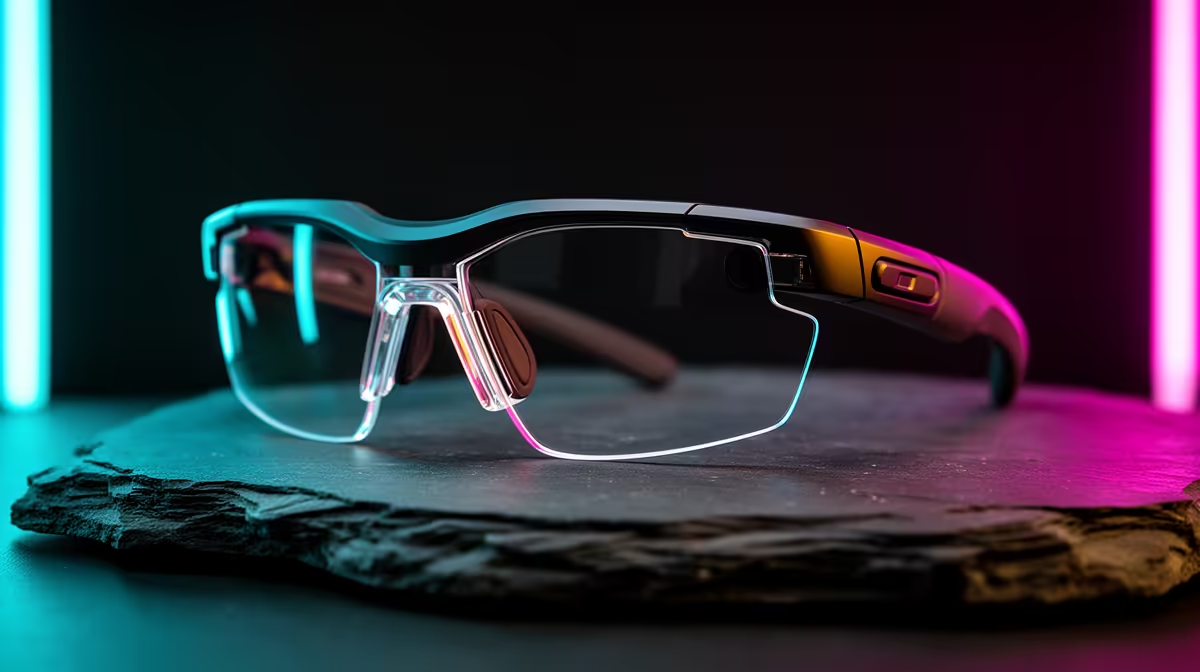
Starting first year with AR glasses raises a fair question: hold onto the pair you have, upgrade them, or replace the lot for a clean student setup? The answer depends on what your current glasses can drive and how you plan to study. This guide helps South African first-years decide without overspending on day one.
Quick Answer
For a first-year student setup, replace older AR glasses only if your current pair lacks a sharp 1080p-per-eye display or wide device compatibility; otherwise upgrade the accessories around them. Capable display glasses like the Xreal Air 2 or Viture Pro sit around R8,000 to R12,000 in South Africa and act as a portable second screen for lectures and notes.
When To Keep And Upgrade Around Them
If your current AR glasses already deliver a clear 1080p-per-eye image and connect to your laptop or phone over USB-C DisplayPort, keep them. Spend instead on the supporting kit: a compatible USB-C cable, a small adapter for older devices, and a neck-light or prescription insert. This upgrade-the-ecosystem route saves thousands and keeps a working pair earning its place in a study setup.
When A Full Replacement Makes Sense
Replace the glasses if they top out below 1080p per eye, have a narrow 40-degree field of view that feels cramped for documents, or only work with one device. A first-year juggling a laptop, phone and shared res screens benefits from glasses with broad USB-C DisplayPort support. Models like the Xreal Air 2 (around R8,000 to R10,000) give a larger virtual screen that suits long reading and note-taking.
Match The Glasses To Real Student Tasks
Think about how you will actually study. AR glasses shine as a private second monitor in a shared res room, projecting a 100-inch virtual screen for slides while your laptop stays open for typing. Prioritise comfort for two-hour-plus wear, weight under about 80g, and a display bright enough (around 500 nits perceived) to read text clearly. Gaming and movies are a bonus, not the buying reason here.
FAQ
Should a first-year replace working AR glasses?
Not if the current pair does 1080p per eye and connects over USB-C DisplayPort. In that case, spend on cables, adapters or a prescription insert rather than a whole new pair.
What makes AR glasses good for studying?
A sharp 1080p-per-eye display, a comfortable sub-80g frame for long wear, and broad device compatibility so they work with a laptop, phone and res screens. These let the glasses act as a private second monitor.
How much do capable AR glasses cost in South Africa?
Quality display glasses like the Xreal Air 2 or Viture Pro run roughly R8,000 to R12,000. Cheaper pairs exist but often cut field of view or device support that students notice quickly.
Check whether your current AR glasses hit 1080p per eye and USB-C DisplayPort support; if they do, upgrade the cables and inserts, and only replace them at Evetech when the display genuinely falls short.