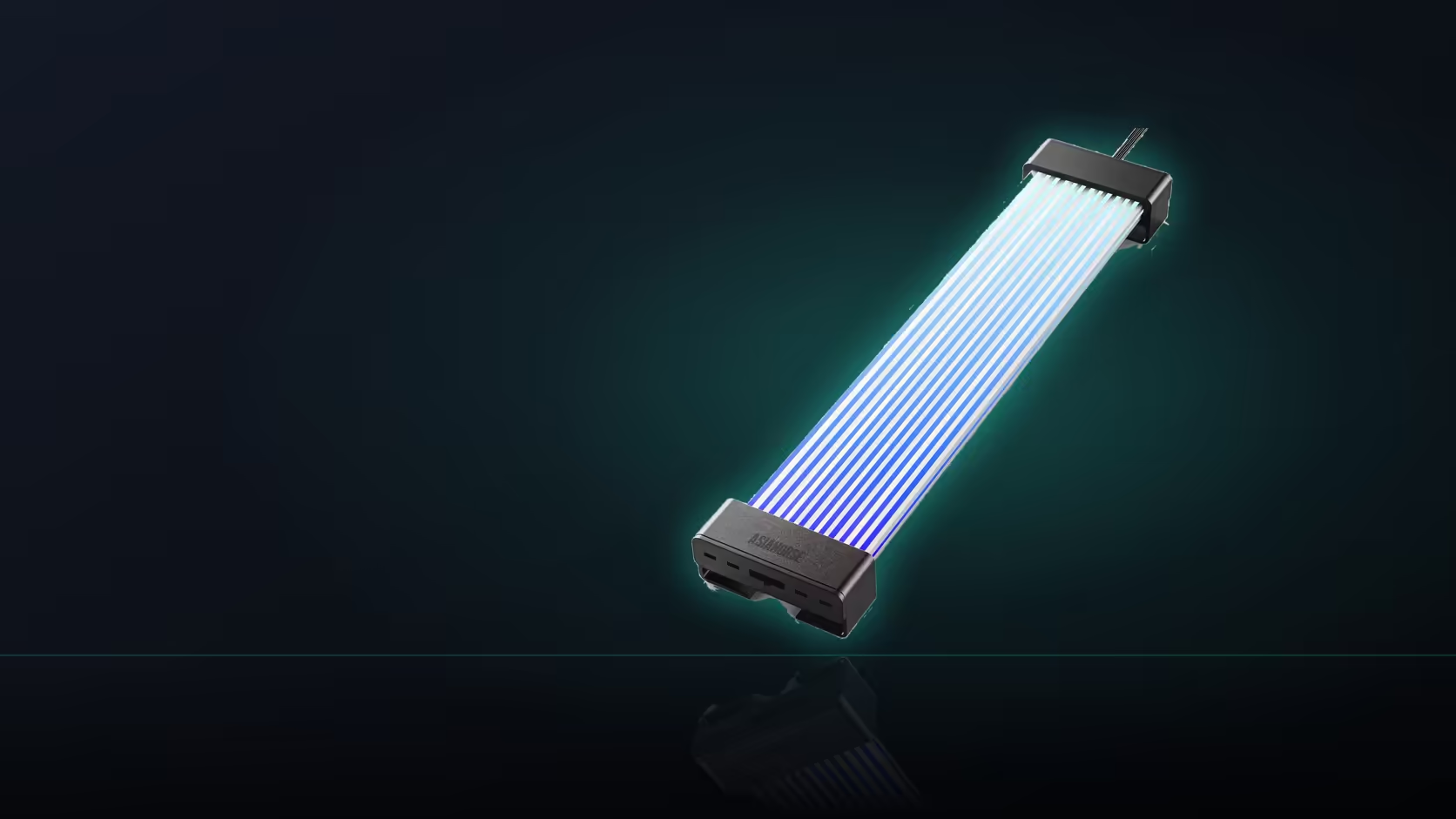
Frame rate is a number PC builders are trained to associate with games and monitors, so seeing "60 FPS" printed on a lighting accessory naturally raises an eyebrow. On this Aurora Learn cable cover, that particular figure is describing something else entirely.
Quick Answer
The 60 FPS figure on Aurora Learn describes how smoothly the cover's lighting animation updates, not any statement about gaming performance or anything the connected machine renders. It applies across the R599 cover's 108 addressable LEDs regardless of which shell length or colour is chosen. Reading it as a performance claim is an understandable mistake given how much other PC hardware language uses that same figure differently.
🎨 What the number is actually measuring
Sixty times a second, the controller updates the state of the 108 individual LEDs inside the shell, which is what allows a moving lighting effect to look continuous rather than jumping between steps. That update rate lives entirely inside the controller and has nothing to do with the graphics card or CPU driving the rest of the machine.
🕹️ Why the terminology gets borrowed
PC building already uses frame rate constantly, from graphics card benchmarks to monitor refresh figures, so it is a natural shorthand for lighting vendors to reuse when describing how smoothly a controller renders its own animations, even though the two contexts have nothing to do with each other electrically. The same borrowed language turns up across case lighting listings too, not just on this particular cover.
👀 Where the difference is actually visible
A slower update rate can make a moving lighting effect look stepped rather than fluid, and that is more noticeable across a long strand with many individual points than on a short one. Which of the 124-plus presets you choose changes how much movement is on screen at all, but the underlying update rate stays the same either way.
Frequently Asked Questions
What does the 60 FPS figure actually measure?
How often the lighting animation updates across the 108 LEDs, which is what makes a moving effect look smooth rather than stepped.
Does this figure affect the connected machine in any way?
No. The controller drives the lighting independently, so the number describes the cover rather than anything the computer itself is doing.
Why is a frame rate figure quoted for a lighting product?
Because animation smoothness is a genuine differentiator between lighting products, particularly on effects that travel visibly along a strand.
Would a slower update rate actually be noticeable?
A slower rate can make moving effects look stepped, which is more obvious on a longer span carrying many individual points of light.
Does the figure change depending on the preset selected?
The rate describes the controller's hardware capability, while how much visible movement occurs depends on which of the presets is currently running.
Does the same figure apply when using board sync instead?
In sync mode the board's own software drives the effect, so smoothness then depends on what that software is sending rather than this figure.
Does 60 FPS apply to both shell versions equally?
Yes, the figure is stated consistently across the Learn range, applying to both the 205mm and 260mm shell versions alike.
Want lighting smoothness without any impact on gaming performance?
Browse Evetech's power supply and graphics card ranges to plan the rest of your build around Aurora Learn.