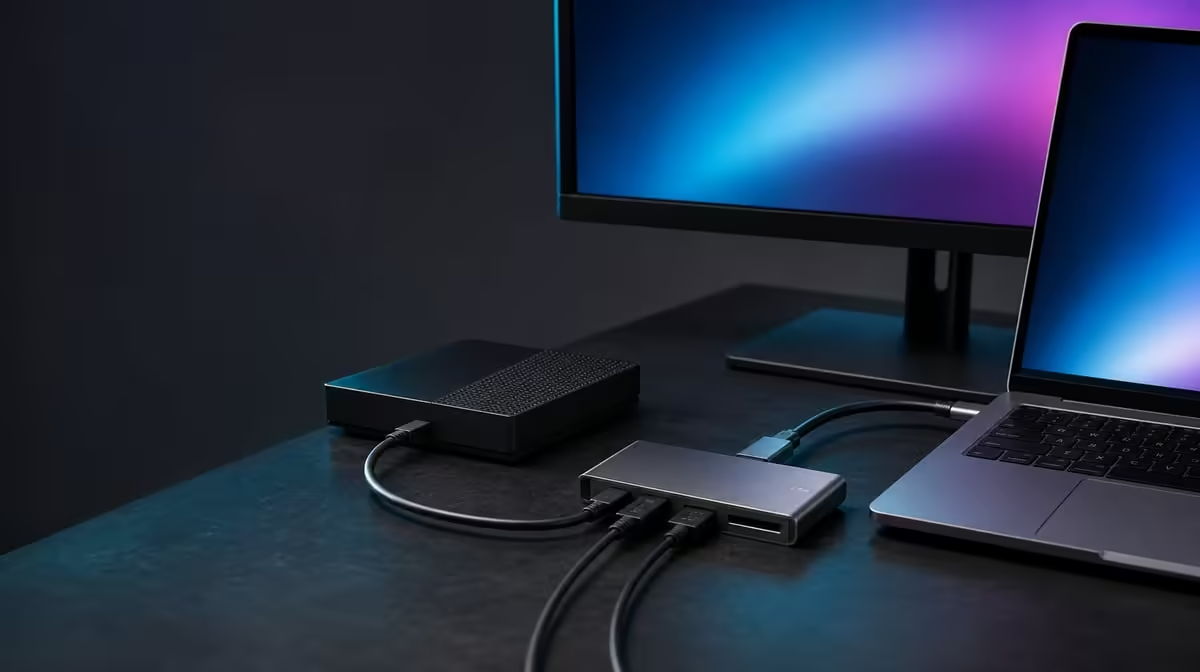
A hub purchase can fail before any peripheral is attached if the host port does not provide the required modes. The most useful SA USB-C hub buying checks begin with the exact laptop or supported device, then follow video, charging, network, cards, and USB connections to their end points.
Quick Answer
South African buyers should confirm host display output, charging demand, network equipment, and storage needs before choosing a hub. The R399 UPERFECT UExtend supports Nintendo Switch, MacBook, and laptops with 4K video, up to 60W charging, 1000Mbps Ethernet, SD, and two USB data ports, subject to each compatible path.
🔍 Verify the host before counting ports
Identify the exact USB-C socket that will connect the hub. Charging or data success does not prove display output, and named system support does not cover every possible cable and peripheral combination.
Browse Evetech's USB hub category with the source capabilities written down.
🖥️ Check screen and power separately
For 4K video, confirm host output, a suitable display lead, and monitor support. For Power Delivery, compare the 60W ceiling with charger output, cable capability, laptop acceptance, and workload.
🌐 Inspect the network and device list
The 1000Mbps Ethernet rating is not a guaranteed broadband result. Check the cable, router or switch, and service. Assign both USB data ports and decide whether SD access is genuinely used.
Compare Evetech's docking-station options if the desk needs another confirmed connection or power level.
✅ Rehearse the complete setup
Connect power where required, attach the host, establish the display, add Ethernet, mount the SD card, and connect the two USB devices separately. Eject storage safely and repeat after a restart.
Use Evetech's gaming-accessories range to count peripherals. At R399, the UExtend makes sense when every essential path works. Check current availability when ready to purchase.
Keep a small setup record with the working host port, charger, cables, display mode, and device positions. It turns future diagnosis into a comparison against a known-good route.
Turn claims into purchase-day tests
Ask the seller page and device documentation the same questions: does the exact host output display video, what charging input does the laptop accept, and which network and storage devices will connect? Keep screenshots or notes for the components you own rather than relying on memory.
At purchase time, recheck the R399 product figure and current availability without making either a permanent promise. The technical need should remain stable even as the live selection changes.
Inspect the complete physical kit
Count the suitable display lead, compatible charger and power cable, Ethernet cable, SD card, and two USB devices. Measure the bag or desk area and decide where the hub can sit without being pulled.
For Nintendo Switch use, stay within the named compatibility and verify the intended display and power route. Do not generalise it to other consoles or every possible configuration.
Define acceptance before opening daily work
The setup passes when the host recognises the hub, the monitor reaches the intended supported mode, charging meets the required battery outcome, Ethernet establishes its link, and all storage devices complete a test and eject cleanly.
Write down any essential requirement the UExtend does not cover. Another option should be selected around that precise gap instead of around a longer feature list. This final discipline protects both the Rands and the equipment.
Add a future-device rule. Do not pay for an undefined possibility; record the actual next laptop, monitor, or peripheral only when its requirements are known. Until then, score the hub against equipment already owned and used.
Before payment, read the complete setup sentence aloud: exact host, video route, charger, wired network, SD card, and two USB devices. Every valued feature should attach to that sentence. Anything left without a role should not be allowed to justify extra Rand.
Revisit the checklist after the first full week. Mark every function that worked, every cable that was unnecessary, and any recovery step that repeated. This short review converts the purchase-day plan into an ownership record and exposes a genuine gap early.
Frequently Asked Questions
Does Nintendo Switch support cover every console?
No. Only named device support should be used, and the intended route still needs checking.
Can a charging-only USB-C port drive 4K?
Not unless that exact port also supports display output.
Is 60W enough for every laptop?
No. Compare it with the machine's accepted input and working demand.
What storage connections are present?
The UExtend includes SD access and two USB data ports.
Can all functions be assumed to peak together?
No. Test each path first, then the actual combined workload.
Ready to turn a South African hub shortlist into a compatibility checklist?
Compare Evetech's USB-C hubs only after the host, screen, charger, network, card, and two data devices are mapped.