Storage in 2026: How Much SSD a Budget Build Actually Needs
Quick Answer
Choose 512GB only when the budget is tight and you are happy to keep a small game library installed. Choose 1TB when several large current games must stay ready at once. Both can work in a budget PC, but the second option gives updates and Windows more breathing room.
Capacity should come from your library, not a neat product label.
Do the Install Maths
List Windows, applications and the games you will keep. Use current install-size guidance from each publisher, then add space for patches, shader caches, screenshots and temporary files.
A drive sold as 512GB shows less usable space after formatting. Windows and recovery data take another share. Three large games can turn the remaining room into a weekly uninstall routine.
Keep working headroom instead of filling the bar to its final gigabyte. SSD performance and updates can suffer when there is no free space for normal housekeeping.
Capacity Before Peak Speed
For a gaming budget, a sound 1TB SSD can be more useful than a faster 512GB model when both support the platform. Game load differences between capable SSDs may be smaller than the inconvenience of moving the library every weekend.
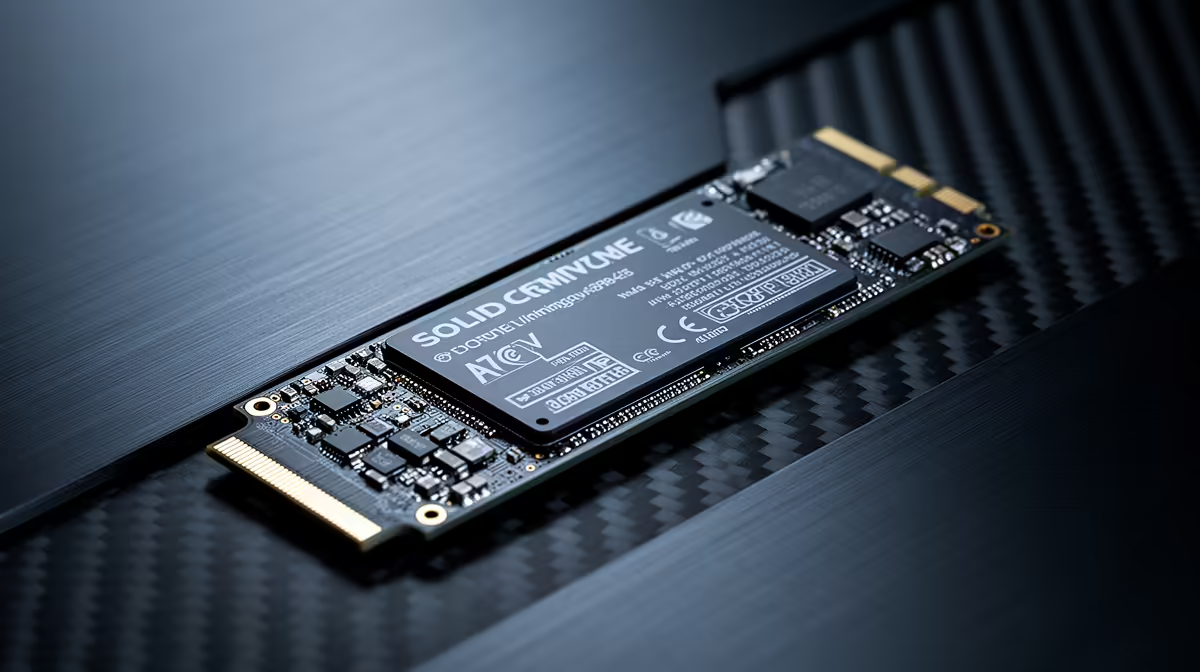
NVMe drives fit an M.2 slot and avoid SATA data cables. A SATA SSD can still deliver quick boots and responsive game loads when the motherboard lacks a free M.2 slot. Check the exact interface, M.2 length, lane support and whether a slot disables another connector.
Use gaming PC deals to inspect how much storage complete budget systems include. Open the specification because a product family can have several drive options.
Read a Dated Price Correctly
The ADATA SU650 512GB 3D-NAND SATA SSD was R1,599 as of July 2026. That is one named internal 512GB product from the approved snapshot. It is not a minimum for every SSD type or capacity, and the live price can change.
Compare that exact drive with suitable 1TB options on the day you buy. Include capacity, interface, warranty and motherboard fit, then decide whether the larger drive can fit without cutting the GPU or safe power supply.
Browse PC best sellers for complete-system context. A second free M.2 slot makes a smaller first drive easier to expand later.
Keep Large Files in the Right Place
An external drive can hold installers, captures and backups. Check whether a game and launcher support moving the library, and expect slower loads from some external paths.
Cloud storage is useful for saves and documents where the service supports it. It does not replace local space for a large installed game, and it is not your only backup.
FAQ
Is 512GB still viable for a budget build?
Yes for Windows and a curated set of games. Add the real install sizes before buying and keep free working space.
Does a gaming PC need NVMe storage?
No. A suitable SATA SSD can serve a budget system, though NVMe offers a cleaner M.2 installation and more bandwidth where the board supports it.
Which size avoids constant reinstalling?
For many mixed libraries, 1TB is the calmer target. Your named games and available expansion slots should settle it.
Add the installed size of your keep-ready games to Windows and working headroom, then choose 512GB or 1TB from that total.