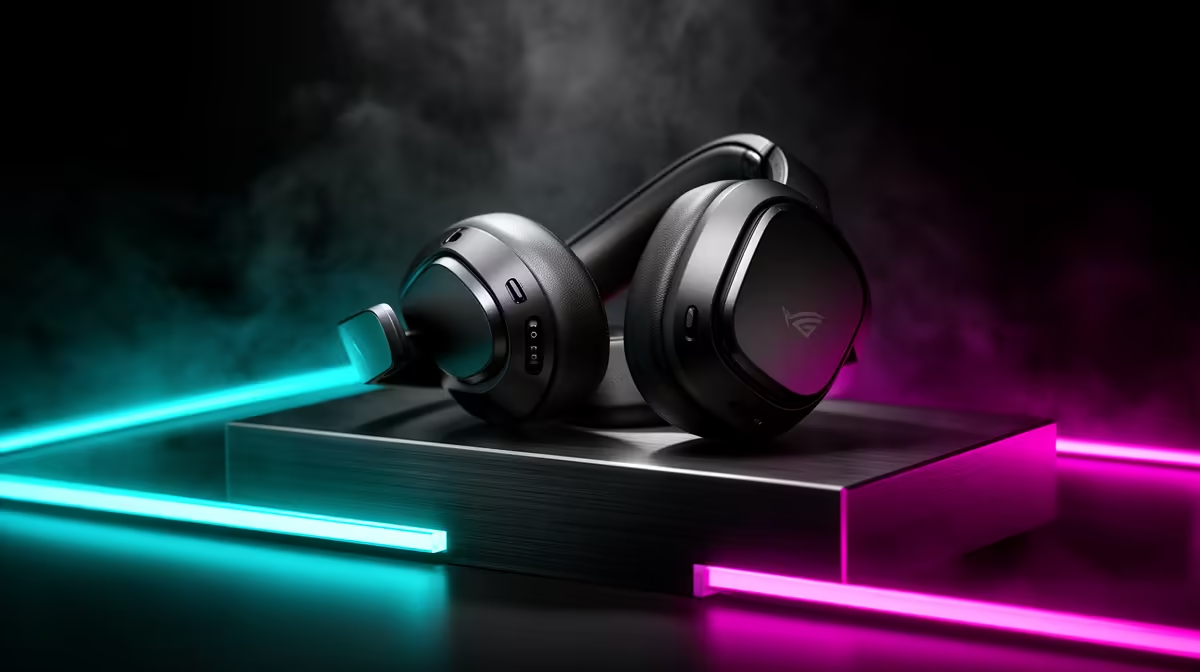
Wireless dropouts in a gaming headset are a hidden cost, because audio cutting out mid-match breaks your awareness and comms at the worst moment. Knowing what causes them and what it costs helps you choose a reliable wireless headset, or go wired, rather than fighting dropouts every session.
Quick Answer
Ignoring wireless dropouts costs you game awareness and comms when audio cuts mid-match. Spend R1,400 to R2,500 on a headset with a solid 2.4GHz dongle like a Logitech G435 or HyperX Cloud, or go wired, since 2.4GHz holds a tighter link than Bluetooth for gaming.
What Dropouts Cost You
A wireless headset that drops audio mid-fight robs you of footstep cues and team comms exactly when they matter, so a cheap or Bluetooth-only headset's dropouts directly cost you rounds. Bluetooth is especially prone to interference and latency for gaming, while a weak 2.4GHz dongle placed behind the PC struggles too. The hidden cost is inconsistent performance you cannot tune away, which a reliable 2.4GHz link or a wired connection removes entirely for steady, dependable audio.
Reliable Options, In Rand
For wireless, a headset with a dedicated 2.4GHz dongle like the Logitech G435 at R1,400 to R2,000 or a HyperX Cloud wireless around R1,800 to R2,500 holds a far steadier link than Bluetooth. For zero dropouts, a wired pair like the HyperX Cloud III at R1,500 to R2,200 simply never disconnects. Avoid relying on Bluetooth for competitive audio, since its latency and interference cause the very dropouts that cost you awareness in a fast match.
Set Up A Dropout-Free Link
If wireless, use the 2.4GHz dongle rather than Bluetooth and place the receiver on a front USB port or short extension near your head, away from USB 3.0 ports that cause interference. Keep the headset charged so it never dies mid-session. If reliability is paramount, go wired and forget dropouts entirely. Test the link by walking your usual range, and if it still cuts, the dongle placement or interference, not the game, is the cause to fix.
FAQ
Why does my wireless headset keep cutting out?
Usually Bluetooth interference or a poorly placed 2.4GHz dongle behind the PC. Use the dongle on a front port near your head, or go wired, for a steady link.
Is 2.4GHz or Bluetooth better for a gaming headset?
2.4GHz holds a tighter, lower-latency link than Bluetooth, which suits gaming. Reserve Bluetooth for casual use where dropouts are harmless.
How do I avoid headset dropouts entirely?
Go wired, since a wired headset never disconnects. If you prefer wireless, use a solid 2.4GHz dongle placed near your head.
use the 2.4GHz dongle on a front port near your head, not Bluetooth, or go wired to remove dropouts from competitive play entirely.