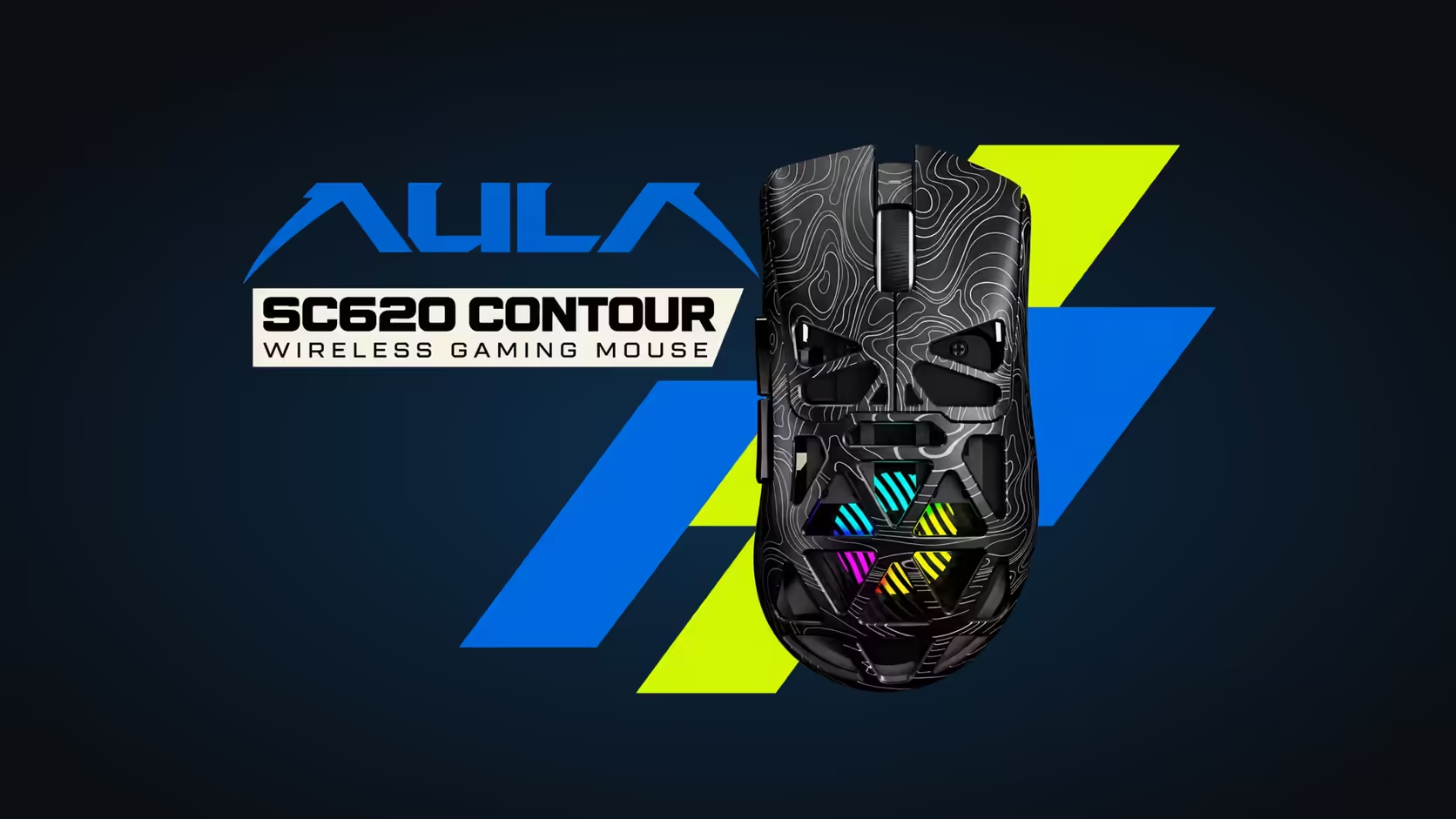
Most mice give you two side buttons and leave it there. The AULA SC620 Contour adds a key with a single purpose: a dedicated programmable Fire button that runs one mapped command every time you press it. Think of it as a spare slot for the action you repeat most, whether that is a burst of clicks in a shooter or a shortcut you hit a hundred times in a working day.
Quick Answer
The SC620 Contour has a dedicated Fire button that you can map to one command, such as rapid repeated clicks or a program shortcut, so it runs with a single press. You assign its job in AULA's driver, the same software that handles button remapping, macros, DPI, polling rate, sleep time and RGB. The mouse itself is a 67g tri-mode model with a PAW3311 sensor. Evetech sells it for R349 in black or white.
🎯 What "one mapped command" really means
The Fire key does not invent new tricks. It gives you a physical place to park a command, so your thumb or finger reaches it without a menu or a key combination. AULA's own examples are a burst of clicks and an app shortcut, and those two cover most of what people want from it.
The difference from a normal side button is intent. Side buttons tend to end up as back and forward in a browser. The Fire key is there to be customised, which is why AULA calls it out by name on the product page rather than lumping it in with the rest.
A key, not an aimbot
A burst mapped to Fire still goes wherever your cursor is pointing. The PAW3311 sensor tracks your hand, and the button simply repeats an input faster than your finger would. Aim, recoil and timing stay yours.
🛠️ Setting it up in AULA's driver
Everything the Fire button does is decided in AULA's Windows driver. The same screen lets you remap the other programmable buttons, record macros, pick from six DPI levels between 800 and 12,000, set the 1000Hz polling rate, choose a sleep time and adjust the lighting.
There is one condition worth knowing before you start. Per AULA, the software only reaches the mouse through its USB dongle or its lead on a Windows machine; a Bluetooth 5.3 pairing is invisible to it. If the driver shows no device, plug in the receiver or the cable and try again.
🧩 Fire button or a recorded macro?
These two are often confused. A macro is the recorded sequence itself: keystrokes, clicks and delays saved as one routine. The Fire key is a dedicated spot on the shell where you can put a single command, and that command can be a macro you recorded in the same driver.
So the question is less "which is better" and more "where does it live". Keeping your most-used action on a button made for it frees the side buttons for navigation, which suits anyone who games and works on the same mouse.
If you are browsing lighter options with extra buttons, Evetech's gaming mice section is the wider shelf, while the wireless mouse page narrows the list to cable-free picks like this one.
💼 Good bindings outside of games
A burst of clicks is only one idea. On a work day, the same button can take a screenshot tool, an undo, a copy command or a shortcut that opens your most-used app. One press, one action, no hunt across the keyboard.
Its body suits claw, palm and fingertip holds, and it connects by 2.4GHz, Bluetooth 5.3 or cable on a 400mAh battery. Evetech carries it in black and white, both with a see-through honeycomb shell that lets the RGB show.
Frequently Asked Questions
Which commands suit the Fire key best?
Anything you repeat often: a click burst in games, or a screenshot, undo or app launch at work. It holds one command per press.
Do I need the driver to change the Fire key?
Yes. Its job is chosen in AULA's software on a Windows PC, so connect through the dongle or plug in the lead.
Can a recorded macro sit on the Fire button?
The driver records macros and remaps the programmable buttons, so you can build a routine and then place it on that key.
Does rebinding work while the mouse is on Bluetooth?
No. AULA says its driver works in 2.4GHz and wired modes, so switch over before changing anything.
What warranty comes with the mouse?
Evetech sells both colours of the SC620 Contour with a 1 Year Local Warranty.
Want one button that does exactly what you tell it?
Browse Evetech's gaming mouse range and compare the SC620 Contour with other programmable, lightweight options.