Quick Answer
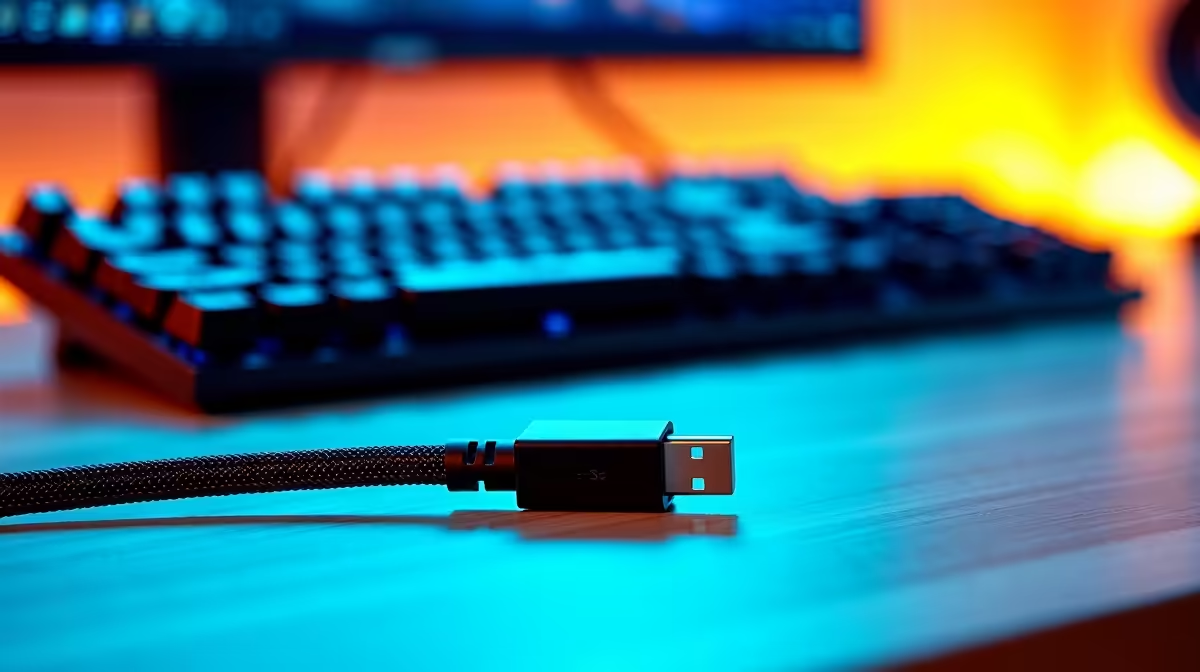
A 1.5m cable is the practical sweet spot for most desktop setups because it provides enough reach from a standard tower sitting on the floor or a desktop mid-tower beside the desk to a monitor on a standard-height desk surface, without creating excess slack that bunches behind the monitor or tangles with peripherals.
Why 1.5m Works for the Majority of SA Desk Setups 📐
A typical South African gaming or work desk sits at approximately 72cm to 76cm height. A mid-tower PC placed on the floor beside the desk typically positions the GPU output ports at around 30cm to 50cm above floor level, depending on the case size and where the monitor stand is positioned. A 1.5m cable routed cleanly from the GPU to the monitor leaves roughly 20cm to 30cm of practical slack for port alignment without looping. For a desktop case sitting on the desk surface, the monitor is usually 60cm to 90cm away horizontally, making 1.5m the exact right length to run the cable without any leftover slack. Corner desk users or those with towers on a separate shelf may find 2m more comfortable, but 1.5m is the default-correct choice for straight-run desktop configurations.
The Signal Integrity Argument for 1.5m 🔧
Shorter cables present less total resistance, inductance, and capacitance than longer ones, which matters at high signal frequencies. At DisplayPort 1.2's 21.6Gbps and 1.4's 32.4Gbps, the difference in signal quality between 1.5m and 2m passive cables is negligible for any certified cable. However, 1.5m keeps you comfortably far from the passive cable length limits where quality begins to matter: passive DP 1.2 cables become marginal beyond 3m, and DP 2.1 cables start to show degradation above 1.5m to 2m depending on construction. Choosing 1.5m provides a meaningful safety margin for future-proofing when DP 2.1 cables eventually become the mainstream standard.
Cable Management and Aesthetics for SA Home Setups ✨
Excess cable length behind a monitor is the most common cause of a cluttered-looking desk. A 2.5m cable on a desk where 1.5m would suffice creates at least 1m of slack that must be managed with cable ties, trays, or clips. A 1.5m cable in the same setup routes cleanly from port to port with minimal management required. For minimalist desk builds popular in SA home-office and gaming communities, this clean routing pays aesthetic dividends. Cable management accessories available at local hardware stores for R20 to R80 (velcro strips, J-channel trays, adhesive clips) are far easier to apply neatly when the cable itself is not significantly oversized for the run.
Measure Before You Buy ⚡
Before purchasing, run a length of string or a spare USB cable from your GPU output port to your monitor input port along the actual route you plan to use. Add 15cm for connector alignment at each end. This measured length is your ideal cable length and prevents buying 2m when 1.5m is correct, or buying 1.5m when a corner desk genuinely needs 2m.
FAQ
Is a 1.5m DisplayPort cable long enough for a tower on the floor?
For most standard-height desks with the tower on the floor directly beside the desk, 1.5m is sufficient. If the tower is placed further away or the desk is unusually high, measure the actual cable run before purchasing. A 2m cable is the next step up and costs a similar amount.
Does a longer cable degrade DisplayPort signal quality?
Passive DP 1.2 cables are reliable up to approximately 3m. Within that range, including at 1.5m and 2m, the signal quality difference is negligible for any certified cable. Degradation becomes a real factor only beyond 3m for DP 1.2 or beyond approximately 2m for DP 2.1.
Can I use a 1.5m cable for dual-monitor setups?
Yes. Each monitor requires its own cable, so a dual-monitor setup uses two 1.5m cables. If both monitors are at the same distance from the GPU, two 1.5m cables is the correct purchase. If one monitor is further away, mix lengths accordingly.
Building a clean desk setup in SA?
Evetech stocks certified DisplayPort and HDMI cables in 1.5m and 2m lengths to match your exact desk configuration.