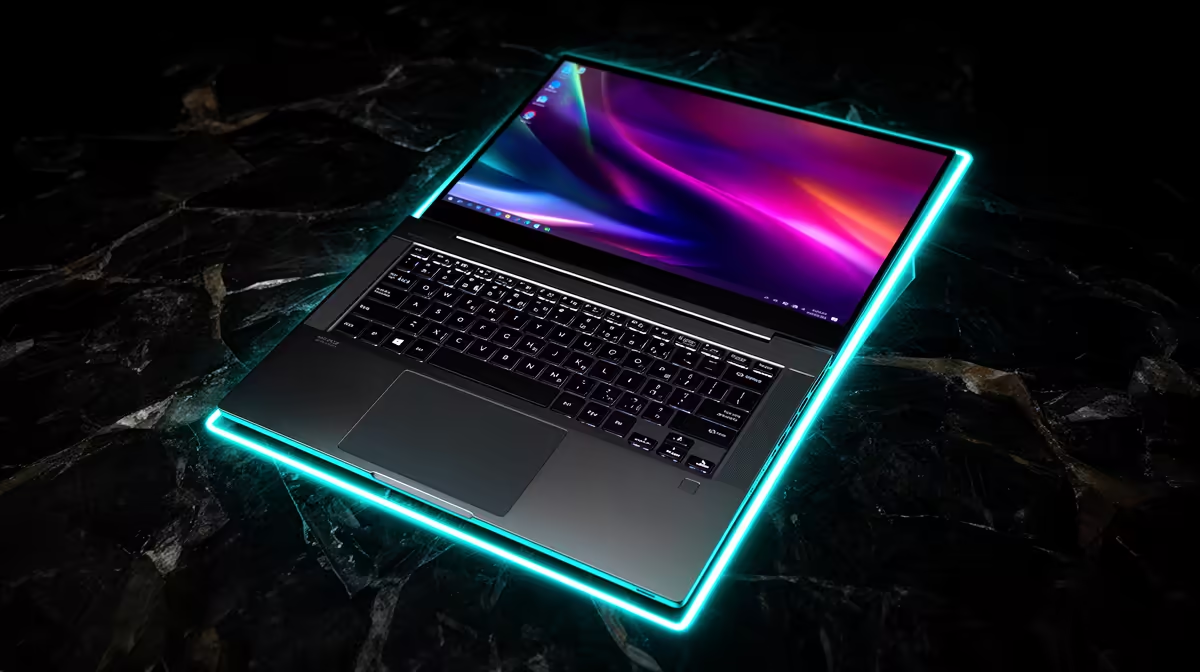
Shaving weight and thickness from a gaming laptop leaves less room for cooling and power. A thin and light gaming laptop earns its premium when you carry it enough to value portability over maximum sustained speed.
Quick Answer
A thin-and-light gaming laptop is worth the premium when you carry it several days a week and accept the noise, temperature and sustained-power trade. The same mobile GPU name can run at different power targets across thin and thick chassis, so it does not promise equal frame rate. Slim designs can still perform well when cooling is engineered properly. Buy the exact laptop result: weight with charger, sustained game lows, fan noise, surface temperature, battery and ports. If the machine stays on one desk, a larger chassis may deliver more performance and easier service for the same total.
Count the load you carry
Laptop weight excludes the full story. Add charger, adapters and protective sleeve, then carry the bag through a normal commute. A compact USB-C charger may cover office work while the gaming brick remains necessary for full GPU performance.
Measure footprint as well. A thin 16 inch model can occupy more bag width than a thicker 14 inch machine.
Heat has less room to leave
Slim heat pipes, vapour chambers and fast fans must move CPU and GPU heat through a shallow body. Run a thirty-minute game and record clocks, power, fan noise and keyboard temperature.
A thicker laptop can also be poorly cooled. Chassis size is a clue, not a benchmark. Compare the balanced mode you will use, rather than maximum fans for one score.
Fixed performance needs exact power
Read the GPU's supported laptop power, dynamic boost behaviour and MUX path. CPU choice and shared thermal limits can change simultaneous loads.
At 1080p, a CPU difference may shape results. At native 1600p, GPU power can matter more. Use same-game tests and frame-time lows.
Portability can cost service access
Check whether memory is soldered, how many SSD slots remain and whether battery replacement is supported. Thin bodies may offer fewer ports or use dongles. Inspect USB-C charging, display output and network needs before buying.
Test the desk setup as well as the bag
A slim laptop may become your desktop through one USB-C cable, or it may need power, display, Ethernet and storage connected separately. Confirm dock bandwidth, VRR, refresh and charging. The port may share display lanes with high-speed data.
Check where cables leave the chassis. Side power and display plugs can crowd a mouse area; rear ports can keep the desk clean. A premium portable machine should take less effort to connect, not move the bulk into a pile of adapters.
Run the same sustained game while docked. A closed lid or vertical stand can change intake and temperature.
Use current popular laptops and gaming laptop deals to compare full dimensions and configurations.
FAQ
Is a thin RTX laptop slower than every thick model?
No. Compare exact power, cooling and sustained results. A well-designed slim chassis can outperform a weak larger one.
Can USB-C provide full gaming power?
It depends on the laptop and charger. Many models need their main adapter for maximum CPU and GPU performance.
Is soldered memory a problem?
It is when the fixed capacity cannot cover your future work. Choose enough at purchase and verify upgrade options.
Compare thin gaming laptops by carried weight, sustained power, fan noise and fixed upgrade limits.