Quick Answer
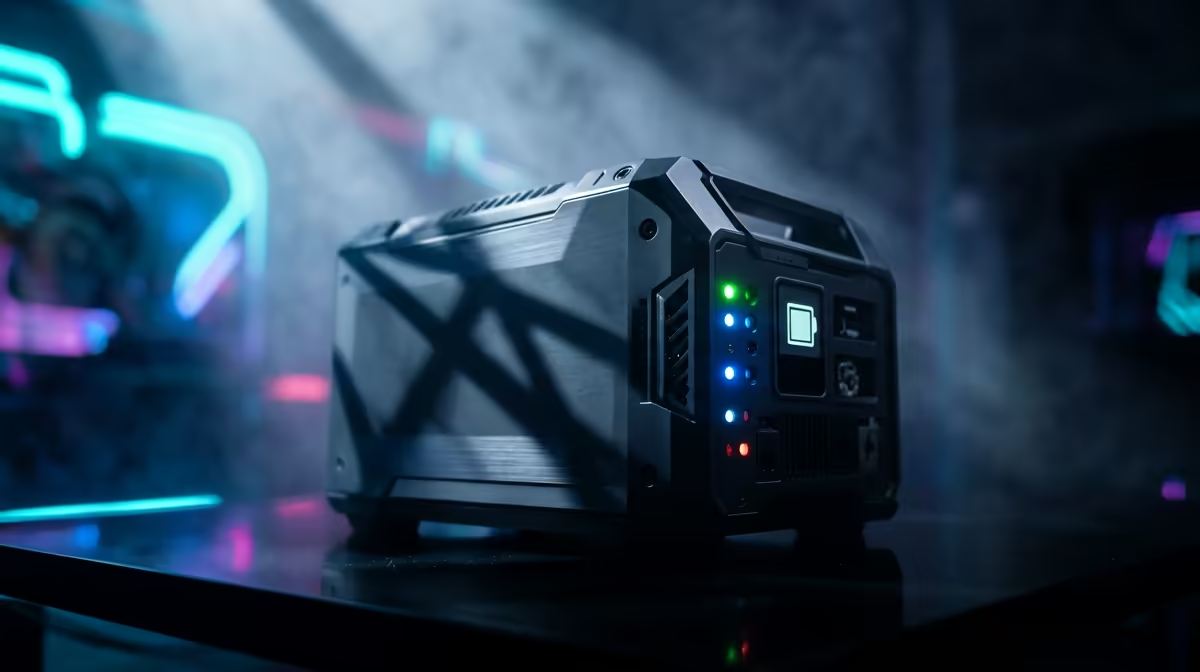
Choose the UPS by real watt load, VA rating, battery condition, plug layout and shutdown time, not by the biggest number on the box. For campus residence buyers, the safe shortlist is enough watt headroom for the PC, monitor and router, AVR support, replaceable batteries and clear warranty support. Budget broadly around R900-R5,500 and compare examples such as Mecer 1200VA, Mecer 2000VA, Eaton 5E 1500VA or APC Back-UPS Pro 1500VA against the real spec target: 650VA, 1200VA, 1500VA and 2000VA ratings with roughly 360-1200W usable output.
The biggest mistake for campus residence buyers is buying the UPS from a headline feature and checking the real workload afterwards. Use price, wattage or performance limits first, then compare comfort, support and upgrade room.
Mistakes That Cost Money
Do not undersize the main spec, ignore noise, or forget the accessories needed to make the purchase useful. For campus residence buyers, the safer shortlist starts with enough watt headroom for the PC, monitor and router, AVR support, replaceable batteries and clear warranty support. A practical South African budget is R900-R5,500, but the better buy is the one that avoids an extra purchase two weeks later.
A second mistake is treating every spec as equal. 650VA, 1200VA, 1500VA and 2000VA ratings with roughly 360-1200W usable output is the range to compare, while examples such as Mecer 1200VA, Mecer 2000VA, Eaton 5E 1500VA or APC Back-UPS Pro 1500VA show the class of product to check before checkout.
What To Buy Instead
Start with the task that happens every week. Campus residence buyers should buy the tier that keeps that task stable, then add comfort features only when the core spec is solved. Nice extras include USB shutdown software, LCD status, pure sine output for sensitive PSUs and extra plugs for a monitor.
Skip running a gaming PC, screen and speakers from a small 650VA unit. That single check catches most poor-value purchases in this category.
Runtime And Load Math
Add the PC, screen and network gear before choosing a VA rating. A console may sit near 200W with a TV, while an RTX gaming PC can pull 450-750W under load; that is why a 650VA unit and a 2000VA unit are not interchangeable. Prioritise local warranty handling and clear stock configuration before checkout.
FAQ
What UPS size is right for a gaming PC?
A mainstream gaming PC and one monitor usually need at least a 1200VA unit, while an RTX 4070 or RTX 4080 build is safer on 1500VA-2000VA. Check the watt rating, because VA alone can overstate usable output.
How much should SA buyers budget for a UPS?
A small desk UPS often sits around R900-R1,800, while stronger 1500VA-2000VA units commonly land around R2,500-R5,500. Battery replacement cost should be part of the decision.
Should the router be on the same UPS as the PC?
Only if the UPS has enough watt headroom. For gaming or work calls, keeping the router and fibre ONT stable can matter as much as giving the PC time to save and shut down.
Buyer check
paying, write down the one spec that cannot fail: 650VA, 1200VA, 1500VA and 2000VA ratings with roughly 360-1200W usable output. If the shortlist cannot prove that spec, move to the next UPS option.