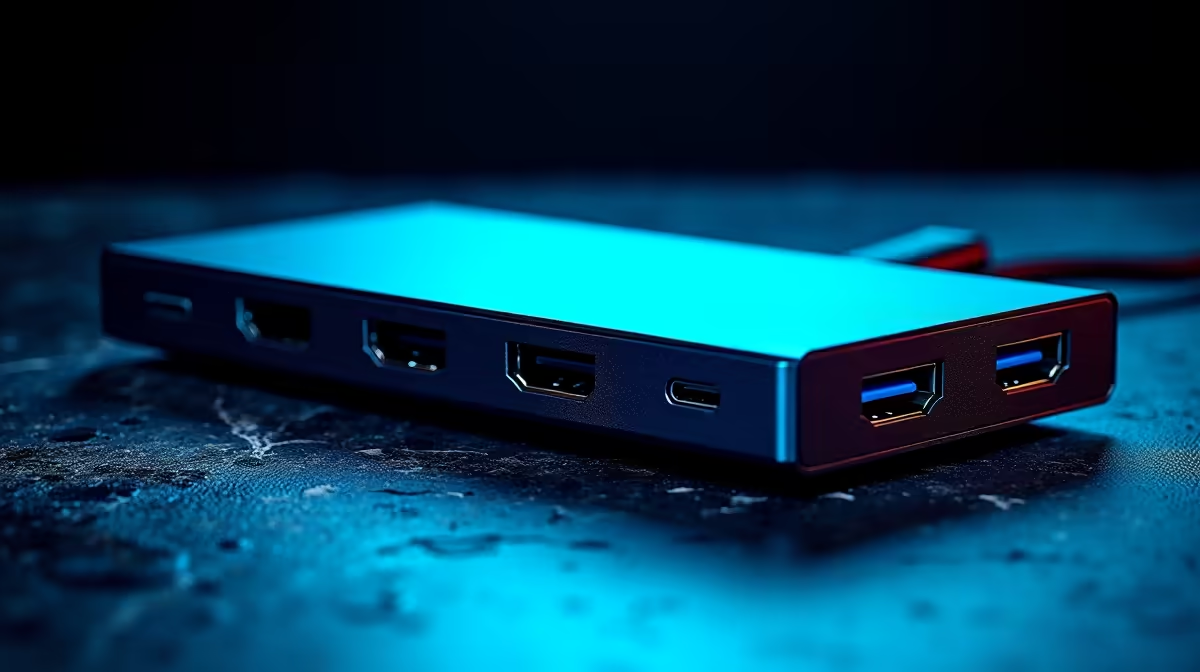
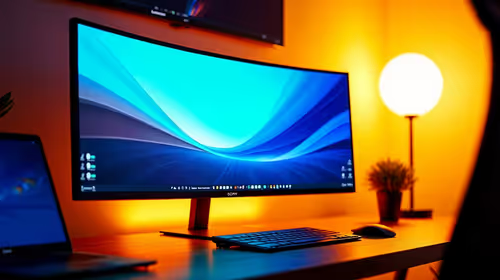
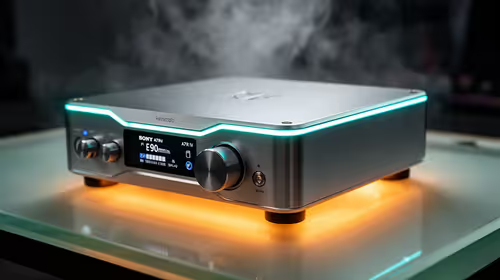
A USB-C hub is worthwhile for virtual-machine work when a laptop needs wired networking, external storage, a monitor and peripherals through one connection. The hub does not add processor cores or memory to a VM. It improves the physical workspace and can remove repeated cable changes.
List every connection and its load
Write down the display resolution, Ethernet requirement, storage speed, keyboard, mouse and power arrangement. Check the host laptop port specification because the connector shape alone does not guarantee video, charging or a particular data rate. Decide which devices must work simultaneously.
The Promate TransHub-Lite is listed at R305. The Promate VersaHub-MST is listed at R1,500. Confirm each model’s current ports, display support, Ethernet capability, power-delivery behaviour, host compatibility, cable length and warranty. Choose from verified functions rather than the number of sockets printed on the box.
Keep active VM images on storage suited to frequent reads and writes. Test sustained file transfers, display stability and network access together, then watch for disconnects or excess heat. Back up important VM snapshots independently before changing storage paths or passthrough settings.
Buy a hub when it simplifies a proven laptop setup. If the VM itself is slow, inspect allocated RAM, CPU, storage and host resources before adding connectivity hardware.
Connecting a VM workspace? > Compare Evetech USB-C hubs by verified ports and host support.