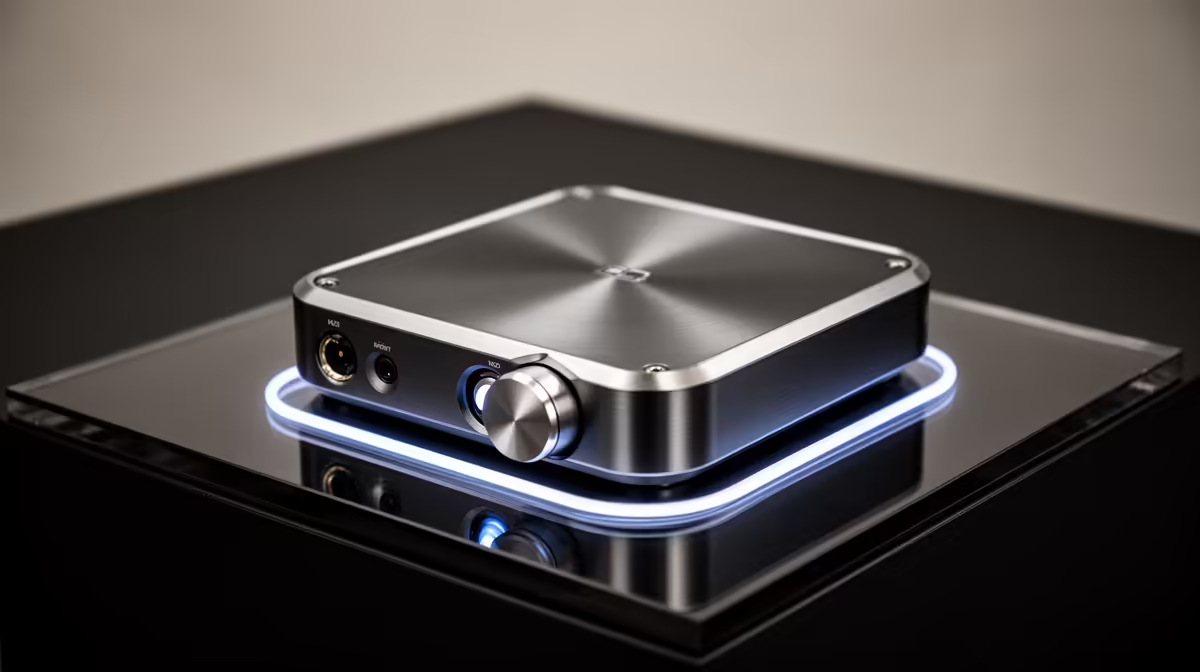
A USB DAC is rarely worth buying specifically for casual photo editing because it does not improve screen colour, RAW processing or export speed. The Logitech Z150 desktop speakers at R421 are a verified basic audio reference for tutorials and clips, while the factpacks contain no currently priced USB DAC.
Decide what audio task is missing
Play familiar speech and music through the existing computer output at a safe level. Check for obvious noise, insufficient volume, intermittent connectors or a need to switch between headphones and speakers. Test a known-good listening device before assuming digital conversion is the cause.
Compare live DACs by operating-system support, USB connection, headphone output, analogue outputs, volume control, driver needs, documented headphone guidance and warranty. A high sample-rate claim does not guarantee an audible improvement or solve poor speakers. Confirm that the editing application’s video or slideshow audio follows the selected device after restart.
Keep the photo workflow focused on a suitable display, organised storage and independent backups. If video clips accompany the image work, verify dialogue on headphones and ordinary speakers. Route cables away from memory-card readers and external drives so the desk remains easy to use.
Buy a DAC only when a repeatable audio problem remains and the chosen headphones or speakers need its outputs. Otherwise, use working onboard sound and improve the part of photo editing that is actually slow or inaccurate.
Completing a photo workspace? > Browse Evetech speakers, monitors and storage around the measured need.