USB microphone not working? Start here 🔧
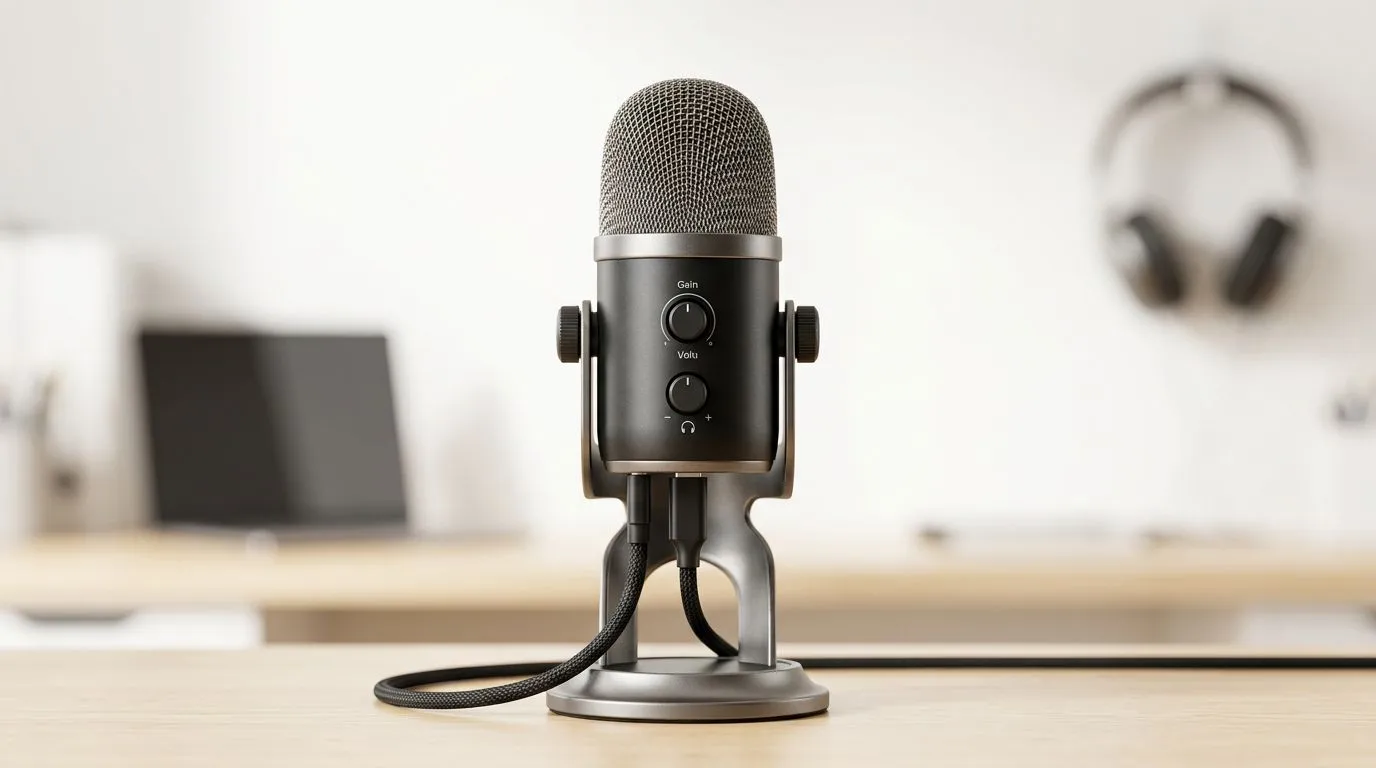
If your USB microphone not working, don't panic — most faults are quick to fix and won't cost you a trip to the shop. This short guide walks South African gamers and streamers through the simplest checks first, then the deeper tweaks. Read the quick checklist, try the steps, and get back to streaming, voice chat or podcasting in under 20 minutes. 🎙️
USB microphone not working: quick physical checks
Begin with the basics. Unplug the mic, try a different USB port (rear ports on desktops are preferable), and avoid cheap USB hubs. If you have a spare computer or a laptop, plug the mic in there to confirm the hardware itself functions. If you decide to refresh your setup, browse Evetech’s streaming kits for matched gear and cables: Streaming essentials at Evetech.
USB microphone not working: driver, power and port fixes ⚡
Windows usually recognises USB mics automatically, but drivers or power delivery can be the snag. Open Device Manager and check for unknown devices or yellow warnings. Try these steps:
- Uninstall the mic device and re-plug to force Windows to re-detect it.
- Use a powered USB hub if your system struggles with bus power.
- On laptops, disable USB selective suspend in Power Options.
If your mic is a branded model, look up supported bundles or replacement drivers on Evetech’s Corsair gear page for compatible accessories: Corsair streaming gear.
Mic Quick Tip 🔧
If your mic appears in Sound settings but records silence, open the app you use and check input device and levels. Also test with Windows Voice Recorder to isolate OS vs app issues.
USB microphone not working: check settings, apps and permissions
Privacy settings can mute your mic without an obvious error. On Windows go to Settings > Privacy > Microphone and make sure apps can access it. In Discord, Teams or OBS, explicitly select the USB mic as input and test within the app. If you suspect the mic input on your PC is faulty, try a webcam with a built‑in mic to compare; Evetech lists webcams you can use for quick A/B testing: Webcams at Evetech. ✨
When to repair, replace or upgrade
If the mic fails on multiple systems, it's likely a hardware issue. For simple upgrades or budget picks, check colour‑lighting accessories and mic mounts that pair well with stream rigs on Evetech: Cololight and streaming accessories. Consider a replacement if internal preamps or connectors are damaged.
Quick micro‑story: I once fixed a friend’s silent USB mic by swapping it to a motherboard rear port; the front-panel hub had a faulty data line. Sometimes the fix is that simple.
Final troubleshooting checklist
- Try a different USB port and cable.
- Test mic on another PC.
- Confirm Windows/ app permissions and input selection.
- Reinstall drivers via Device Manager.
- Use a powered hub if needed. If none work, the mic likely needs servicing or replacing.
Ready to Find Your Perfect Match? The Mac vs Windows debate is complex, but for maximum power, choice, and value in South Africa, Windows is hard to beat. Explore our massive range of laptop specials and find the perfect machine to conquer your world.