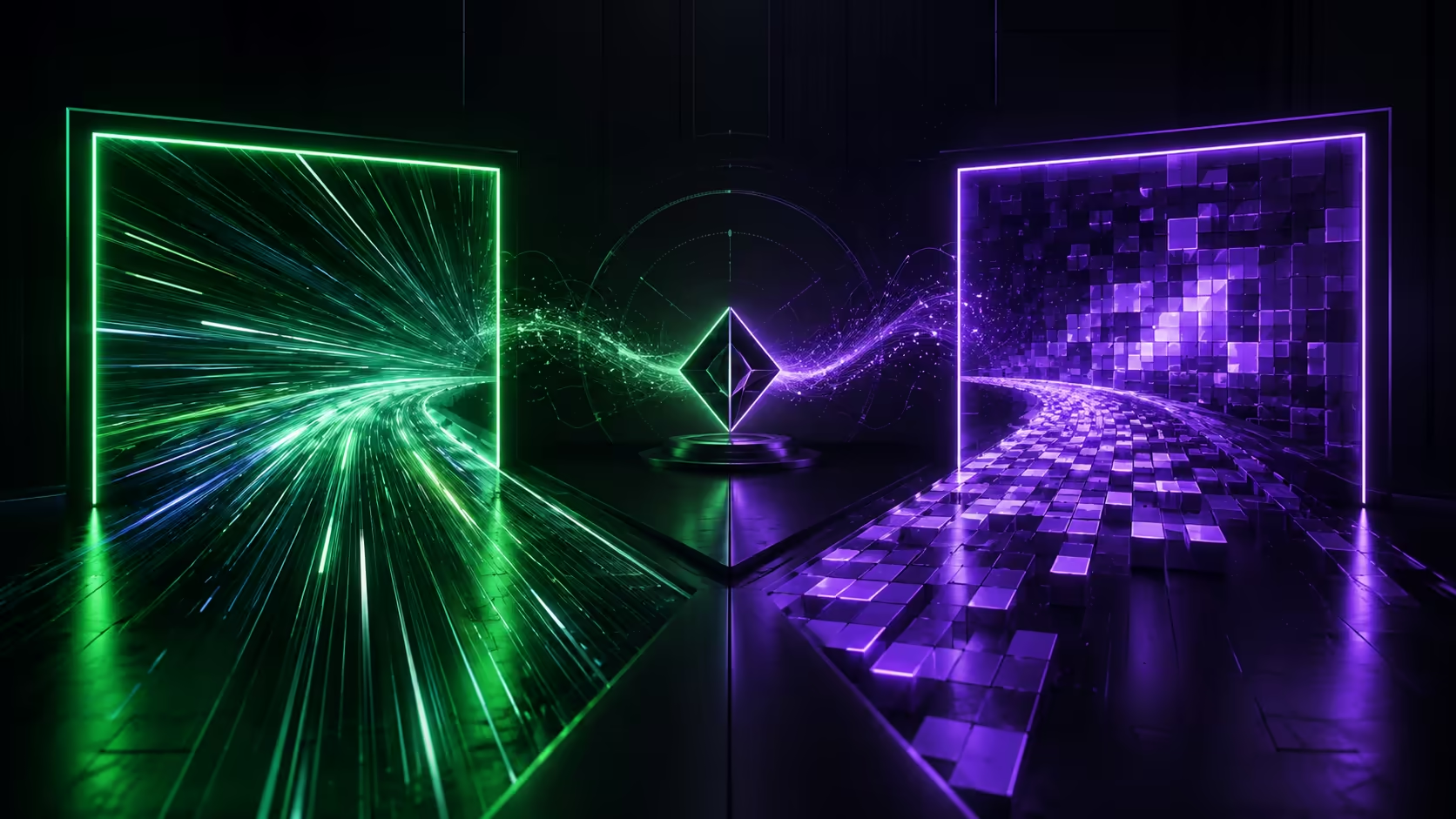
The best monitor for RTX 5070 Ti is usually a choice between high-refresh 1440p and sharper 4K. The graphics card can serve both, but no single display produces the same balance in competitive games, cinematic titles and desktop work.
Quick Answer
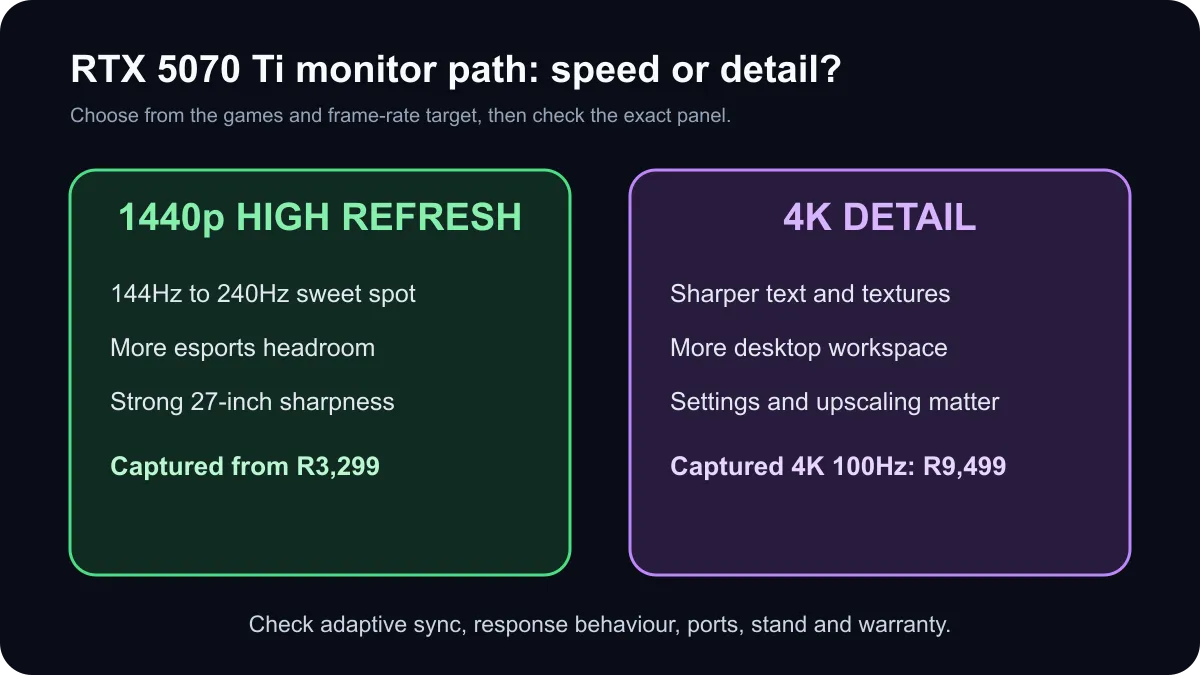
Choose a 144Hz to 240Hz QHD monitor when high frame rates, low latency and competitive play matter most. Choose 4K when sharper detail and desktop space are more important, with the expectation that demanding games may need adjusted settings or upscaling. A captured South African list started at R3,299 for QHD 144Hz, reached R4,699 for QHD 260Hz and included a 4K 100Hz option at R9,499. Two live RTX 5070 Ti cards were R20,999 and R21,999.
🖥️ 1440p gives the broadest performance match
QHD at 2560 by 1440 places less rendering load on the GPU than 4K while remaining much sharper than 1080p at 27 inches. It is the safest general recommendation for an RTX 5070 Ti because it leaves room for high refresh rates in competitive games and stronger visual settings in demanding single-player titles.
The captured live list included a 27-inch QHD 144Hz screen at R3,299, QHD 180Hz choices from R3,599 and a QHD 260Hz model at R4,699. A 240Hz QHD model with adaptive-sync support appeared at R5,099. Those examples show that the refresh upgrade does not always require a premium 4K budget.
Do not buy refresh rate in isolation. Pixel response behaviour, input delay, overshoot and adaptive-sync range determine whether motion actually looks clean. Check independent measurements for the exact model. A panel labelled 1ms may not achieve that response across every transition without visible artifacts.
🔍 4K wins on detail but asks more of settings
4K at 3840 by 2160 contains more than twice as many pixels as QHD. Text, strategy-game interfaces and detailed scenes can look noticeably sharper, especially at 32 inches or when the monitor also handles creative work. The GPU supports modern high-resolution displays, but game performance still changes with the engine, graphics preset, ray tracing and upscaling mode.
The captured catalogue included a 27-inch 4K 100Hz business monitor at R9,499. That is useful evidence that 4K is not automatically a gaming-first purchase. Check adaptive sync, HDMI and DisplayPort limits, HDR capability and response behaviour before pairing a business panel with fast games.
Upscaling can make 4K more practical by rendering internally at a lower resolution and reconstructing the final image. Frame generation may raise displayed frame rate in supported games, but base latency and image quality still matter. Keep a realistic fallback: reduce the heaviest settings before lowering texture quality that fits within available graphics memory.
🎯 Pick refresh rate from the games you play
A competitive shooter player may value 240Hz or more at QHD, provided the system can produce those frame rates. A role-playing or simulation fan may prefer a larger 4K panel at 100Hz to 165Hz. Mixed-use buyers often land on 27-inch QHD 165Hz to 240Hz because it balances price, sharpness and motion.
First confirm the GPU budget through current RTX 5070 Ti options. The captured standalone cards were marked in stock at R20,999 and R21,999, so the display should be budgeted as part of the complete build rather than an afterthought.
Then compare current gaming monitors and broader monitor deals. Check adaptive sync, port bandwidth, cable requirements, panel type, stand adjustment and warranty. The best match is the display that serves the games you actually play at the settings you are willing to tune.
Frequently Asked Questions
Is 1440p or 4K better for an RTX 5070 Ti?
Choose 1440p for consistently higher frame rates and esports headroom. Choose 4K for sharper detail when settings and upscaling can be adjusted.
What refresh rate suits an RTX 5070 Ti?
A 144Hz to 240Hz QHD monitor is a strong general match. Faster panels make sense for competitive games that exceed those frame rates.
Can the RTX 5070 Ti support 4K displays?
Yes. The card supports modern high-resolution outputs, but game performance depends on settings, ray tracing and upscaling.
What did suitable monitors cost in the snapshot?
Captured QHD models began at R3,299, with high-refresh choices from R4,699 and a 4K 100Hz model at R9,499.
How much did live RTX 5070 Ti cards cost?
Two standalone cards were marked in stock at R20,999 and R21,999. Prices and availability can change after the snapshot.
Which monitor features matter beyond resolution?
Check adaptive sync, port capability, response behaviour, panel type, HDR quality, stand adjustment and the games you play.
Match the monitor to your games before chasing resolution.
Compare current QHD and 4K options, then choose the refresh rate and features your RTX 5070 Ti can use in your real library.