



FPS Drops Troubleshooting for DDR5 build
DDR5 build FPS drops needs a methodical troubleshooting pass. Review drivers, thermals, power settings, background apps, cables and game settings before replacing parts in an SA gaming setup.
Read moreVapor chamber cooling matters in thin gaming laptops, spreading heat wider than a heat pipe, which keeps hardware from throttling. Evetech's higher-end gaming laptops increasingly include it, most noticeable in slim chassis designs pushing serious hardware.
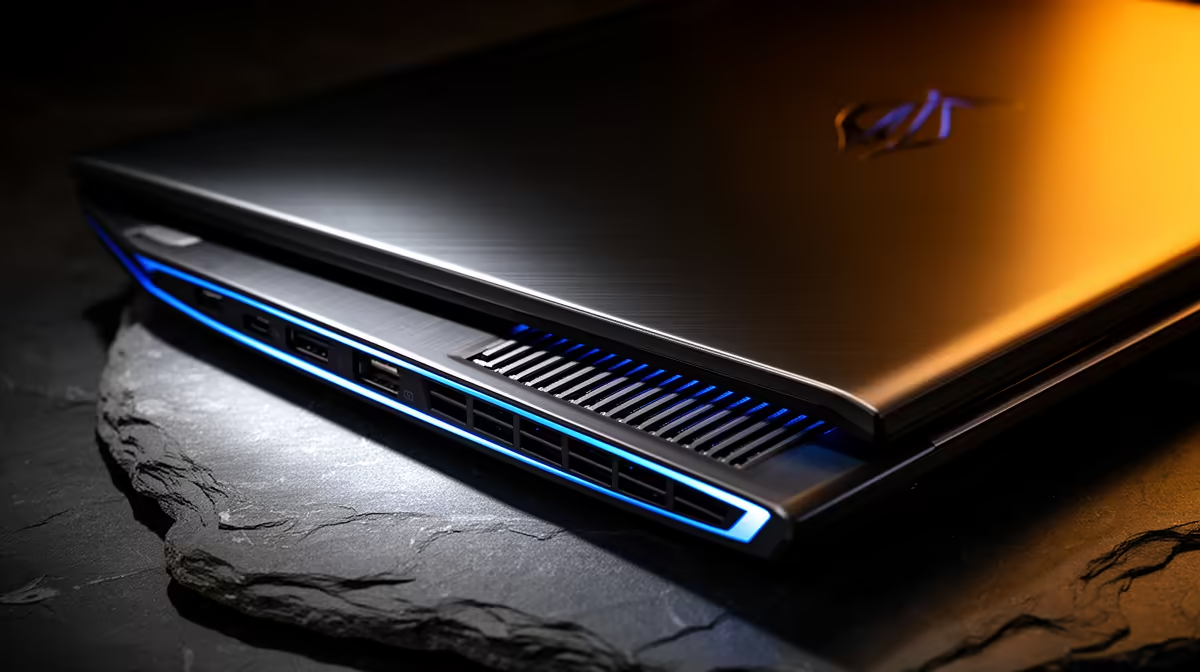
A vapor chamber spreads heat across a wider flat surface than a small heat pipe can manage. In a thin gaming laptop, that can help the fans and fin stacks carry CPU and GPU heat away without one hotspot becoming the limit.
Vapor chamber cooling matters when a slim laptop runs high-power hardware for long sessions. It can improve sustained clocks, surface temperature and fan behaviour, but the label alone proves nothing. Chassis airflow, power limits and fan tuning still decide the result.
A vapor chamber moves heat; fans and exhaust vents still have to remove it. A large chamber paired with tiny blocked vents can perform poorly. Look for sustained game tests of the exact laptop after twenty or thirty minutes.
Compare CPU and GPU temperature, clock speed and noise together. A cooler laptop is not automatically faster if the manufacturer uses the thermal headroom for a quiet fan curve. That balance can work well in a shared room.
Use laptops buyers currently favour and the gaming notebook selection to compare complete chassis designs. The named Ninkear A15 Pro Ryzen 5 laptop with 16GB RAM and 512GB SSD cost R9,499 in July 2026. Its dated configuration is a market reference, not proof of vapor-chamber cooling.
Thin performance laptops have little vertical space for heat pipes and fins. Spreading heat across more area can help them hold power with fewer local hotspots. Long renders and demanding games reveal the benefit better than short benchmarks.
The system can still feel warm at the keyboard or underside. Check surface maps and vent placement if you use the laptop on a desk with an external mouse. Keep vents clear and avoid soft bedding during load.
Cleaning and a sensible stand can preserve performance. Do not open a new laptop without checking its service guidance and support terms.
Keep the rear and side exhaust clear when an external screen or stand changes the desk layout. A good chamber cannot move heat through a blocked outlet. Retest after cleaning because dust can erase the advantage you measured when the laptop was new.
Vapour chambers still need clean vents and a capable fan. Put the laptop on a hard surface, select the appropriate performance mode and compare sustained results after the chassis has warmed. A short benchmark cannot show whether heat spreads into the keyboard or whether fan noise becomes distracting. Judge the complete cooling system through stable clocks, surface comfort and sound during the games you play.
No. A well-designed heat-pipe system can beat a poor vapor-chamber design. Compare complete cooling performance.
It can spread heat more efficiently, though fan tuning and power limits determine noise.
Pay when sustained tests show better performance or acoustics in a slim machine you want.
Compare gaming laptops by sustained clocks, fan noise and chassis cooling rather than the vapor-chamber label alone.
No. A well-designed heat-pipe system can beat a poor vapor-chamber design. Compare complete cooling performance.
It can spread heat more efficiently, though fan tuning and power limits determine noise.
Pay when sustained tests show better performance or acoustics in a slim machine you want.
DDR5 build FPS drops needs a methodical troubleshooting pass. Review drivers, thermals, power settings, background apps, cables and game settings before replacing parts in an SA gaming setup.
Read more
Fps drops on ddr5 build in south africa usually needs a settings, driver, thermal, or power check first. Work through safe SA troubleshooting steps before replacing parts or assuming a full upgrade.
Read more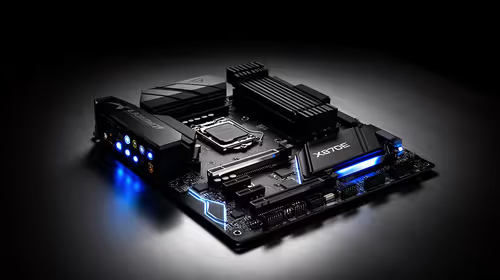
X870E motherboard frame pacing issues needs a step-by-step check before replacing parts. Review drivers, settings, thermals, power, background apps, display limits, cables, and game options before changing hardware.
Read more
4K monitors cost more as sharp panels raise the bar. See why 4k monitors still expensive for gamers in cape town before choosing screen specs, GPU targets, and value trade-offs.
Read more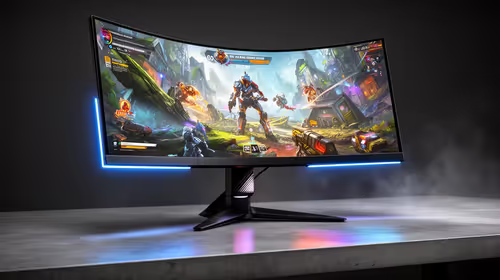
4K monitors still feel expensive for Gqeberha gamers because panel quality, higher refresh rates, and GPU demands raise total setup cost. Compare 1440p, screen size, ports, and refresh rate before paying more for 4K.
Read more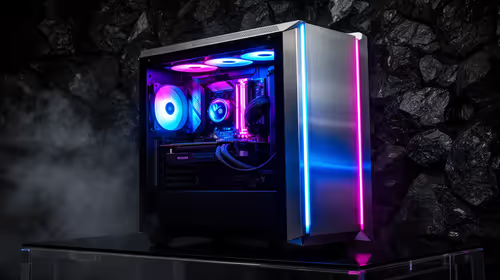
ARGB cases explain mid-tier SA build appeal with visible style, airflow room, and cable control. For SA buyers, the smarter choice is a case where lighting, fan layout, and GPU clearance work together instead of just looking bright.
Read more
The Epomaker RT75 is a tri-mode 75% keyboard with a removable TFT screen. Local screen-equipped compact boards started at R1,199 in our snapshot.

Gigabyte has launched two B450M D3HP boards for Ryzen 3000 to 5000 CPUs. The exact models had no confirmed Evetech listing on 15 August.

Attackers are exploiting a patched Mac screen-sharing flaw to gain root access. Update macOS and remove public port 5900 exposure immediately.

An auto-clamping phone holder offers seamless, one-handed convenience for your vehicle. Discover how it compares to manual cradle mounts to see which keeps your device secure during your daily drive. 🚗📱

A 10,000-hour test found similar image retention across older and newer OLED TVs, while newer panels were brighter and more efficient. Local OLED monitors started at R9,999.

Canonical expects Ubuntu on WSL users to outnumber native Ubuntu desktop users before the end of 2026. The software is open source and runs inside supported Windows PCs.

Telkom's daily bundles pair WhatsApp access with 10 all-network voice minutes. The R15 option includes 300MB, while the R17 option uses a fair-use threshold.

PC Partner expects entry-level graphics-card shortages to worsen in the second half of 2026. Current Evetech GPU listings started at R4,399 in our snapshot.
DDR5 build FPS drops needs a methodical troubleshooting pass. Review drivers, thermals, power settings, background apps, cables and game settings before replacing parts in an SA gaming setup.

Wi-Fi 6E vs Wi-Fi 6 depends on AAA single-player gaming needs, platform limits, and budget fit. Compare compatibility, latency, upgrade path, and real setup constraints before choosing for an SA build.
Fps drops on ddr5 build in south africa usually needs a settings, driver, thermal, or power check first. Work through safe SA troubleshooting steps before replacing parts or assuming a full upgrade.
ATX 3.1 vs ATX 3.0 for cinematic story games Difference explained is mostly about compatibility, budget, upgrade path, and setup fit. SA buyers should check device support and real needs before expecting a clear win from either option.