Quick Answer
In cheap docking stations used for 4K video editing, the first things to break are the USB-C controller and the display output, because sustained 4K throughput and constant drive access overheat undersized components. Spend R1,800 to R4,000 on a powered Thunderbolt or high-bandwidth USB-C dock rated for dual 4K, since editing pushes bandwidth that bargain docks cannot sustain.
What Breaks First And Why
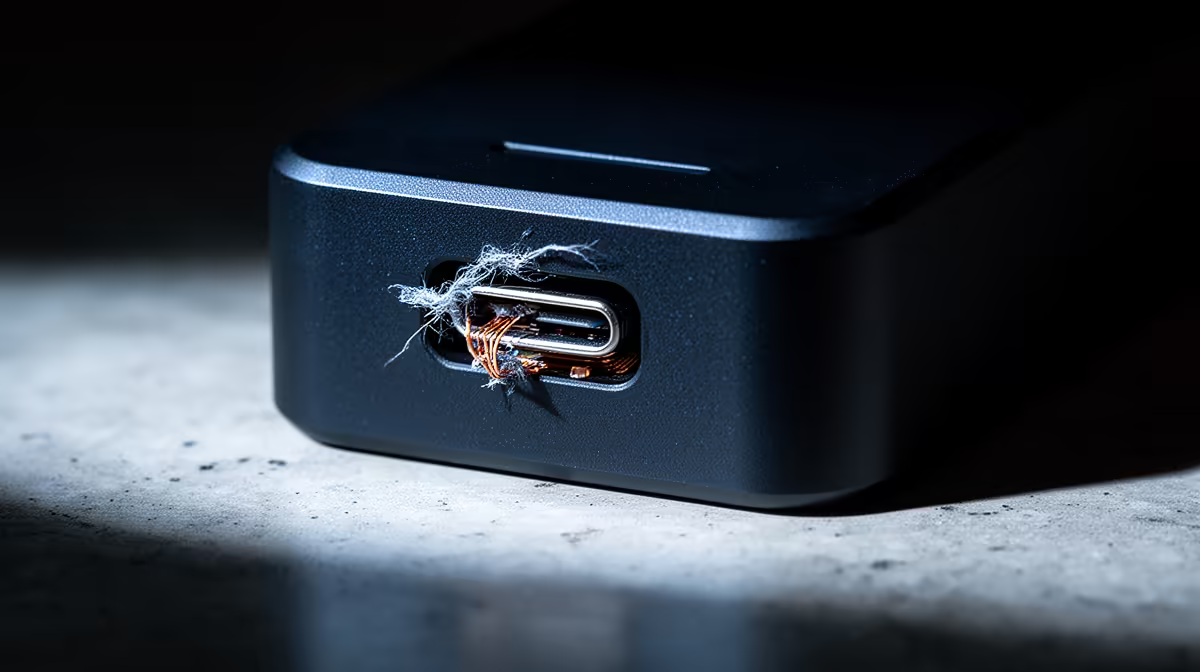
Cheap docks fail at the points editing stresses hardest. The USB-C controller chip, asked to move 4K footage and feed a 4K display at once, overheats and starts dropping the connection, causing dropouts and disconnects mid-edit. The display output is next: a budget dock driving 4K over a compressed DisplayLink path stutters and eventually flakes out under sustained load. Ports loosen too, since editors plug and unplug drives constantly.
These are not random failures; they are the predictable result of running 4K editing bandwidth through components specified for light office use. A dock built for sustained high throughput and constant drive access lasts where a bargain unit gives up.
What A 4K Editing Dock Needs
Choose a powered Thunderbolt or USB4 dock, or a high-bandwidth USB-C dock rated for the 4K resolution and refresh you edit at, ideally with native DisplayPort or HDMI 2.0-plus rather than DisplayLink. Look for fast USB ports for media drives, an aluminium body that dissipates heat, and enough Power Delivery to keep the laptop charged under load.
Avoiding Early Dock Failure
Prefer native display output over DisplayLink to avoid compression artefacts and instability. Ensure the dock and cable support your editing resolution at full refresh. Give the dock airflow rather than burying it under papers. These steps keep a quality dock reliable through the sustained loads 4K editing demands.
FAQ
What breaks first in cheap docks used for 4K editing?
The USB-C controller and display output. Sustained 4K throughput and constant drive access overheat undersized components, causing dropouts, display stutter and disconnects mid-edit. Ports also loosen from frequent drive swaps.
Do I need Thunderbolt for 4K video editing?
Thunderbolt or USB4 gives the bandwidth and stability 4K editing needs, especially for dual displays and fast media drives. A high-bandwidth USB-C dock with native display output can work too; avoid compressed DisplayLink docks.
Why does my dock disconnect during editing?
Usually an overheating controller in an underspecified dock struggling with sustained 4K bandwidth. A powered, well-cooled dock rated for your editing resolution avoids the dropouts cheap units suffer under load.
editing, choose a powered dock with native display output and an aluminium body; cheap docks fail at the controller and display under sustained load.