Quick Answer
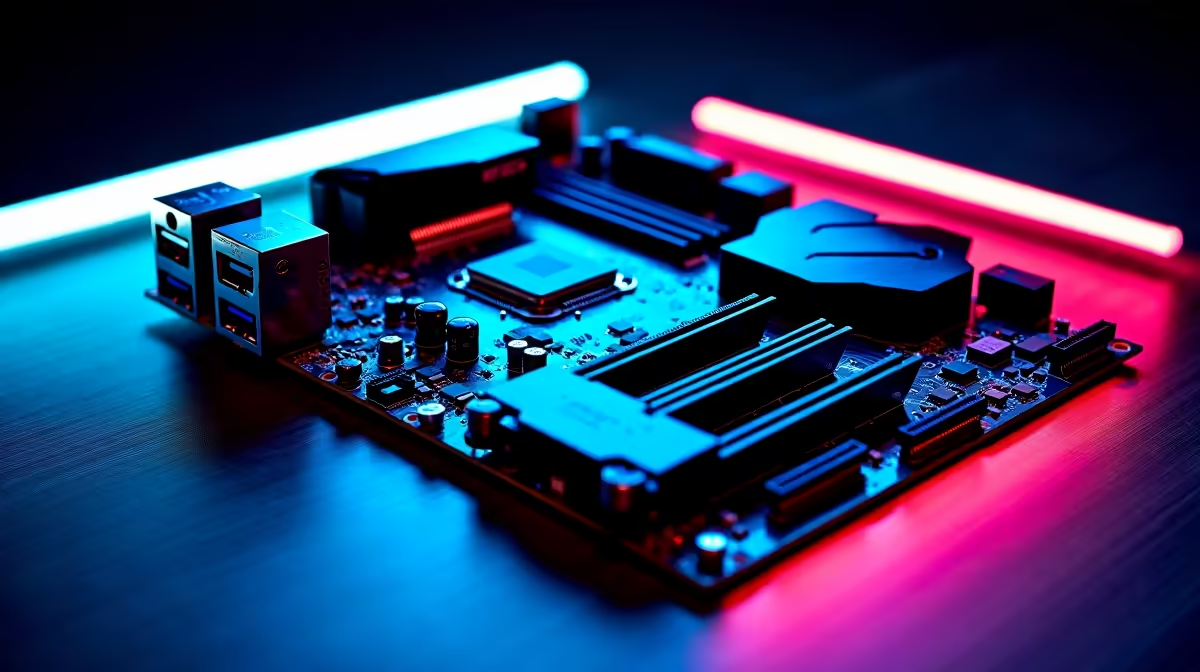
In cheap motherboard choices, the first weak points are usually VRM heat, too few M.2 slots, weak BIOS support and missing headers. For school coding club, that failure shows up as noise, stutter, short storage life or awkward daily use before raw performance fully runs out. Spend enough to secure B650 or B760-class board with four DIMM slots, M.2 heatsink and enough USB ports before paying for cosmetic extras.
The weak point to inspect first
The low-price warning sign is VRM heat, too few M.2 slots, weak BIOS support and missing headers. Check the product photos and spec sheet for cooling size, ports, capacity and warranty notes. A named reference such as MSI B650M Gaming Plus, Gigabyte B650M DS3H or ASUS TUF B650-class boards gives you a standard to compare against even when the final stocked model changes.
Match the spend to the use case
Lab and coursework use needs RAM, USB, virtualisation support and reliable storage before cosmetic extras. For Wits, UCT, UP or Stellenbosch-style project work, leave room for large datasets, VM images and CAD files. a 10+ phase VRM and two M.2 slots are practical signals on mid-range boards. If the monitor target is 1080p, do not overspend on hardware meant for 4K; if the workload includes recording, CAD, VM labs or simulation, leave headroom for RAM, storage and cooling.
SA buyer checks before checkout
Use ZAR bands as planning guides, not live-price promises: R2,000-R4,500 for mainstream boards, higher for creator expansion. Check that the case or desk has room, that the PSU has the correct connectors, and that the screen ports match the GPU or laptop. Local warranty handling through Evetech matters when a student, creator or family PC cannot sit unused for weeks.
FAQ
What is the safest minimum spec for school coding club?
Choose B650 or B760-class board with four DIMM slots, M.2 heatsink and enough USB ports. That gives enough headroom for normal SA gaming, coursework or creator use without forcing every connected part to be replaced at once.
Should I buy the budget, balanced or premium option?
Buy budget when the task is light and the current screen is modest. Buy balanced when you want the setup to last longer, and choose premium only when 1440p, VR, CAD, OBS or large project files will use the extra performance.
Which number should I check first on a motherboard?
Check the number that changes daily use: refresh rate for monitors, VRAM for graphics cards, cores for CPUs, RAM for AI PCs and capacity for SSDs. A single headline spec is not enough if cooling, ports or warranty support are weak.
Practical check
Before checkout, write down your current screen resolution, PSU wattage, desk space and storage size. Pick the motherboard option that fixes the first real limit for school coding club, then confirm the exact stocked model and warranty notes on Evetech.