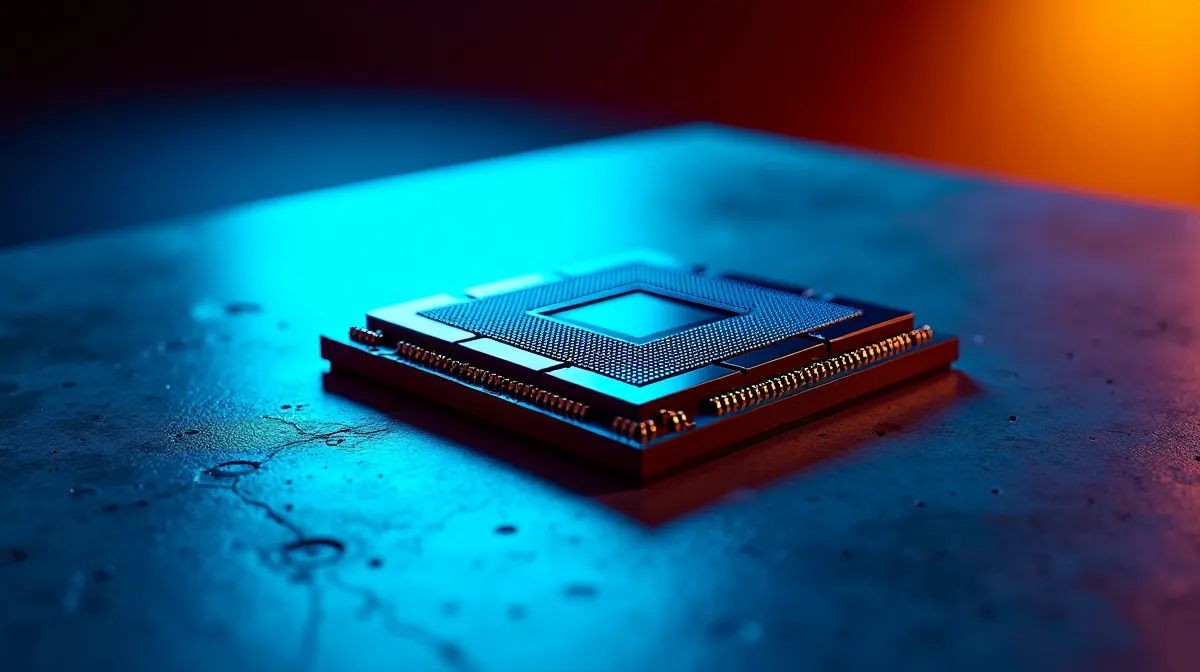
An NPU — neural processing unit — is a dedicated chip built specifically to run AI tasks like voice recognition, image enhancement, background blur, and real-time translation. It sits alongside your CPU and GPU but handles AI workloads far more efficiently than either. If you've seen laptops and PCs marketed as "AI PCs" in 2026, the NPU is the component that earns that label. Here's what it actually does, why it matters, and whether you should care when buying your next machine.
⚡ How an NPU Differs from a CPU and GPU
Your CPU is a generalist — it handles everything from running your operating system to managing background tasks. Your GPU is optimised for parallel processing, which makes it excellent at rendering graphics and, as it turns out, running large AI models. An NPU takes that specialisation further: it's designed exclusively for the matrix multiplication and neural network inference operations that power AI features.
The key advantage is efficiency. An NPU can perform AI tasks using a fraction of the power that a CPU or GPU would need for the same workload. Where a GPU might draw 100–200W running an AI model, an NPU handles similar inference tasks at 5–15W. This matters enormously for laptops, where battery life is the primary constraint.
TOPS: The NPU Performance Metric
NPU performance is measured in TOPS — trillions of operations per second. As of early 2026, the landscape looks like this: AMD's Ryzen AI 300 series leads consumer NPUs at roughly 50 TOPS, Intel's Core Ultra 200V sits at 48 TOPS, and Qualcomm's Snapdragon X Elite delivers around 45 TOPS. Microsoft's Copilot+ PC certification requires a minimum of 40 TOPS, which all three platforms exceed.
Higher TOPS means faster local AI processing — quicker background removal in video calls, faster photo enhancement, and smoother real-time translation. For most users, any NPU above 40 TOPS handles current AI features comfortably.
🧠 What an NPU Actually Does in Practice
On-Device AI Features
The NPU enables AI features that run locally on your machine rather than sending data to the cloud. This means they work offline, respond faster (no network latency), and keep your data private. Current real-world NPU-powered features include automatic background blur and reframing during video calls, real-time noise suppression that filters out keyboard clicks and background chatter, live caption and translation across languages, photo enhancement — upscaling, noise reduction, and object removal, and Windows Recall-style features that index and search your on-screen activity.
Battery Life Impact
Running AI tasks on the NPU instead of the CPU or GPU can extend battery life by 15–20% during AI-intensive workloads. During a full day of video conferencing with background blur and noise cancellation, that translates to roughly 1.5–3 additional hours of battery life compared to processing those same features on the CPU.
What NPUs Don't Do (Yet)
NPUs aren't designed for gaming, video rendering, or general-purpose computing. They won't make your games run faster or your video exports finish sooner. They handle a specific category of lightweight AI inference tasks. Heavy AI workloads — training models, running large language models locally, generating AI images — still rely on your GPU.
💻 Should You Care When Buying a PC?
If You're a Professional or Student
For anyone who spends significant time in video calls, works with multiple languages, or uses productivity tools with AI features, an NPU-equipped laptop is a meaningful upgrade. The efficiency gains are real and compound over a full workday.
If You're a Gamer
An NPU adds minimal value for pure gaming. Your GPU handles the heavy lifting, and gaming-specific AI features (like DLSS and FSR) run on the GPU, not the NPU. If you're buying a gaming desktop or laptop, the NPU shouldn't influence your purchase decision — focus on GPU and CPU performance instead.
If You're Buying for General Use
For general home and office use, an NPU is a nice-to-have but not essential in 2026. Many AI features work adequately on modern CPUs. As more software adopts on-device AI features over the next 1–2 years, the NPU's value will increase — but you're not missing out on critical functionality today.
AI PC Buying Pro Tip ⚡
Don't pay a premium for NPU performance alone. Focus on the CPU and GPU that match your primary workload, then treat the NPU as a bonus. Every current-gen AMD, Intel, and Qualcomm mobile processor includes an NPU — the question is whether the laptop's overall package (screen, build quality, battery, price) suits your needs.
🇿🇦 NPU-Equipped PCs Available in South Africa
AI PCs with capable NPUs are readily available in South Africa through Evetech. Both Intel Core Ultra and AMD Ryzen AI laptops are stocked locally at competitive rand prices. Qualcomm Snapdragon X-based laptops are also appearing, though with a smaller selection.
The pricing for NPU-equipped laptops starts around R12,000 for entry-level models and scales with the overall spec sheet. You're not paying a significant premium specifically for the NPU — it's integrated into the processor package. Browse the latest laptops at Evetech to compare AI PC options across brands and price points.
Ready to Explore AI PCs?
Evetech stocks the latest NPU-equipped laptops from Intel, AMD, and Qualcomm platforms — all with local warranty and delivery across South Africa. Shop AI Laptops at Evetech.