


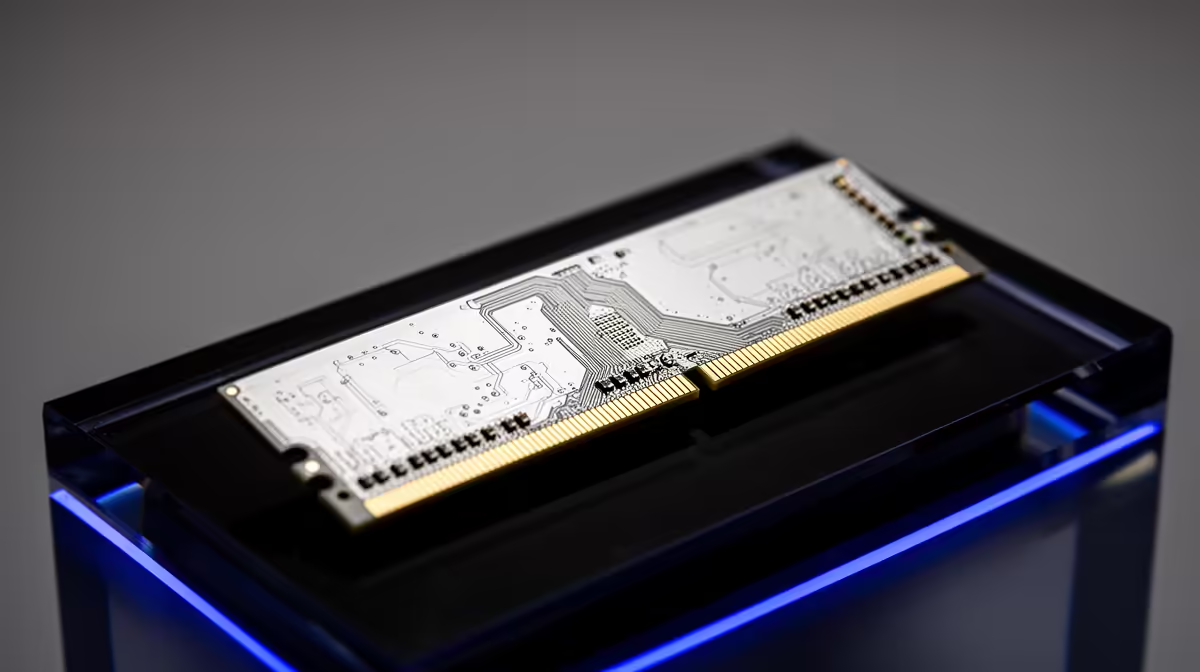
Buy a Mac and the spec sheet lists "unified memory" instead of the RAM and separate graphics memory you expect on a PC. That is not marketing for ordinary RAM. Unified memory on a Mac is a single high-bandwidth pool that the CPU, GPU, and Neural Engine all read from and write to at once, built into the Apple silicon chip itself rather than fitted as separate sticks.
Quick Answer
Unified memory is one shared, zero-copy pool of memory used simultaneously by the CPU, GPU, and Neural Engine on Apple silicon. It is soldered onto the system-on-chip and cannot be upgraded later, so the capacity you choose at purchase is permanent. Pick carefully the first time.
One Pool Instead of Two
A traditional PC splits memory in two: system RAM for the processor and separate VRAM on the graphics card. Moving data between them means copying it back and forth, which costs time. Apple silicon does away with the split. The CPU, GPU, and Neural Engine share a single memory pool integrated into the same chip package, all reading and writing to the same place.
That is where the "zero-copy" part comes in. Because every processor sees the same memory, data does not have to be duplicated from one pool to another. A task that hands work between the CPU and GPU skips the copy step entirely, which lowers latency and lets the chip make better use of the memory it has.
Why It Is Soldered and Non-Upgradeable
The catch is physical. To get that shared, high-bandwidth behaviour, the memory is mounted directly onto the system-on-chip rather than slotted into a socket. There is no slot to open and no module to swap. Whatever capacity the machine ships with is what it has for life.
This makes the buying decision more important than on a PC. You cannot add 8GB next year when a workload outgrows what you bought. Think about the heaviest thing you will ask the Mac to do over its lifetime, then choose a capacity with headroom for it. The MacBook range at Evetech lists the memory option for each configuration so you can size it correctly up front, and the best-selling laptops give a sense of which configurations buyers tend to land on.
Frequently Asked Questions
Is unified memory the same as RAM?
It serves the role of RAM but works differently. Instead of being separate from graphics memory, it is one pool shared by the CPU, GPU, and Neural Engine, integrated into the chip and accessed without copying data between pools.
Can I upgrade unified memory after buying a Mac?
No. Unified memory is soldered onto the system-on-chip, so there is no slot to add or replace memory. The capacity is fixed at purchase, which makes choosing the right amount important.
Does unified memory mean I need less of it?
The zero-copy design uses memory efficiently, but heavy workloads still benefit from more capacity. Because it cannot be upgraded later, choosing more headroom than you think you need is the safer call.
Do the CPU and GPU really share the same memory?
Yes. On Apple silicon the CPU, GPU, and Neural Engine all read from and write to the same pool at the same time, which is what removes the need to copy data between separate system RAM and graphics VRAM.
How much unified memory should I buy?
Match it to your heaviest expected workload over the Mac's life, since you cannot add more later. Light everyday use needs less, while creative or development work benefits from a larger pool.
Because unified memory cannot be upgraded, getting the capacity right matters. Compare configurations in the MacBook range at Evetech and choose a memory size that will still suit your work years from now.









