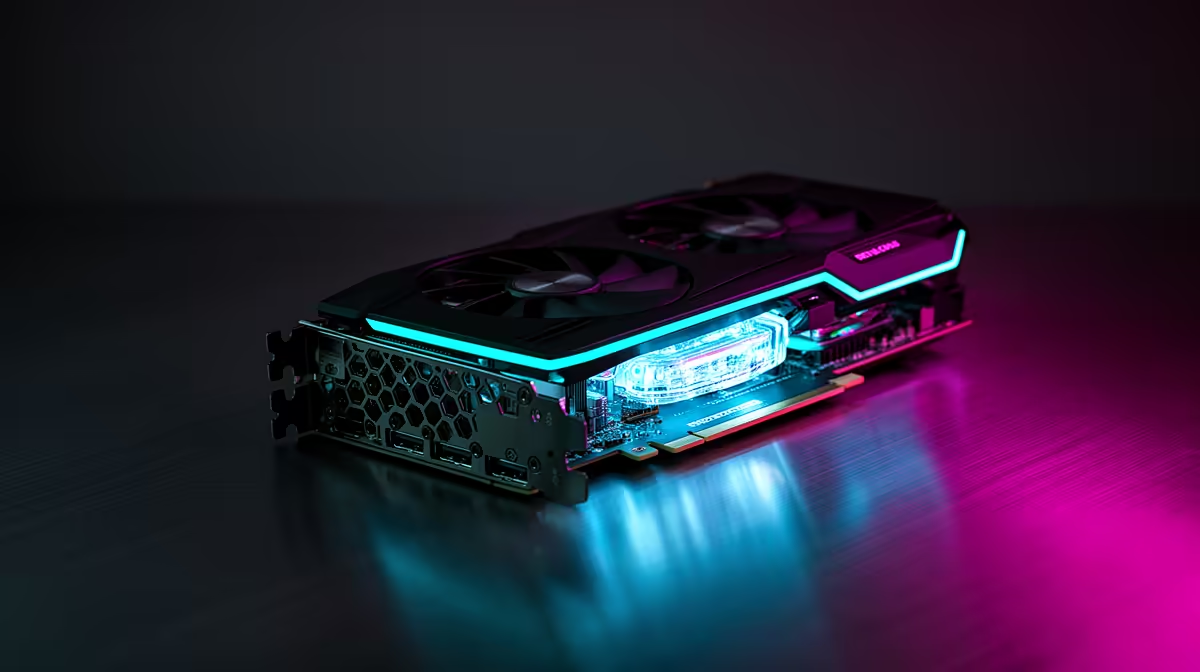
Running a capable coding assistant on your own hardware, with no cloud bill and no code leaving your machine, comes down to one number: VRAM. A 32-billion-parameter model quantised to Q4 wants roughly 19 to 20GB just for its weights, and you need headroom on top for context. The best GPU for a local coding model right now is the GeForce RTX 5090, whose 32GB of GDDR7 seats that model comfortably and still leaves room for a long prompt window.
Quick Answer
The RTX 5090 is the pick. Its 32GB of GDDR7 holds a 32B Q4 coding model (around 19 to 20GB of weights) with roughly 12GB spare for context, and its Blackwell tensor cores run 4-bit maths in hardware rather than emulating it. If you cannot stretch to a 5090, the RTX 5080 16GB or a used 24GB card runs smaller 13B to 14B coders well.
Why VRAM, not raw speed, sets the ceiling
A local large language model has to fit its weights entirely in graphics memory to run at sensible speed. The moment a model spills past your VRAM and starts paging into system RAM, tokens per second collapse. That is why the headline question is not how many cores a card has but how much memory it carries.
For coding work specifically, the popular open-weight choices are models like Qwen3 Coder and DeepSeek Coder. A 32B variant at Q4 lands near 20GB. Add the key-value cache that grows with your context window, and a real working session can push past 24GB. The 5090 absorbs that. A 24GB card forces you to trim context or drop to a smaller model.
What the 5090 actually unlocks
Blackwell natively executes 4-bit floating point operations, so the quantised model you load is doing maths the silicon was built for instead of leaning on a software shim. Across model sizes from 7B up to 70B, independent testing shows the 5090 delivering meaningfully more tokens per second than the previous generation, with the gap widening as context grows. For a coder that means snappier autocomplete and far less waiting on multi-file refactors.
If you want a turnkey route rather than sourcing a card and building around it, the AI PC range at Evetech pairs these GPUs with the RAM and storage a local inference rig needs. It is also worth scanning what other builders are actually buying on the most popular PC list before you commit, since the sweet spot shifts as new cards land.
Frequently Asked Questions
Can a 16GB GPU run a useful coding model?
Yes, within limits. A 16GB card such as the RTX 5080 comfortably runs 13B to 14B coders at Q4 with a usable context window. You lose the larger 32B reasoning capability, but for everyday autocomplete and snippet generation a well-chosen 14B model is genuinely productive.
Do I need two GPUs to run a 32B model?
No. A single 32GB RTX 5090 holds a 32B Q4 model on its own. Dual-GPU setups only become relevant when you want to run 70B-class models at higher precision, which is well beyond what most coding workflows require.
How much system RAM should the rest of the build have?
Aim for at least 32GB of system memory, and 64GB if you also run an IDE, containers, and a browser alongside the model. System RAM does not replace VRAM for the model itself, but it keeps everything around it responsive.
Is the RTX 5090 overkill for autocomplete alone?
If all you want is inline suggestions from a small model, it is more than you need. The 5090 earns its place when you run a large 32B model with long context, do local code review, or batch-process a whole repository. Lighter use is well served by a cheaper card.
Building a private coding rig that keeps your source on your own machine? Start with the AI PC range at Evetech and match the GPU to the model size you actually plan to run.