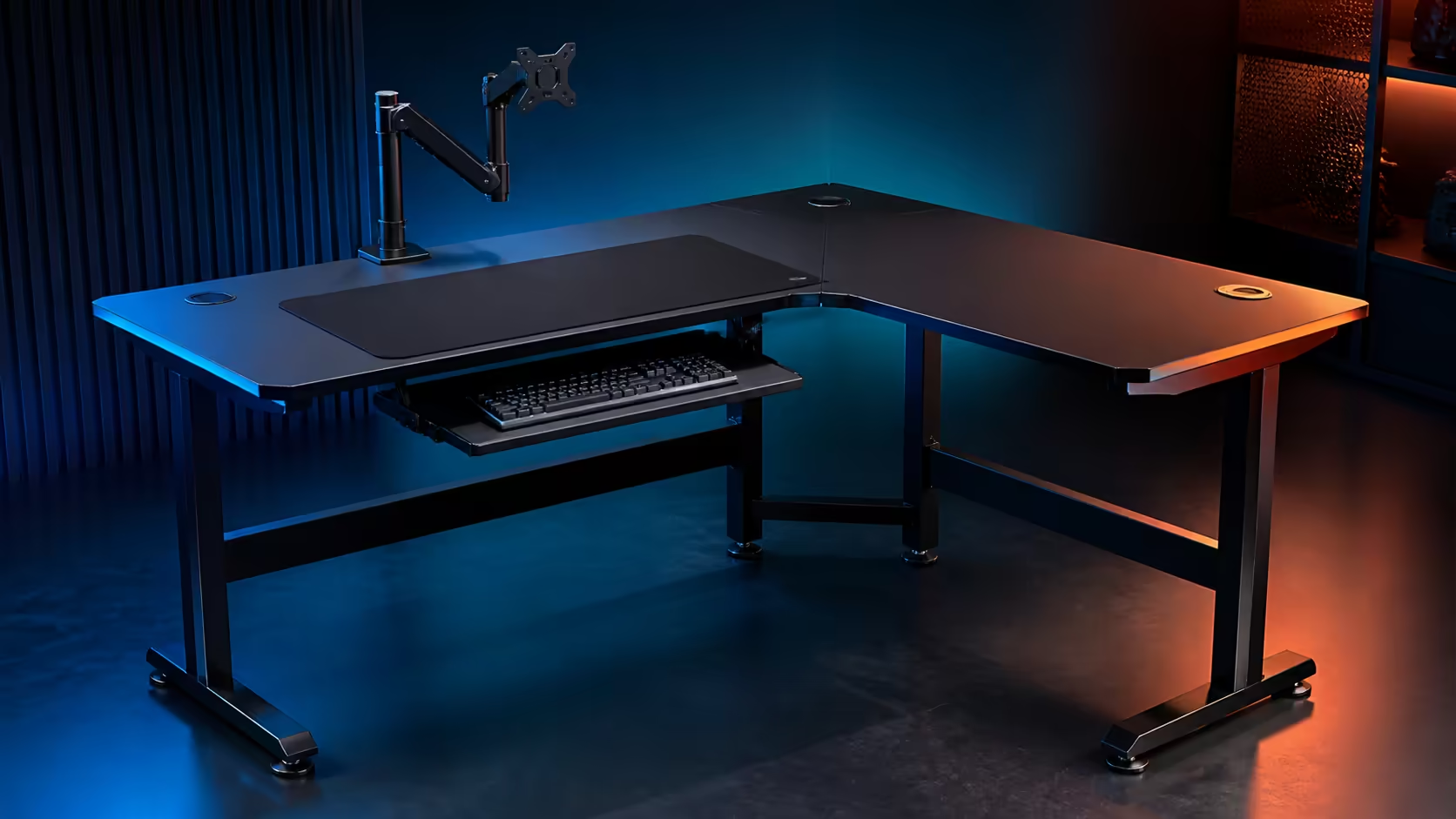
A corner-desk decision can go wrong through one missed door swing or one screen stand that is deeper than expected. A South African corner-desk pre-purchase check should follow a practical sequence covering the room, equipment and maintenance. Evetech gaming desks currently span roughly R2,499 to R8,499 at category level.
Quick Answer
Compare a generic corner layout with Evetech's approximately R2,499-to-R8,499 gaming-desk category only after measuring both wall runs, desk depth, chair travel, sockets and equipment footprints. Keep the primary screen directly ahead, give the return a job, route cables accessibly and test doors, heat, light and cleaning before committing.
📐 Check the room twice
Measure walls at the intended desk height and note skirting, windows, curtains and uneven sections. Tape the outline and add open doors, cupboard drawers and the chair at full pull-back.
Evetech's gaming desk category provides current desk dimensions and pricing for straight-layout comparisons. Use the same measured map for every candidate.
🖥️ Trace the equipment
Draw monitor panels and stand bases, keyboard, mouse sweep, speakers and PC. Reserve ventilation and connector access. One screen should remain directly ahead of the main seated position.
Give secondary equipment a stable position on the return. Surface outside comfortable reach should not become a reason to enlarge the room footprint.
🔌 Plan South African power routines
Mark the wall socket, power equipment and any backup-power path. Keep controls reachable and cables away from chair casters. Preserve ventilation and use suitable connections for the intended equipment.
Browse the Arozzi gaming setup selection for complete-room ideas. Rebuild promising routes with string or spare cable before fastening them.
☀️ Test light, heat and cleaning
Check screen glare and camera background at normal use times. Keep warm equipment ventilated. Ensure the rear edge, inner corner and floor remain reachable for dust removal and cable inspection.
Evetech's gaming setup category can help coordinate chair, displays and accessories. The whole room should work, not only the desktop.
Ask five ownership questions
Can the desk enter the room and reach its final corner? Can every user sit comfortably? Can one device be unplugged without moving a monitor? Can the floor be cleaned? Can the layout move if the room changes?
Any uncertain answer deserves a tape test or revised plan before money is spent.
Run a full-day rehearsal
Simulate work, calls and gaming inside the outline. Note repeated reaches, blocked paths and equipment moved between modes. Repeat with another regular user if the station is shared.
Score each plan for posture, circulation, cables, useful surface and flexibility. Choose the one with the fewest daily compromises.
Verify delivery and assembly access
Measure the doorway, passage turns and stair or lift route used to reach the room. Clear a safe assembly area and plan where screens and the PC will wait. The final footprint can fit perfectly while packaging or large components struggle to reach it.
Follow the furniture instructions and keep the correct tools available. Do not improvise structural changes to make an unsuitable orientation fit. Ask for help with heavy or awkward components rather than risking equipment or injury.
Compare both corner orientations
When the room permits, tape a left-hand and right-hand return. One may provide shorter cable routes, better daylight control or easier cupboard access. Test the dominant-hand mouse area and the work equipment position in both.
Think about future room changes. A plan that works in only one orientation has less flexibility if the bed, storage or network connection moves.
Inspect the floor and wall contact
Check for carpet transitions, sloping sections and hard-floor protection needs. Every intended foot should sit fully on one stable surface. Leave a service gap from the wall so the frame does not knock against skirting and cables remain reachable.
After loading equipment, recheck floor contact and chair clearance. Carpet can settle and cable bundles can migrate during the first week.
Keep a rejection list
Write the conditions that immediately disqualify a plan: blocked doorway, twisted primary posture, inadequate cable access or no safe equipment support. This protects the decision from being overturned by appearance or a temporary discount.
Only compare price among layouts that pass every required condition.
Frequently Asked Questions
What should be measured first?
Measure both wall runs, depth, obstructions, sockets and full chair movement.
Where should the primary monitor sit?
On the user's forward sightline, with a comfortable gap between eyes and panel.
Why test lighting before buying?
Window direction can create screen glare or an unsuitable camera background.
What is Evetech's current gaming-desk range?
Evetech currently covers approximately R2,499 through R8,499 in this category.
What should the return be used for?
Assign it a clear secondary job that reduces clutter or changeover at the main position.
Ready to make the room, equipment and daily routine sign off on the same corner plan?
Compare Evetech gaming desks, complete every fit check, and buy only after the taped layout survives a full day.