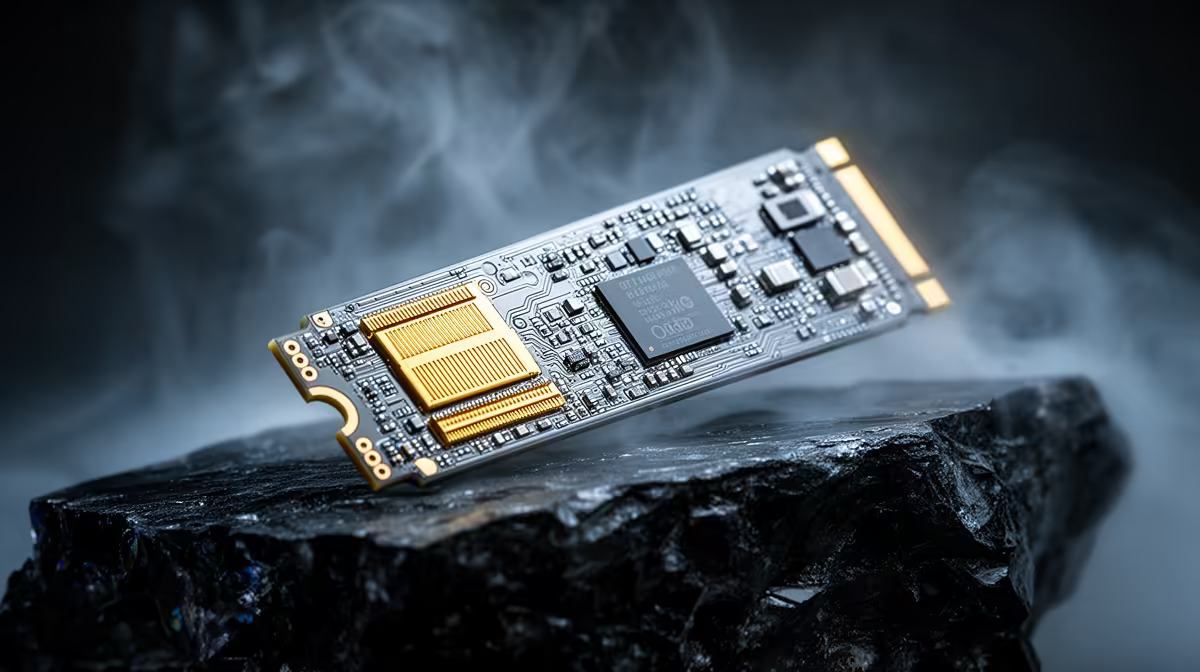
A brand new NVMe drive that refuses to show up in BIOS sends most builders straight into panic mode, assuming the worst about a dead SSD before checking the simpler causes first. On a b650e motherboard with several M.2 slots sharing space with other components, a missing drive is more often a slot conflict or a loose connection than an actual hardware failure.
Quick Answer
An undetected NVMe SSD is usually fixed by reseating the drive fully or testing it in a different M.2 slot rather than replacing anything. At R3,499, the ASUS B650E MAX Gaming WiFi fits three of those slots, so swapping to another one takes a couple of minutes and rules out a faulty slot before you consider the drive itself suspect.
🔩 Start With the Physical Connection
Power down completely, remove the M.2 heatsink if one is fitted, and check that the drive sits flush in its slot with the retention screw properly tightened. A drive that appears to click in but sits at a slight angle often fails to register even though it looks correctly installed from the outside.
Static and Thermal Paste Residue
Old thermal pads left over from a previous drive, or a stray screw touching the board, can also prevent proper detection. Clean contact points before reseating anything, since a build-up of old thermal paste is an easy thing to overlook on a second attempt.
🔀 Testing a Different M.2 Slot
With three Gen5 M.2 slots on this board, moving the drive to a secondary slot quickly confirms whether the issue lives with the drive or with one specific connector. Some boards also share bandwidth between an M.2 slot and a SATA port or PCIe lane, so consult the manual to check whether a populated secondary slot is disabling the one you are testing.
🔧 BIOS Settings Worth Checking
Confirm the M.2 slot is set to PCIe mode rather than SATA mode in BIOS storage configuration, and check that CSM or legacy boot options are not interfering with NVMe detection. Updating to the latest BIOS version, made easier here by a firmware tool that works even without a CPU installed, resolves detection issues tied to early firmware on a new board.
Frequently Asked Questions
My NVMe drive is not showing up in BIOS at all. What should I check first?
Reseat the drive fully and confirm the retention screw is tight, since a loose connection is the most common cause.
Does moving the drive to another M.2 slot actually help?
Yes, testing a different slot is the fastest way to isolate whether the problem is the drive or one specific connector.
Can a BIOS update fix NVMe detection problems?
Often yes, particularly on a newer board, and BIOS FlashBack lets you update firmware without needing a CPU installed first.
Should I worry about shared bandwidth between M.2 slots?
Check the board's manual, since some M.2 slots share lanes with SATA ports or other slots that can disable one when both are populated.
If nothing works, is the drive definitely faulty?
Test it in another system or an external NVMe enclosure before concluding that, since board-side issues are far more common than dead drives.
Where can I see this board's exact M.2 slot specifications?
This board's product listing confirms all three M.2 slots, and AMD's B650 motherboard range or the full AMD motherboard catalogue are worth checking if you are troubleshooting a different board entirely.
Ready to get every M.2 slot recognised properly?
The ASUS B650E MAX Gaming WiFi lives within our AMD B650E motherboard selection, built to rule out slot and firmware issues behind an SSD that will not detect.