Quick Answer
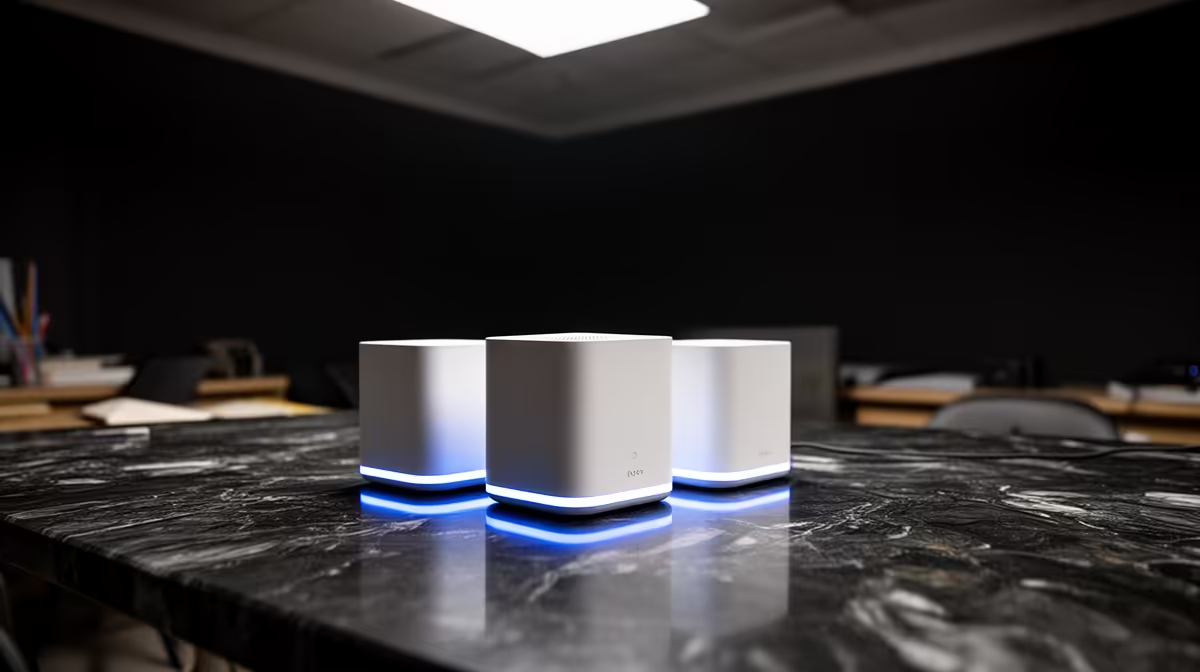
When buying mesh Wi-Fi kits, students should avoid three traps: overbuying tri-band kits for a single res room, choosing wireless-only backhaul that adds lag, and ignoring that a wired PC beats mesh for gaming ping. For most res rooms, a single AX3000 router (around R1,800-R3,200 at Evetech) is enough; skip mesh unless coverage genuinely fails.
Avoid Overbuying For One Room
A res room or digs bedroom rarely needs a mesh system. One capable AX3000 router at R1,800-R3,200 covers a single room and adjacent space comfortably, so a R6,000-R9,000 mesh kit is wasted money for most students. Buy mesh only when you must cover a large multi-room house, not a single bedroom where a good router already reaches every corner.
Avoid Lag And Skip Wired Wins
If you do need mesh, avoid wireless-only backhaul, which adds 10-30ms of lag and jitter; choose a kit supporting wired Ethernet backhaul. And remember that for gaming ping, a R150 Cat6 cable to your PC beats any mesh, keeping you at 8-20ms to local SA servers. The common student mistake is spending big on mesh while ignoring the cheap cable that actually fixes lag. Wire the gaming device first, then size coverage hardware to the real space.
FAQ
Do students need a mesh Wi-Fi kit in res?
Usually not. A single AX3000 router at R1,800-R3,200 covers a res room and nearby space. Mesh is for large multi-room homes, so for one bedroom it is overspending on coverage you do not need.
What is the worst mesh mistake for gaming?
Choosing wireless-only backhaul, which adds 10-30ms of lag. If you need mesh, pick a wired-backhaul kit, and wire the gaming PC directly for the lowest ping whenever possible.
Should I buy mesh or just wire my PC?
Wire the PC first. A R150 Cat6 cable gives 8-20ms ping to local servers, better than any mesh. Add mesh only if Wi-Fi coverage genuinely fails across multiple rooms.