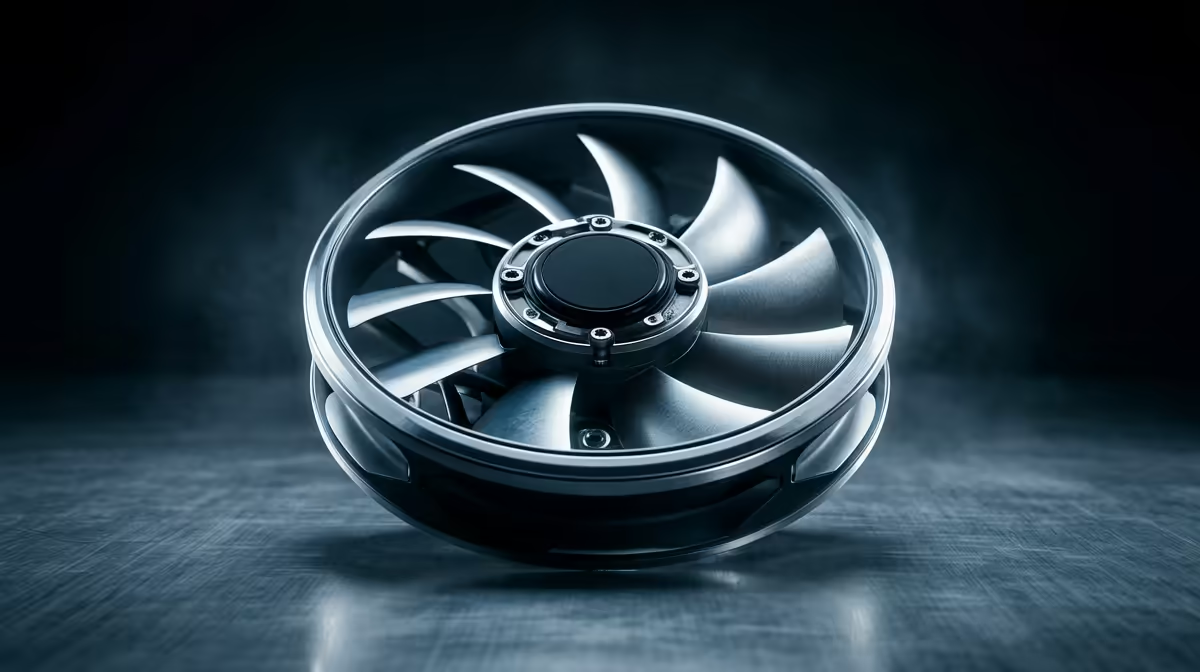
When buying case fans for a Windows 11 upgrade, several specs and features are easy to ignore because they make no real difference to a system refresh. The fan choice should track cooling and noise, not marketing extras tied loosely to a software upgrade. Knowing what to skip keeps the spend sensible.
Quick Answer
For a Windows 11 upgrade, ignore RGB, extreme RPM and software-bundled fan utilities; focus on a quiet 120mm or 140mm fan with a good bearing. Quality fans like an Arctic P12 around R200 each at Evetech cool a refreshed system well, since Windows 11 itself does not raise cooling demands.
What To Ignore
RGB is the first thing to skip, since lighting does nothing for temperatures and a Windows 11 upgrade is about the system, not looks. Extreme RPM is the second: a fan screaming at 2500 RPM adds noise far faster than cooling, which a typical refreshed PC does not need. Vendor fan-control software is the third, since your motherboard already controls fans through a BIOS curve.
Windows 11 does not increase heat output, so do not over-buy cooling expecting the OS to demand it.
What Actually Matters
Choose a quiet fan with a fluid-dynamic bearing rated under 25dBA, matched to your case's fan size. A 140mm fan moves the same air as a 120mm at lower RPM, so it runs quieter where it fits. If a fan sits behind a dust filter, a static-pressure design helps; otherwise an airflow fan is fine.
Setting Up After The Upgrade
Use your motherboard's BIOS fan curve to keep fans quiet at idle and ramping under load, which needs no extra software. Two intake and one exhaust gives balanced airflow for a refreshed system without fuss.
FAQ
Does Windows 11 need better cooling?
No. Windows 11 does not raise a PC's heat output, so a system that ran cool before stays cool. Do not buy aggressive cooling expecting the OS upgrade to demand it.
Should I buy fans with their own software?
Not necessarily. Your motherboard's BIOS controls fan speed through a curve, so vendor software is often redundant. Focus on the fan's bearing and noise rather than bundled utilities.
How much do good case fans cost in South Africa?
At Evetech, quality 120mm and 140mm fans generally run from about R200 to R650 each, depending on size and bearing.
fan curve in BIOS rather than installing extra software. It controls every fan quietly without the bloat that bundled utilities often add.