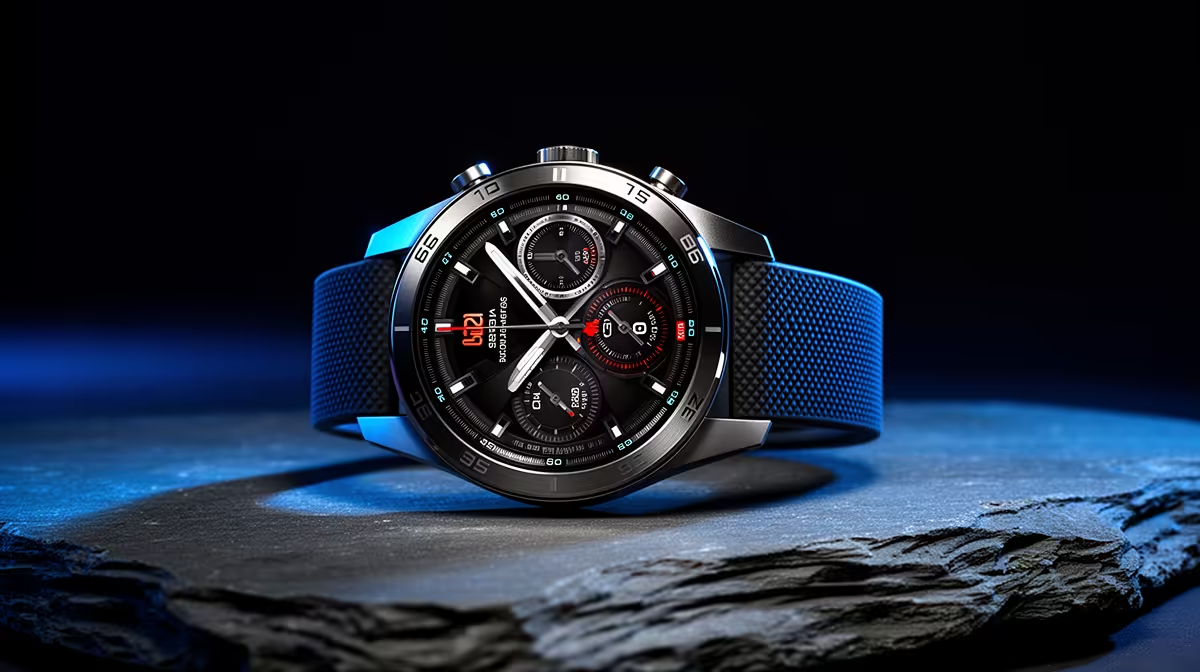
When your day revolves around CAD assemblies, a smart watch should reduce interruptions, not add them. That flips the usual buying advice, because the headline sensors most watches push are exactly the parts a SolidWorks user can ignore.
Quick Answer
For SolidWorks work, ignore sport tracking, SpO2 and standalone GPS. What matters is a do-not-disturb mode that still surfaces calls, a comfortable 22mm strap for all-day desk wear, and 4 to 6 day battery. A R1,500 to R2,500 model with those basics beats a R4,000 fitness flagship at the desk.
Sensors That Add Nothing At A CAD Bench
Optical heart-rate during seated modelling tells you little, and aggressive health alerts become distractions during a tricky mate or sketch. Cellular and music storage add bulk and cost for a use case where your phone and speakers are already on the desk.
What Actually Helps Your Workflow
Quick-glance timers help you box work into focused blocks. Wrist vibration for priority contacts lets you mute the rest. Choose a flat, lightweight case under 45g so it does not dig in while your wrist rests on the desk edge for hours.
FAQ
Should I buy a watch for posture or stand reminders?
Stand reminders are genuinely useful for long modelling sessions and come on almost every watch, so do not pay extra for them. Treat them as a bonus, not a buying reason.
Is a metal strap a good idea for desk work?
Metal looks smart but clinks on the desk and traps sweat over long sessions. A soft silicone or woven 22mm strap is more comfortable for 8-hour days at the workstation.
Does screen size matter for a CAD professional's watch?
A 1.3 to 1.4-inch screen is the sweet spot, large enough to read notifications at a glance without being bulky under a shirt cuff during client calls.
Enable a strict notifications filter on day one so the watch cuts interruptions instead of creating them during modelling.