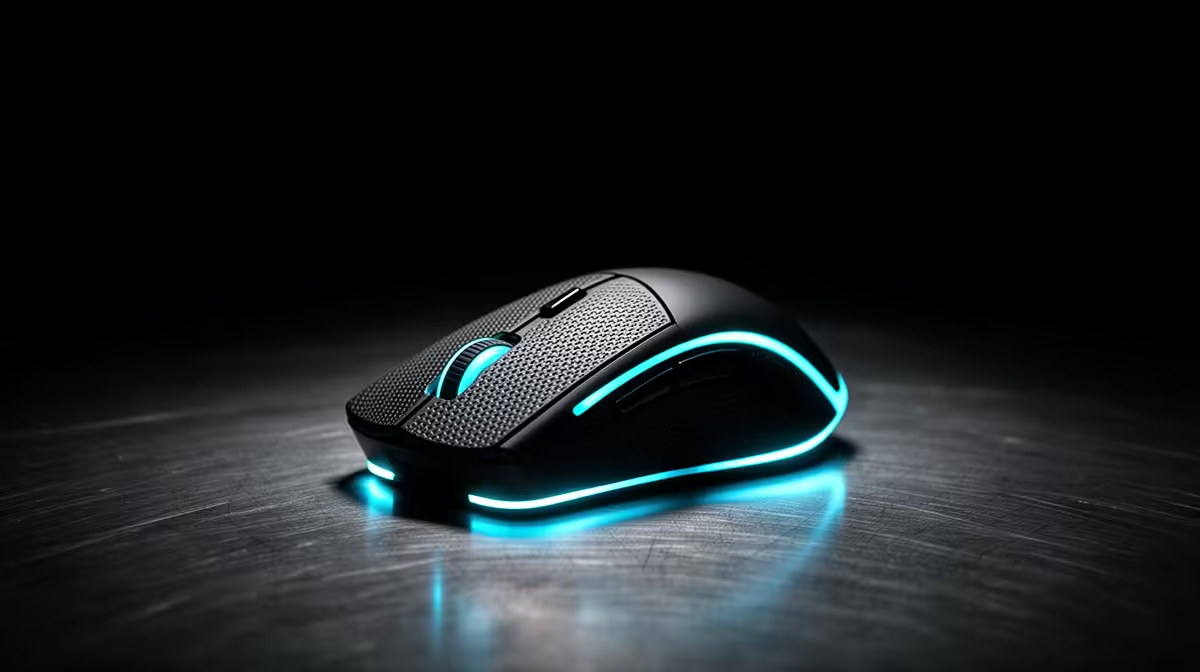
Recording lectures from a campus desk or res room means a mouse that clicks quietly, sits comfortably through a 50-minute capture, and never stutters while you scrub the timeline afterwards. A bargain unit that double-clicks halfway through editing a three-hour module costs far more than the rands you saved.
Quick Answer
A R150 mouse gets expensive for lecture recording when double-clicks force re-edits and a hard shell cramps your hand over long capture-and-edit sessions. Spend R450 to R900 on a quiet, comfortable mouse like a Logitech M650 or G203, and keep the rest for storage and a decent mic.
Why Cheap Mice Fail Recording Students
Lecture capture plus editing in OBS or CapCut means hours of scrolling and clicking, and budget rubber-dome switches rated near 3 million clicks start registering double-clicks within months of heavy use. A double-click while trimming silence forces you to redo a cut, which on a 90-minute lecture adds real time. A quiet, durable switch and a comfortable shell keep both the recording and the edit clean.
What To Buy In Rand For Campus Use
The Logitech G203 at about R450 to R650 is the honest pick: durable switches, a clean 8,000 DPI sensor, and a shape most hands tolerate for hours. Step up to the Logitech M650 around R650 to R850 if you want quieter clicks near a mic, or the wireless G305 at R900 to R1,300 for cable-free res-room desks. None of these need the 26,000 DPI numbers on flashier boxes you will never use for scrubbing audio.
Setup That Saves Re-Records And Time
Record at a steady 1080p30 to keep file sizes sane on a student SSD, and map a side button to your editor's cut or marker key so trimming is one click. Keep the mouse 40cm from any mic and on a soft pad to keep clicks off the audio track. Back up captured lectures to a 1TB external the same day, because a corrupt file is a lost lecture, not a re-record.
FAQ
What mouse is best for recording and editing lectures?
A durable, comfortable mouse in the R450 to R900 range such as the Logitech G203 or M650 survives hours of scrubbing without double-click faults. The quieter M650 is better if you record beside a microphone.
How do I stop my mouse double-clicking during edits?
Buy a mouse with rated mechanical-feel switches rather than the cheapest rubber-dome unit, since worn switches cause double-clicks within months. The Logitech G203 holds up well to heavy clicking at around R450 to R650.
Do I need a gaming mouse just to record lectures?
No, but a quality entry gaming mouse like the G203 is more durable and comfortable than a generic office mouse for the same money. The reliability matters more than DPI when you edit for hours.
side button to your editor's cut key and keep the mouse 40cm from the mic so clicks stay off the lecture audio.