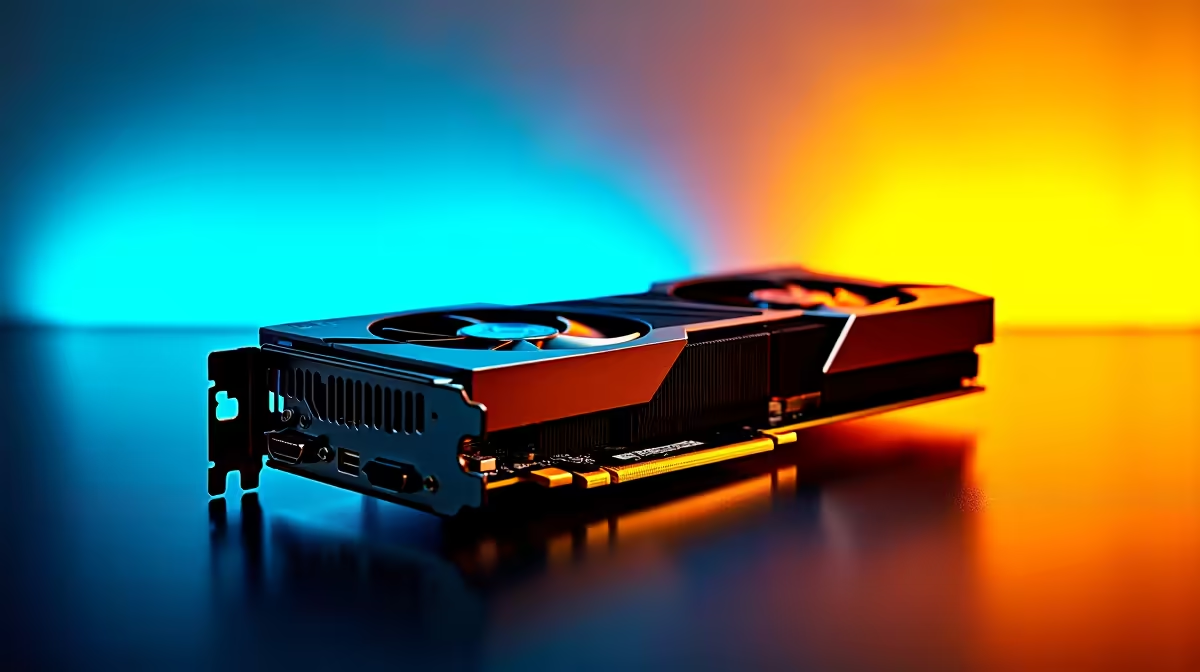
You just dropped thousands of Rands on the ultimate rig. You paired the mighty RTX 4090 with AMD’s flagship Ryzen 9 9950X. You boot up your favourite title... and the framerates feel surprisingly sluggish. If you are wondering why your RTX 4090 is slow with a Ryzen 9 9950X, you are not alone. Let us do a bottleneck analysis to find out exactly what is going wrong.
The Dual-CCD Dilemma
At first glance, this hardware combination seems unstoppable. However, PC building is all about synergy. The Ryzen 9 9950X is an absolute beast for heavy productivity. It handles rendering and compiling workloads effortlessly. Yet, when it comes to pushing raw frames, its dual-CCD architecture can introduce cross-CCD latency.
This slight internal delay can hold back high-end graphics cards. When the GPU waits for the CPU to catch up, overall gaming performance drops. This is a crucial factor when selecting top-tier desktop processors for a pure gaming setup. You want every Rand spent to translate directly into smoother gameplay.
Bottleneck Analysis: Why Resolution Matters 🖥️
A major piece of the performance puzzle is your monitor. If you run an RTX 4090 at 1080p or even 1440p, you shift the processing load entirely onto the CPU. The graphics card renders frames much faster than the 9950X can organise them. This creates a very noticeable CPU bottleneck.
To truly stretch the legs of a custom gaming PC equipped with this tier of hardware, you absolutely need a 4K display. At 4K resolution, the graphical workload becomes intense enough to shift the burden back to the GPU. This allows the RTX 4090 to finally operate at its maximum capacity... giving you the flawless visuals you expect.
Optimise Your Framerates ⚡
If you are experiencing micro-stutters with a dual-CCD Ryzen CPU, ensure Windows Game Mode is active. You can also use the AMD Ryzen Master software to park the second CCD while gaming. This forces games to use a single core complex, significantly reducing latency and boosting your 1% low framerates for a smoother experience.
Balancing Your Next Upgrade 🔧
Understanding why the RTX 4090 is slow with a Ryzen 9 9950X helps you make much better buying decisions. If your primary goal is competitive gaming, you might prefer an X3D processor instead. Those chips feature a massive L3 cache that completely bypasses these latency hurdles. For local creators who also game, the 9950X remains an incredible investment... you just need to manage your expectations at lower resolutions.
Sometimes, avoiding these frustrating bottlenecks means letting the experts handle the configuration. Browsing pre-built PC deals ensures you get a perfectly balanced system straight out of the box. Alternatively, if you need a portable powerhouse without the hassle of component matching, modern high-performance laptops offer meticulously tuned hardware that simply works.
Ready to Build a Balanced Beast?
Component bottlenecks can ruin your gaming experience, but the right pairing guarantees maximum performance. Explore our massive range of gaming PCs and let Evetech help you build a rig that delivers every frame you paid for.