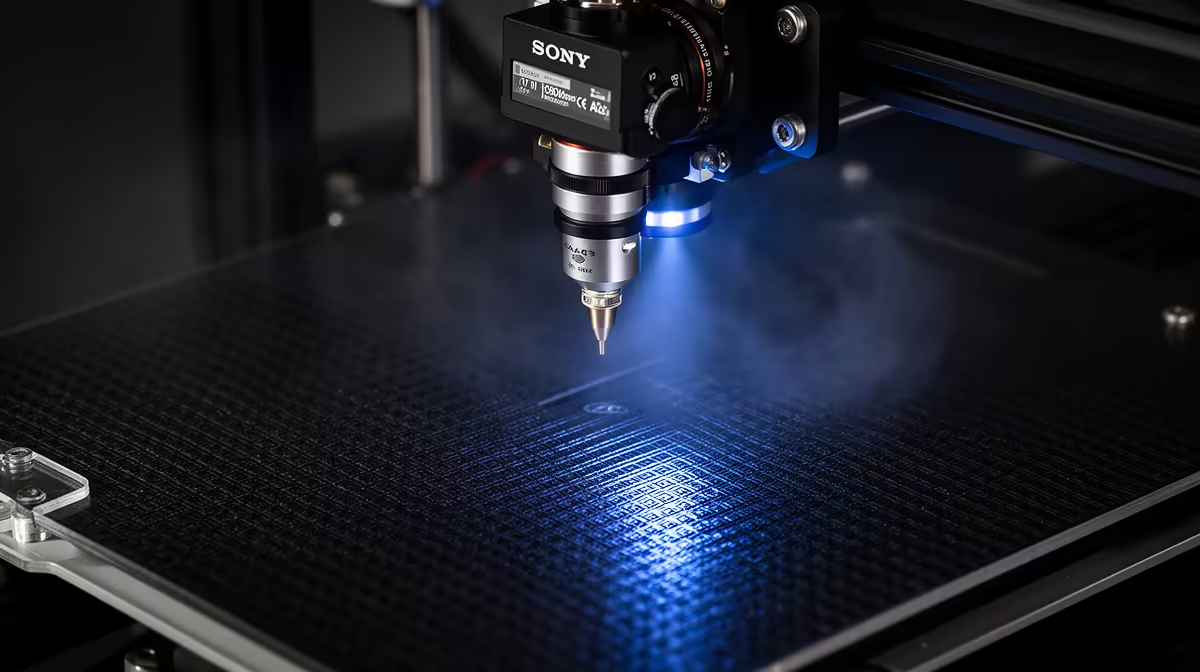
A print that lifts off the plate the instant the nozzle moves on is almost never a filament problem. Nine times out of ten the culprit is a Z-offset set too high, leaving the nozzle floating a hair above the bed so the first layer cools into loose, rounded strands instead of being pressed flat into the surface. Get that single number right and most adhesion headaches vanish.
Quick Answer
If nothing sticks at all, lower your Z-offset in 0.05mm steps until the first layer comes out as flat, slightly squished lines with no gaps between them. That one adjustment fixes the large majority of total-failure cases, no glue or tape needed.
Why Z-offset is usually the real cause
Z-offset sets how close the nozzle sits to the bed on the first layer. Set it too high and molten plastic falls onto the plate as a thin rounded thread that barely touches the surface, so it cools and curls before it can bond. The print looks like it is laying spaghetti rather than pressing ribbon.
A correct first layer is the opposite: the nozzle is close enough that each line gets gently flattened against the plate, giving it surface area to grip. You want lines that sit shoulder to shoulder with no visible gaps, slightly wider than they are tall. If you can see the plate texture through the lines or they look glossy and tubular, the nozzle is too far away.
Step by step: dialling it in
Start by heating the bed and nozzle to your filament's normal printing temperatures, since metal expands slightly when hot and a cold calibration will be wrong once printing starts. Then home the printer and bring the nozzle down to the plate.
The paper method is the quickest manual check. Slide a sheet of standard printer paper between nozzle and bed, then adjust until you feel light resistance when you pull it, not so loose it slides freely and not so tight it tears. On printers with live Z adjustment you can fine-tune mid-print: watch the first layer and nudge the offset down 0.05mm at a time until the lines merge into a smooth sheet.
If you have one corner sticking and others lifting, the bed itself is not level, so level the four corners first and only then set Z-offset. The range of upgrade plates, nozzles and adhesion aids in the accessories best sellers is worth a look if your stock surface is warped or worn.
Other fixes once the offset is right
Slow the first layer to roughly 20 to 30 mm/s so each line has time to settle and bond. A dirty plate is the next most common issue: skin oils kill adhesion, so wipe a glass or PEI bed with isopropyl alcohol before a stubborn print. For tall or small-footprint models, add a brim for extra grip at the edges, or a raft if the bed surface is uneven. A fresh build surface from a newer machine in the 3D printers range can also solve adhesion problems that no amount of tuning fixes on a scratched old plate.
Frequently Asked Questions
How do I know if my Z-offset is too high or too low?
Too high shows as rounded, separated lines that lift easily and let you see the plate between them. Too low shows as a translucent, smeared first layer with ridges where plastic is forced sideways, and the nozzle may scrape the bed. You want flat lines that touch with no gaps.
Should I level the bed or set Z-offset first?
Level the bed first. Z-offset assumes the plate is flat and even, so calibrating the offset on a tilted bed gives you a number that is only correct in one spot. Level the corners, then set the offset.
Why does my first layer stick then peel up partway through?
That is usually marginal adhesion plus cooling or warping stress, common with materials like ABS. Lower the offset slightly for more bite, slow the first layer, switch off or reduce the part-cooling fan for the first few layers, and add a brim to anchor the corners.
Do I need glue stick or hairspray?
Not for most cases. A correct offset, a clean surface and the right bed temperature handle the majority of prints. Adhesion aids help with warp-prone materials or smooth glass beds, but they are a supplement, not a substitute for a properly set first layer.
Tuning a worn or unreliable machine only goes so far. If your plate is scratched or your printer is fighting you on every job, browse the current 3D printers range at Evetech for a fresh start with a flat, modern build surface.