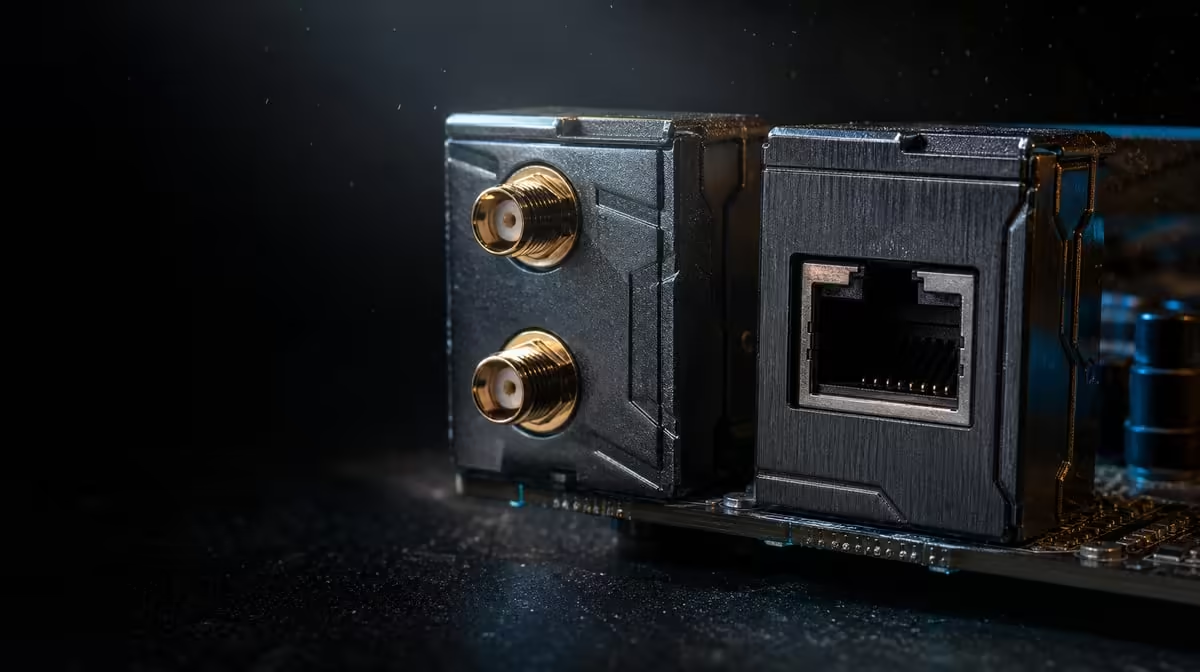
Wireless freedom and a very fast cable solve different problems. The Wi-Fi 7 versus 10G Ethernet choice depends on room layout, compatible network hardware and whether the PC mainly plays online or moves large files locally. The ROG Crosshair X870E Extreme includes both, plus a useful 5G wired option.
Quick Answer
Use a properly configured wired link for the most predictable fixed gaming setup, while Wi-Fi 7 suits locations where cable-free placement has real value. At R24,899, the X870E Extreme supports Wi-Fi 7, 10G LAN and 5G LAN, but none can exceed the limits of the router, switch, endpoint or internet service around it.
?? Prioritise consistency for games
Online play often sends modest amounts of data but reacts badly to unstable delay. Test the actual game at the intended desk, record latency variation and compare wired and wireless paths under similar household traffic.
Wi-Fi can work well when signal conditions are strong. Antenna placement, distance, walls and nearby radios influence it. The X870 motherboard range is useful for comparing boards once the required network interfaces are written down.
?? Give 10G a suitable transfer job
Ten-gigabit Ethernet makes its strongest case with compatible local infrastructure and endpoints capable of sending and receiving data quickly. Large project moves, backups or workstation-to-storage transfers may use that capacity more directly than an online match.
The 5G port creates another wired route. It may better fit current network equipment, leaving 10G for a specialised segment. Cable, switch, destination interface and disk behaviour all contribute to the realised result.
?? Treat wireless as a complete route
A Wi-Fi 7 motherboard does not upgrade the router. Confirm the equipment at the other end, position the antenna properly and test from the room where the PC will operate. Changing placement can matter more than changing a setting.
Processor and platform fit still lead the build. Evetech's AMD processor page can frame the CPU choice before networking consumes the remaining budget.
?? Compare value, not port labels
R24,899 buys a flagship board with five M.2 positions, modern expansion and broad networking. If the home network cannot use 10G and the PC already has a stable wired route, compare Evetech's wider AMD motherboard options.
A useful decision assigns every interface a task. An unused premium port should not outrank memory, storage or graphics needs.
Run a three-part comparison
Begin with a short online game session and note consistency rather than the best single latency reading. Next, download the same large file over each connection without changing the server or other major conditions. Finally, move data to a compatible local endpoint. These tasks separate gaming stability, internet-service limits and local network capacity.
Keep antenna position fixed during the wireless run and use the intended desk location. For cable tests, confirm which motherboard port and switch interface are active. A result without a known path cannot guide the purchase.
Account for the rest of the room
A fixed tower near the router may have little reason to avoid Ethernet. A workstation that changes position or sits where a cable route is impractical can value Wi-Fi more highly. Walls, furniture and other radios belong in the decision because the motherboard operates inside that environment.
If the existing network is slower than all three board interfaces, decide whether surrounding equipment is genuinely part of the upgrade. Otherwise, price the ports as future options rather than current benefits.
Keep the decision reversible during setup. Test Ethernet through the existing route before purchasing new multi-gig equipment, and test Wi-Fi from the final tower position before changing antenna placement. These baselines show whether the motherboard interface is solving an observed problem or merely replacing a connection that already performs well.
Decide from the least convenient day
Compare the interfaces during a busy evening rather than an empty network demonstration. Run the game while ordinary household streaming or calls continue, then move a representative local file. Wi-Fi should be tested from the final tower position, and Ethernet should use the route that would remain installed.
This exposes a useful distinction: wireless may retain enough consistency for play while offering better placement, whereas 10G may dominate a local transfer without changing the online match. The 5G port can provide a practical middle wired path.
Record which result solves the user's recurring inconvenience. That evidence is stronger than choosing the interface with the largest theoretical number.
Frequently Asked Questions
Can 10G LAN lower every game's ping'
No. Internet routing and the game server remain part of the path. A wired connection can improve local predictability without changing every external delay.
Is Wi-Fi 7 useful without compatible wireless equipment'
Its benefit depends on the surrounding route. Check router capability and real room conditions before valuing the motherboard radio.
Why is 5G LAN included beside 10G'
It provides a second multi-gig wired option that may match different switches, endpoints or traffic roles.
Which connection is better for large local files'
Ten-gigabit Ethernet has the higher wired ceiling here, provided the entire transfer path and storage devices can sustain the job.
Can either interface increase the fibre plan speed'
No local interface can make the service exceed its own limit. Measure the local network and internet route separately.
Ready to choose the right network route'
Compare Evetech's AMD motherboard options with your router, switch and room layout, then give each premium interface a job before paying for it.