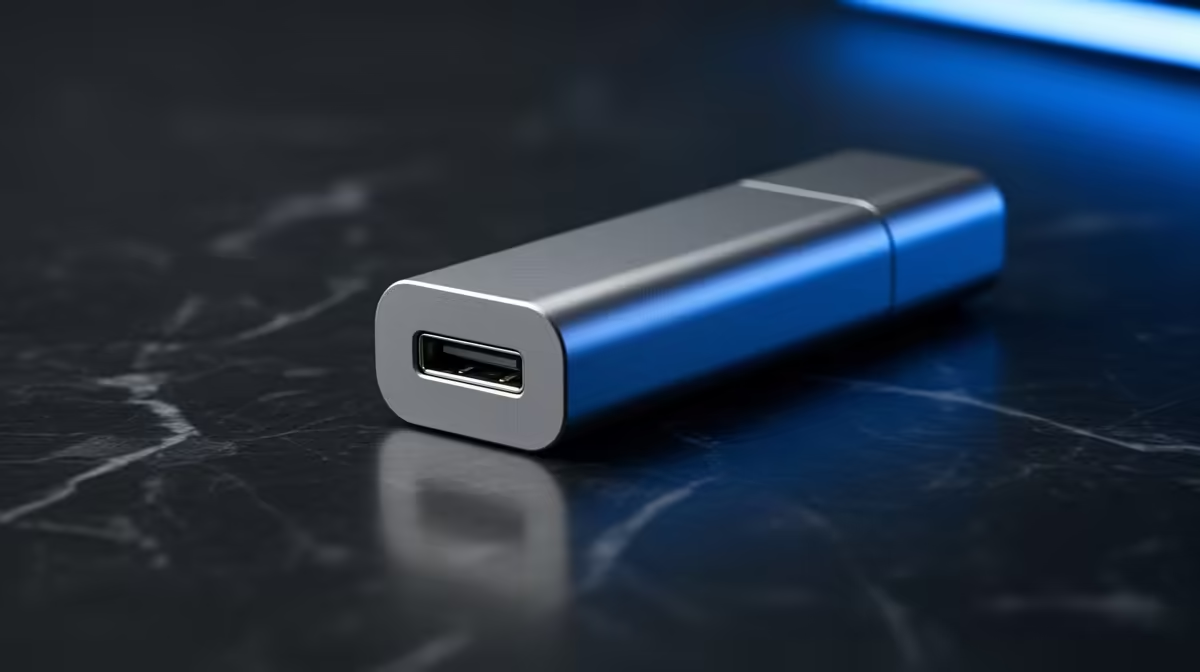
A twelve-hour print fails at hour nine because your router blinked, the wi-fi dropped for two seconds, and the G-code stream feeding the printer went silent. The nozzle stops, the job aborts, and a spool of filament is wasted. The cleanest cure for a mid-print drop is to stop streaming over the network entirely and print locally from an SD card or USB stick, which removes the connectivity dependency completely.
Quick Answer
Print from an SD card or USB drive instead of streaming over wi-fi or LAN. Local printing loads the entire G-code onto the printer's own controller, so a network blip cannot interrupt the job. It is the single most reliable way to stop connectivity drops from killing long prints.
Why a network drop kills the job
When you stream a print from a host like OctoPrint over wi-fi or LAN, the G-code is sent to the printer a chunk at a time during the print. The printer's controller has only a small buffer and no copy of the full file, so if the connection drops for even a moment, the stream stalls, the buffer empties, and the print halts or aborts with no way to resume from where it stopped.
Tellingly, the same printer that fails over the network usually runs flawlessly from an SD card. That gap is the giveaway: the printer hardware is fine, the wireless link is the weak point. A flaky router, wi-fi interference, or even a marginal USB cable between the host and the printer can all introduce the drop.
Switch to local printing
The fix is simple. Slice your model, save the G-code to an SD card or USB stick, insert it into the printer, and start the job from the printer's own screen. The full file now lives on the controller, so there is nothing to interrupt. No router, no host PC, no streaming link in the chain that can fail at hour nine.
If you prefer the convenience of a host interface, you can still use it to slice and manage files, then transfer to the card for the actual print. For machines being driven over a wired link, swapping a worn USB cable is also worth doing, since those fail surprisingly often and can mimic a network problem. The current printer lineup and the storage media that suits each model are easy to compare across the 3D printer range at Evetech.
Keep a couple of quality cards on hand so you are never stuck reusing a worn one mid-project. Reliable SD cards, USB sticks and spare cables are quick to pick up from the accessories best sellers.
Frequently Asked Questions
Why does my print fail over wi-fi but work from SD?
Streaming sends G-code a chunk at a time with only a small buffer on the printer. A network drop empties that buffer and halts the job. SD printing loads the whole file locally, so there is no stream to interrupt.
Can I resume a print after a network drop?
Usually not. The printer has no full copy of the file when streaming, so it cannot pick up where it stopped. Local SD or USB printing avoids the problem rather than recovering from it.
Is a USB cable to the printer a possible cause?
Yes. A marginal or worn USB cable between a host PC and the printer can drop the connection just like wi-fi. Swapping the cable is a cheap, common first fix.
Do I lose any features by printing from SD?
You lose live remote monitoring through a host interface, but you keep full print reliability. Many users slice and manage files on a host, then transfer to SD for the actual print.
Will a better router fix streaming drops?
It can reduce them, but it cannot guarantee a perfect link for many hours. For long, critical prints, local SD or USB printing is the only way to remove the network dependency entirely.