Quick Answer
For first-time PC builders, wired LAN ports on a router are worth paying for the moment you game competitively: a Gigabit Ethernet connection cuts latency and jitter versus Wi-Fi, typically holding ping 5-15ms lower and far steadier. A R1,200-R2,000 router with four Gigabit LAN ports covers a new build plus a console and NAS.
Why a new builder needs wired ports
You can game over Wi-Fi, but a wired connection is more consistent, and consistency wins online matches. A Gigabit LAN port gives a stable, full-speed link with low jitter, while Wi-Fi varies with interference and distance. For a fresh build that you have just spent R12,000-plus on, plugging into Ethernet is the cheapest performance upgrade available.
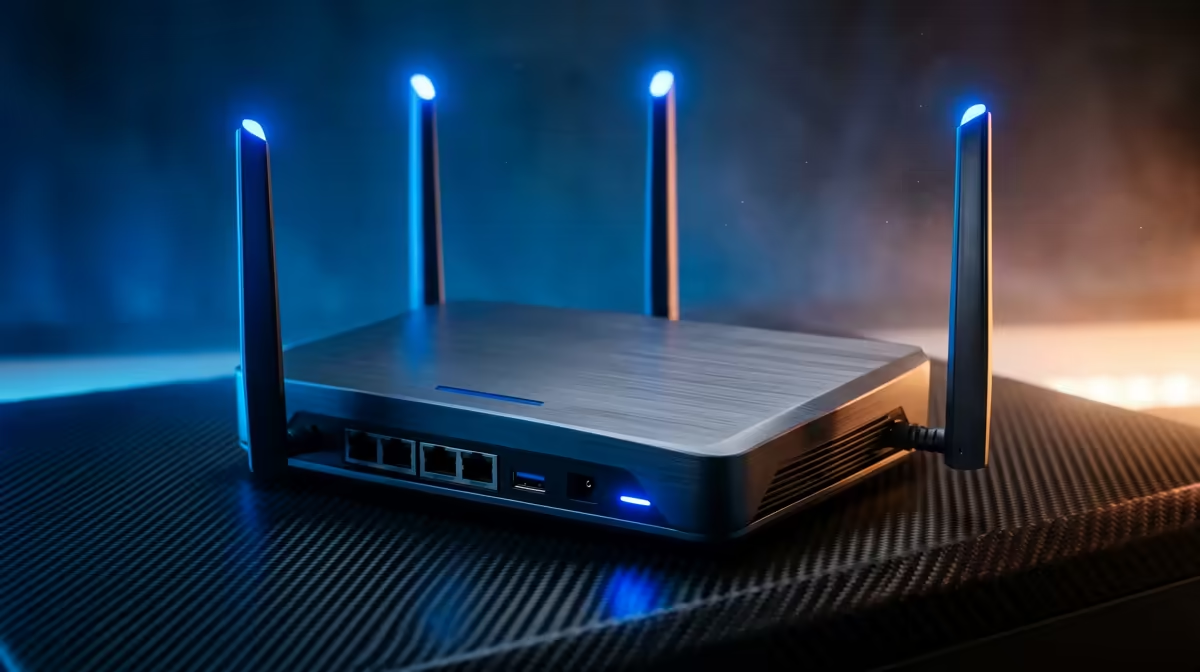
Count your ports. A typical setup uses one port for the PC, one for a console, and one for a NAS or second device. A router with four Gigabit LAN ports leaves room to grow without adding a switch straight away.
When LAN ports earn their cost
Wired ports matter most for competitive gaming, large downloads and a home NAS. If your devices sit far from the router, a wired backhaul or a long Cat6 run beats fighting Wi-Fi drops. For casual single-device use, Wi-Fi alone may be fine, but most builds end up wanting at least two or three Gigabit ports.
FAQ
Do I need a router with LAN ports for a gaming PC?
A wired Gigabit connection holds ping 5-15ms lower and far steadier than Wi-Fi, which matters in competitive games. Most builders should plan for at least two or three Gigabit LAN ports.
How many LAN ports should a router have?
Four Gigabit ports is a comfortable baseline, covering a PC, console and NAS with room to spare. You can add a switch later if you outgrow them.
Is Ethernet really better than Wi-Fi for gaming?
For latency stability, yes. Wi-Fi varies with interference and range, while a wired link gives consistent low jitter, which is what online matches reward.
Cat6 cable from your router to a Gigabit LAN port for the lowest, steadiest ping. A four-port Gigabit router covers a PC, console and NAS without a separate switch.