Quick Answer
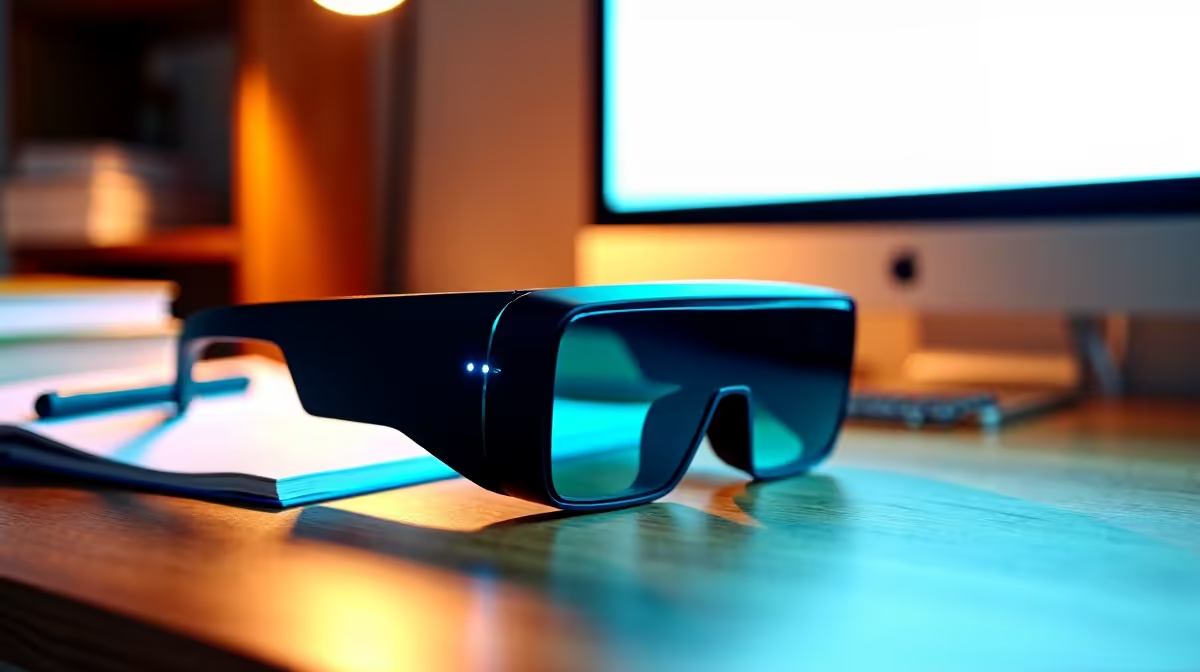
Entry-level AR glasses are enough for a campus residence room, where they shine as a private big-screen substitute in a cramped space. A pair like the XReal Air or Viture One (R5,000-R8,000) turns your laptop or phone into a large floating 1080p display for study, video and gaming, which is ideal when there is no desk space for a monitor.
Why entry AR glasses suit res life
A res room rarely has space for a second monitor, and that is exactly where entry AR glasses earn their place. Over a single USB-C DisplayPort Alt Mode cable they mirror your laptop or phone as a large private screen at around 1080p per eye, so you get monitor-sized real estate with zero desk footprint. They weigh roughly 75-80g, need no setup, and keep your screen private from a roommate. For watching lectures, studying or gaming in a tight shared room, the entry tier is genuinely practical.
What to keep in mind
Entry AR glasses are a display, not a computer, so they still need your laptop or phone to do the work, and the per-eye resolution sits around 1080p, which is plenty for video and documents but not a colour-critical professional display. Check that your device outputs video over USB-C before buying, since not every port supports DisplayPort Alt Mode; otherwise the brand's adapter bridges it. For res use specifically, the privacy and zero-footprint benefits outweigh any limitation.
Buying it in South Africa
Evetech ships AR glasses nationwide, and the entry bracket sits at R5,000-R8,000 for a pair like the XReal Air or Viture One. Confirm your laptop or phone supports USB-C DisplayPort Alt Mode, or budget for an adapter. For a cramped res in Stellenbosch, Potch or anywhere with no desk space, treat the glasses as a private, zero-footprint big screen, and check the warranty on the cable and nose pads.
FAQ
Are entry AR glasses good for a small res room?
Yes. They give a large private screen with no desk footprint, ideal where there is no space for a monitor. Over USB-C they mirror your laptop or phone at about 1080p per eye for study, video and gaming.
Do AR glasses need their own computer?
No. They are a display that mirrors a connected laptop or phone over USB-C, so the connected device does the work. They simply provide a large private screen in place of a physical monitor.
Will my laptop work with AR glasses?
Only if its USB-C port outputs video via DisplayPort Alt Mode. Many recent laptops and phones support it, but check the spec first, or plan to use the brand's adapter to connect.
For a res with no desk space, add a private big-screen AR glasses pair to your cart at Evetech.