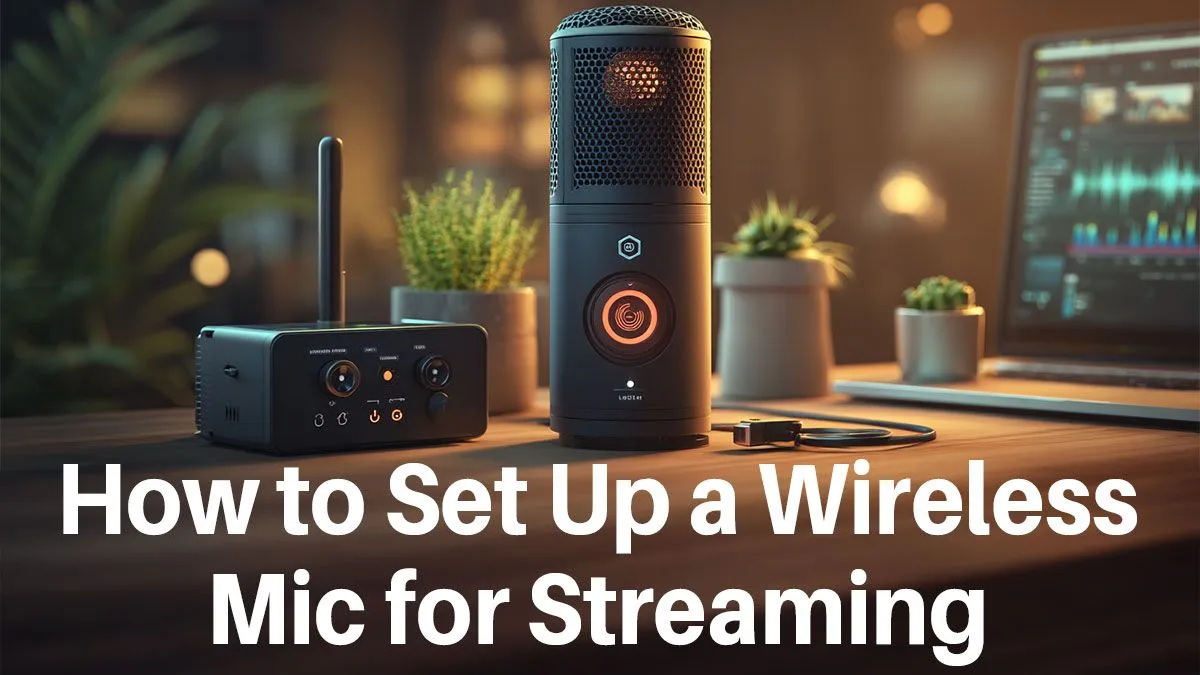
Tangled in cables during a clutch moment? We’ve all been there. You stand up to celebrate a win, and your mic cable yanks your headset off, ruining the clip. It’s time to cut the cord. For South African streamers, a clean wireless mic setup for streaming isn’t just an upgrade; it’s a statement. It’s about freedom, professionalism, and delivering crystal-clear audio that keeps your viewers hooked, without the mess. 🎤
Why Go Wireless for Your Streaming Setup?
The most obvious benefit is freedom. Want to grab a drink from the fridge mid-stream or do a victory dance without worrying about unplugging something? A wireless setup makes it possible. But it's more than just movement. A desk free of audio cables looks incredibly clean and professional on camera, allowing your personality and gameplay to be the focus.
Modern wireless audio technology is also incredibly reliable. The days of crackly interference and sudden dropouts are long gone. A quality wireless microphone setup provides stable, low-latency audio that’s indistinguishable from its wired counterparts. It’s a core part of building a pro-level broadcast, and you can find all the streaming essentials you need to get started right here.
Choosing the Right Wireless Microphone
When you start looking, you'll see a few key types. So, what's the right choice for your wireless mic setup for streaming?
Headset Mics vs. Standalone Mics
For ultimate simplicity, a high-quality wireless gaming headset is a brilliant all-in-one solution. Brands like CORSAIR offer top-tier wireless headsets with broadcast-grade microphones built-in. This is perfect for gamers who want great audio without adding another piece of hardware to their desk.
A standalone wireless mic (either a desktop model or a lavalier clip-on) offers more flexibility and often superior audio quality, capturing richer vocal tones. This is the path for streamers who want to take their production value to the next level.
Pro Audio Tip ⚡
No matter which mic you choose, always use a pop filter! It’s a small mesh screen that sits in front of the mic to soften harsh “p” and “b” sounds (plosives). It’s a cheap addition that makes your audio sound instantly more professional.
Your Step-by-Step Setup Guide 🔧
Getting your new wireless mic running is usually a simple plug-and-play affair, but a few tweaks can make a huge difference.
- Charge & Pair: Make sure your mic and its receiver are fully charged. Plug the receiver (dongle) into a free USB port and turn the mic on. They should pair automatically.
- Positioning: Place the mic about 15-20 cm from your mouth, slightly off to the side. This captures your voice clearly while avoiding harsh breathing sounds.
- Software Settings: Open your streaming software (like OBS or Streamlabs), go to Audio Settings, and select your new wireless microphone as the input device. Do a quick test recording to check your levels.
A tidy, wireless setup also gives you more space to show off your rig's personality. It leaves room for cool ambient lighting from gear like Cololight panels, creating a visually appealing backdrop for your stream. ✨
Upgrading on a Budget
Creating a top-notch wireless mic setup for streaming doesn't have to cost a fortune. The key is to invest in quality gear that will last. Think of it as an investment in your channel's growth—clear, crisp audio makes viewers stick around longer. You can find fantastic, high-performance affordable streaming gear under R6000, proving that a professional sound is within reach for every South African creator.
Ready to Cut the Cord? 🚀
Elevate your stream with the freedom and clarity of a wireless audio setup. Explore our massive range of streaming essentials at Evetech and give your audience the professional quality they deserve.