



1000W PSU Planning for RTX 5090 Builds in SA
1000W for RTX 5090 needs a full-build check, not a simple yes. Review GPU guidance, CPU draw, transient load, connectors, PSU quality, and upgrade plans before deciding.
Read moreWired gaming mice avoid batteries and radio links, while modern wireless designs can remove cable drag. The tri-mode G305 X SUPERLIGHT gives players connection choices, but the competitive decision should follow measured stability and comfort.
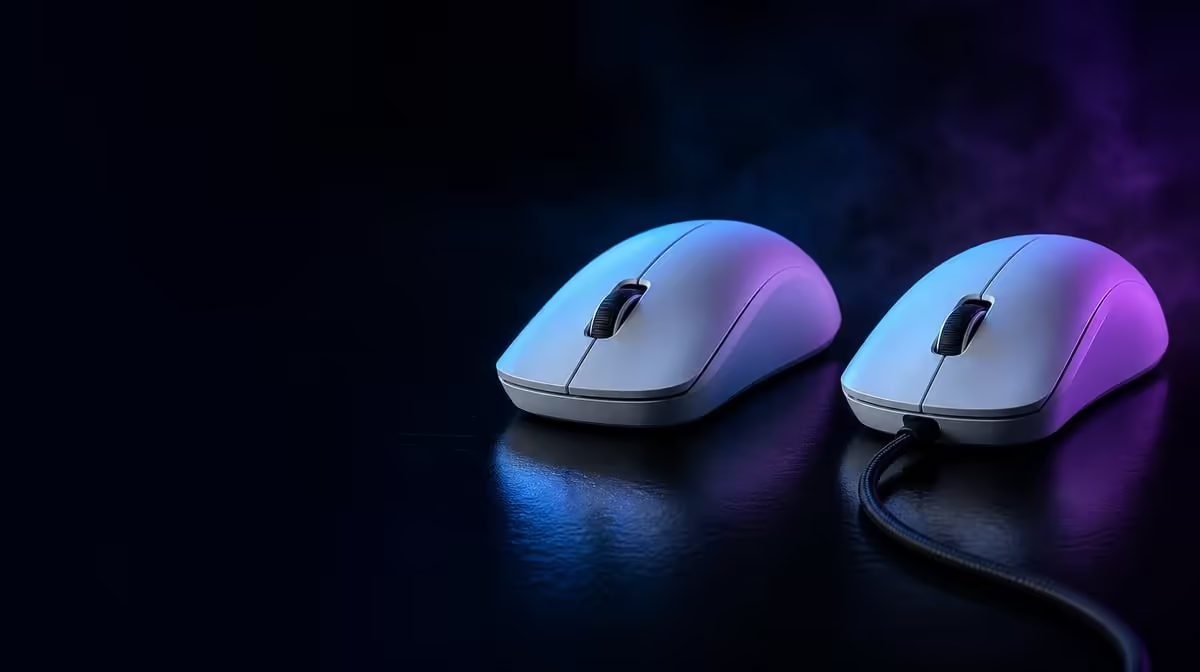
Cable drag and radio freedom affect feel differently, while competitive value depends on consistency. Comparing wireless and wired gaming mice should use the same shape, sensitivity, game and surface where possible. The tri-mode G305 X SUPERLIGHT lets players test connection routes without treating one technology as automatically superior.
Choose the connection that remains stable, comfortable and predictable on the actual desk. At R1,499, the G305 X SUPERLIGHT offers Lightspeed wireless, Bluetooth and wired operation; dedicated low-latency wireless or cable use suits performance testing, while Bluetooth can serve convenient pairing where its behaviour fits the task.
Wireless removes cable movement from the pad. Wired use avoids reliance on a radio path but adds a cable whose routing can influence fast swipes. Arrange the cable consistently and keep receiver placement fixed.
Evetech's Logitech mouse range can support a shape and connection comparison after the desk route is understood.
Use the same DPI, report rate and game scene. Test rapid turns, small corrections and a long session over each intended mode.
Record interruptions, inconsistent tracking and frame behaviour. One good match is not enough evidence.
Do not move the PC, receiver or pad between connection tests unless placement itself is being investigated.
Wireless play needs a predictable power routine. The mouse is rated beyond 130 hours, while actual endurance varies with mode, report rate and activity.
Wired operation can serve a connected route when suitable, but the cable should not distort the comparison. Review the broader gaming mouse category if another shape handles the cable or grip better.
Repeat the test during a busy game moment and after hand fatigue develops. The winning connection should preserve aim and control without requiring constant attention.
Use Evetech's popular accessory selection for broader R1,499 context and confirm the live option before ordering.
Record settings for the preferred and alternate route. If the desk or PC changes, retest rather than assuming the old connection verdict transfers.
Run the same wide turn while the wired cable is routed loosely, then repeat over wireless. Note whether the cable changes direction, catches the desk or adds tension near the end of the swipe.
Next test small corrections near the centre of the pad. Wireless freedom may matter more during large movement, while both routes can feel similar during fine aim. The player's game and sensitivity determine which part deserves more weight.
Wireless diagnosis should examine receiver placement and nearby activity. Wired diagnosis should inspect the connector, cable route and physical strain. Do not use a problem unique to one poor setup as a verdict on the entire connection type.
Keep a stable example of each route before comparison. If neither can be configured cleanly on the desk, another mouse or layout may be more suitable.
Confirm whether DPI, report rate and button assignments remain correct when moving between the chosen modes. A connection can feel delayed because the active profile changed rather than because the radio or cable is slower.
Save the settings outside the software and check them after a restart. Competitive reliability includes knowing exactly which profile is active.
If the wired or receiver result is unstable, test one other suitable USB connection while holding everything else constant. Label the route that wins and return to it for future checks.
A connection comparison should not be decided by one poorly performing port. It should also stop once a stable, repeatable path is established.
Repeat the winning route after a full restart and a long session. This ensures the result survives both fresh setup conditions and normal accumulated use.
Test ordinary desktop movement and button profiles too. A route chosen for competition should not create confusing reconnection or profile behaviour when the same mouse returns to daily work.
Do not assume so. Measure stability and control across the exact modes and setup being considered.
It removes cable drag and can make large movements less constrained.
Poor cable routing can pull against the mouse or pad during movement.
Choose connection by workload and measured behaviour. Convenient pairing and performance-focused play can use different routes.
Use the more-than-130-hour rating as a baseline and create a charging routine from real sessions.
Ready to compare cable freedom with a fixed route? Explore Evetech's gaming mice and test each connection on the same desk, game and sensitivity before choosing.
Do not assume so. Measure stability and control across the exact modes and setup being considered.
It removes cable drag and can make large movements less constrained.
Poor cable routing can pull against the mouse or pad during movement.
Choose connection by workload and measured behaviour. Convenient pairing and performance-focused play can use different routes.
Use the more-than-130-hour rating as a baseline and create a charging routine from real sessions.
1000W for RTX 5090 needs a full-build check, not a simple yes. Review GPU guidance, CPU draw, transient load, connectors, PSU quality, and upgrade plans before deciding.
Read more
RTX 5080 Super with a 750W PSU is more comfortable than lower wattage if the unit is quality. SA builders should still confirm GPU guidance, CPU draw, connector type, airflow, and upgrade room.
Read more
How to fix FPS drops after a RX 9070 XT starts with driver cleanup, chipset updates, thermals, and power checks. For SA gaming PCs, confirm PCIe seating, monitor refresh, frame caps, and per-game graphics settings before replacing parts.
Read more
How to fix low FPS Windows 11 Wi-Fi 7 issues starts by checking whether the problem is frame rate or network lag. Test ping, drivers, power settings, Ethernet, and game FPS before adjusting visuals.
Read more
AM5 is smart for SA builders because it supports newer Ryzen CPUs, DDR5 memory, and a longer upgrade path. Compare board cost, cooling, gaming needs, and local part availability before choosing your next PC platform.
Read more
AM5 gives Randburg gaming builders a longer upgrade path. For SA buyers, DDR5 support, newer board features, and future CPU options can justify the platform. Weigh board cost, cooler support, BIOS maturity, and upgrade timing before choosing.
Read more
RTX 5090 on a 550W PSU leaves almost no practical room for OC plans. Treat the setup as constrained, with CPU draw, power spikes, cable quality, thermals, and stability checks more important than chasing extra clocks.

FPS drops on a Ryzen 9 9950X3D build often have a fixable cause. Check settings, drivers, thermals, background tasks, network conditions, and bottlenecks before assuming a part must be replaced.

The difference between PCIe 5.0 and PCIe 4.0 for SA gamers is mostly bandwidth headroom. Compare GPU slot needs, NVMe speed, motherboard support, and upgrade timing before paying extra for a newer platform.

Gaming PC stuck pixel checks in South Africa should confirm the monitor fault first. Use colour tests, screenshot comparison, cable swaps, display menu checks, and clear photos before deciding on support.

AMD's current driver now lists a Radeon RX 9050 4GB, while product coverage details a narrowed memory system. SA buyers should weigh the low VRAM ceiling against current local Radeon options.

Samsung Display has demonstrated a 16-inch 2.5K OLED laptop panel running at 300Hz. SA buyers should wait for a named notebook, full panel specifications and a local price before planning an upgrade.

Microsoft says some Windows 11 game crashes after recent updates are linked to RGB-related drivers. Affected SA gamers should confirm the update and driver before using the published registry workaround.

Thermalright's Fan Frame Vision-1 adds a 640x172 status screen to a standard 120mm fan. SA builders should check clearance, USB routing and local support before treating it as an easy upgrade.
1000W for RTX 5090 needs a full-build check, not a simple yes. Review GPU guidance, CPU draw, transient load, connectors, PSU quality, and upgrade plans before deciding.

Wi-Fi 6E vs Wi-Fi 6 matters for 4K video editing when files move across a network. The real-world difference between Wi-Fi 6E and Wi-Fi 6 for video editing in 4K depends on NAS access, cloud uploads, router range, and SA creator workflows.
RTX 5080 Super with a 750W PSU is more comfortable than lower wattage if the unit is quality. SA builders should still confirm GPU guidance, CPU draw, connector type, airflow, and upgrade room.

Wi-Fi 6E vs Wi-Fi 6 for Video Editing in 4K comes down to router support, latency, client devices, band support, and home network layout. SA buyers should match the choice to their setup instead of assuming one option always wins.