Quick Answer
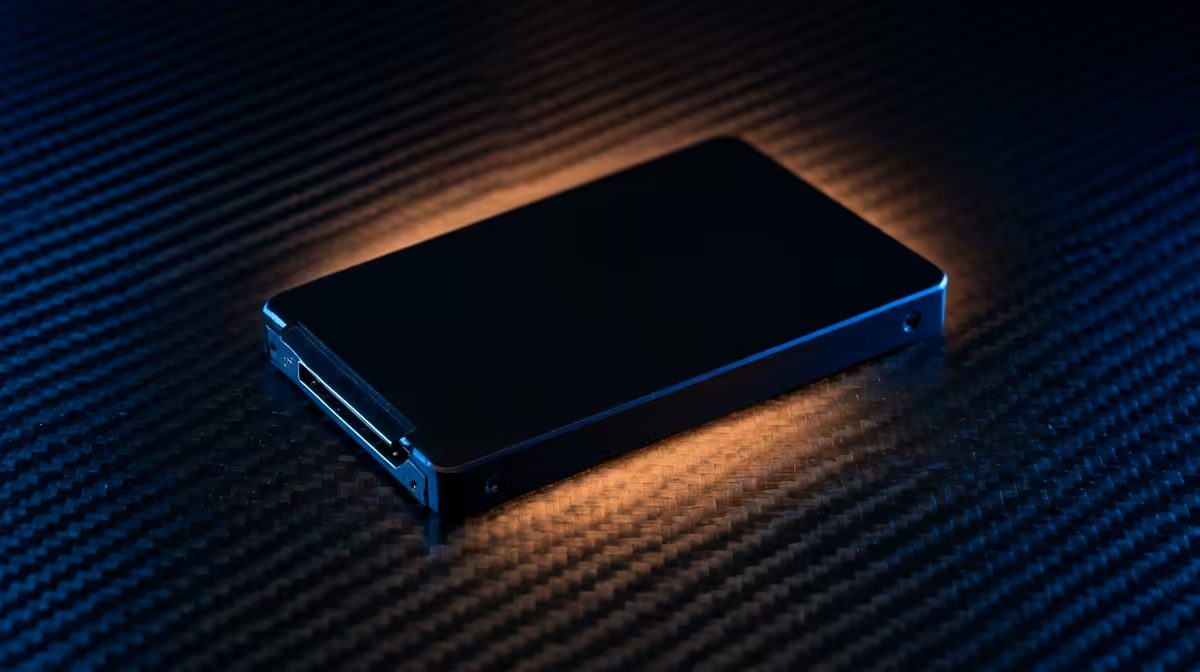
On X870, use a fast TLC NVMe as the boot drive and a larger value drive for the game library if the budget allows. A practical SA split is a 1TB boot SSD around R1,100-R2,400 plus a 2TB or 4TB library SSD around R2,000-R9,500. This gives cleaner performance than cramming Windows, apps and every game onto one nearly full drive.
Why Two Drives Can Feel Cleaner
Windows, launchers, shader caches and editing apps all write small files in the background. Keeping those tasks on a strong boot drive such as a Samsung 990 Pro, Crucial T500 or WD_BLACK SN850X helps the system stay responsive while a second drive holds large game folders. The second drive can be a value Gen 4 model because game loading is mostly read-heavy and will not change your FPS target.
When One Larger Drive Is Better
A single 2TB TLC drive is fine when the board has limited M.2 slots or the budget is tight. It avoids juggling folders and leaves the secondary slot open for a future 4TB upgrade. Just keep 10-20% free space, because a full SSD can feel slower during updates, recordings and large library moves.
Slot Planning On X870
Check the manual before installing drives. Some boards share lanes between the lower M.2 slot, SATA ports or a PCIe expansion slot, and the fastest slot may sit under the GPU. On boards such as MSI MAG X670E Tomahawk, ASUS TUF Gaming X670E-Plus or Gigabyte X870 Aorus Elite, use the primary CPU-connected M.2 slot for the boot drive and the chipset-connected slot for the library unless the manual says otherwise.
FAQ
Does a game-library drive need Gen 5 speed?
No. A quality Gen 4 drive is already fast enough for most game loading. Gen 5 is better reserved for workstation transfers or premium builds with the cooling to match.
Will separate drives improve FPS?
No, not directly. A separate library drive can reduce clutter and update slowdowns, but FPS still comes from the GPU, CPU and memory setup.
What is the safest SA buying split?
Start with a 1TB TLC boot drive and a 2TB library drive. If you record gameplay or keep many AAA titles installed, move the library budget toward 4TB.
Buyer Check
Put Windows on the CPU-connected M.2 slot, label the game-library drive clearly, and keep at least 200GB free on the boot SSD.