Quick Answer
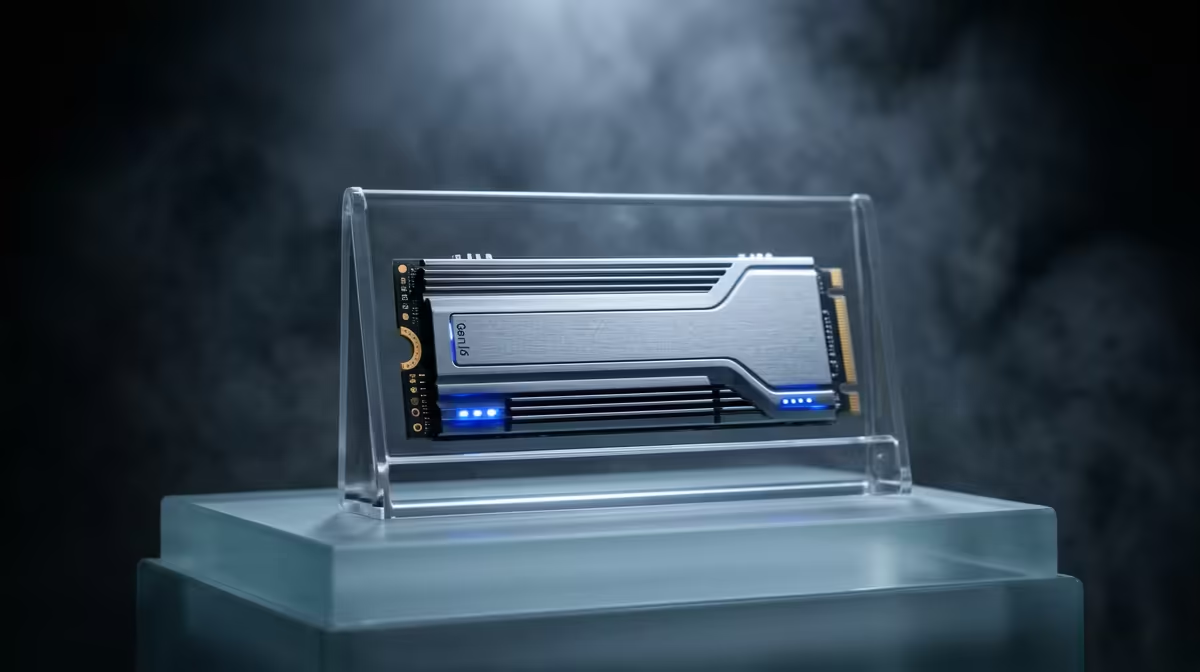
Gen 5 NVMe drives on X870 are rated for 600–1,200 TBW (Terabytes Written) at 1–2TB capacity. At a realistic gaming write rate of 30–50GB per day, you would exhaust a 600 TBW rating in 33–55 years — lifespan is not a concern for SA gamers. The bigger practical consideration is the drive's controller temperature: Gen 5 controllers run at 70–85°C under load and need the X870 board's integrated M.2 heatsink to avoid thermal throttling.
What TBW Actually Means for Gaming on X870
TBW is a manufacturer endurance rating, not a failure timer. A Crucial T705 2TB carries 1,200 TBW; a Seagate FireCuda 540 2TB is rated at 1,300 TBW. Typical PC gaming writes 15–40GB per day (game installs, saves, shader compilation). At 40GB/day against a 1,200 TBW rating, the drive lasts 82 years — well beyond any practical upgrade cycle. SA gamers should treat TBW ratings as confirmation of quality rather than a countdown.
Where TBW matters more is in workstation builds: video editors exporting 4K timelines can write 200–400GB daily. Even then, a 2TB Gen 5 drive at 1,200 TBW lasts 8–16 years under heavy creative workloads.
Gen 5 Thermals on X870 — The Real Lifespan Factor
X870 (non-E) boards provide PCIe 5.0 x4 to M.2_1, exposing Gen 5 drives to full-bandwidth workloads. The Phison E26 and Innogrit IG5236 controllers used in most Gen 5 NVMe drives hit 80–90°C during sustained sequential writes without active cooling. Most X870 boards — including the ASUS Prime X870-P and MSI Pro X870-P WiFi — include an M.2 heatsink cover for M.2_1. Use it. Thermal throttling triggers at 85°C on most Gen 5 controllers and drops sequential write speed from 10,000 MB/s to under 3,000 MB/s until the drive cools.
For SA summers where ambient case temps can push 35–40°C, ensure the case has at least one intake fan directed toward the M.2 area. The X870's heatsink combined with decent airflow is sufficient to keep Gen 5 drives below throttle thresholds during typical gaming and moderate content creation.
Gen 5 vs Gen 4 Lifespan Comparison on X870
Gen 4 drives (Samsung 990 Pro 2TB, ~R2,400 at Evetech) carry 1,200 TBW ratings similar to Gen 5, run cooler (60–70°C under load), and cost less. For gaming-only builds on X870, Gen 4 in M.2_1 is a longer-lasting, lower-maintenance choice. Gen 5 drives (Crucial T705 2TB, ~R3,400 at Evetech) pay off in creative workflows where sustained sequential throughput is regularly saturated.
FAQ
How long will a Gen 5 NVMe last on an X870 gaming PC?
Longer than the PC itself, in almost all cases. At typical gaming write rates of 30–50GB per day, a 600 TBW Gen 5 drive lasts over 30 years before approaching its rated endurance limit. The controller will likely outlast your upgrade cycle.
Does thermal throttling on X870 permanently damage a Gen 5 NVMe?
No — throttling is a protection mechanism, not a damage event. The drive slows down when the controller reaches 85°C and recovers as soon as it cools. Sustained throttling over years can marginally accelerate wear, but using the board's M.2 heatsink prevents throttling in normal use.
Is Gen 5 NVMe worth the premium over Gen 4 on X870 for gaming?
Not for gaming specifically. Game load times are constrained by random 4K read IOPS, where Gen 4 and Gen 5 are nearly identical. The Gen 5 premium is justified only for sustained sequential workloads like 8K video editing or large file transfers. For gaming on X870, a 2TB Gen 4 NVMe around R2,400 is the smarter spend.
X870 board's M.2 heatsink cover over your Gen 5 NVMe — it takes 30 seconds and can reduce controller temps by 15–20°C, keeping the drive out of throttle territory even during large game installs or updates.