Quick Answer
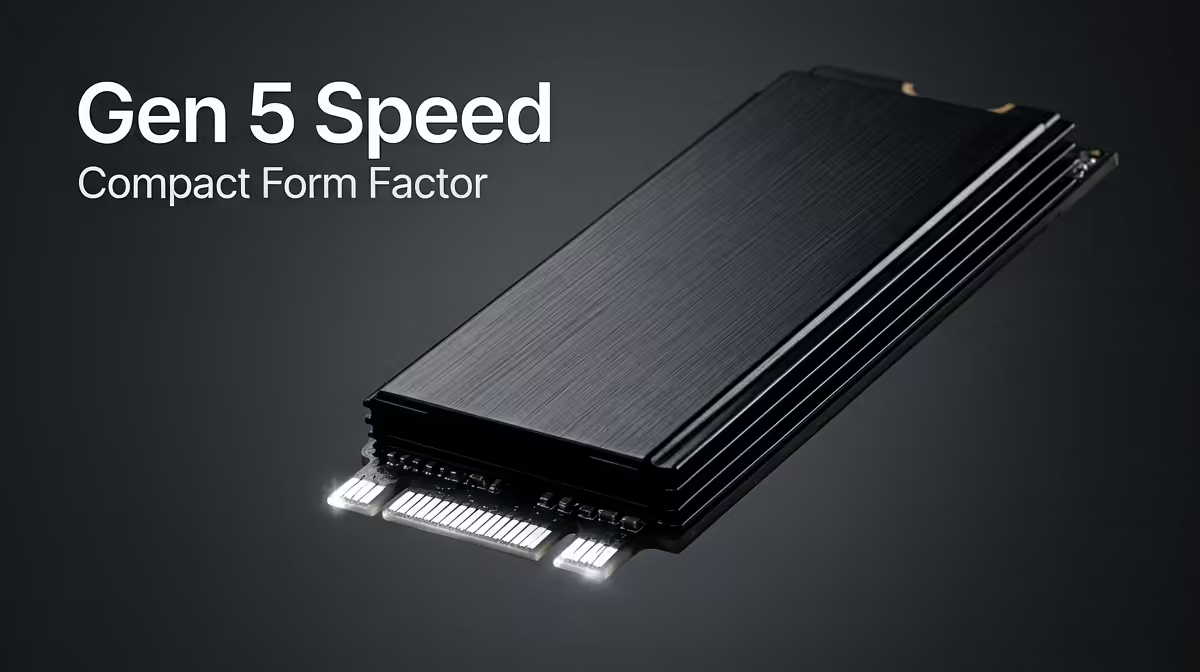
The WD Black SN850X 4TB is the standout 4TB Gen 4 option for Z890 builds at around R3,200 at Evetech, combining 7,300 MB/s sequential reads with 2,400 TBW endurance and single-sided NAND for heatsink compatibility. Genuine Gen 5 NVMe at 4TB capacity — delivering 12,000+ MB/s — is available from Seagate FireCuda 540 and Crucial T705 at the 4TB tier, priced above R5,500 at SA retail, and requires Z890's PCIe 5.0 M.2_1 slot to deliver full speed.
Why Z890 Is the Right Platform for 4TB Gen 5 NVMe
Z890 with Intel Core Ultra 200S (Arrow Lake) exposes PCIe 5.0 x4 directly from the CPU to M.2_1, enabling 4TB Gen 5 drives to reach their rated 12,000–14,000 MB/s sequential reads. Previous Intel platforms (Z790) capped M.2_1 at PCIe 4.0 x4 (7,000 MB/s), making Gen 5's 4TB premium pointless. Z890 is the first Intel desktop platform where 4TB Gen 5 actually delivers its advertised throughput.
Boards confirmed to support PCIe 5.0 M.2 include the ASUS ROG Maximus Z890 Apex, MSI MEG Z890 Ace, and Gigabyte Z890 Aorus Xtreme. Verify M.2_1 is the PCIe 5.0 slot on your specific board before installing a Gen 5 drive.
4TB Gen 5 vs 4TB Gen 4 on Z890: Which Makes More Sense
For gaming: a 4TB Gen 4 NVMe at ~R3,200 is the better value — load times are identical to Gen 5 since games use random reads, not sustained sequential throughput. For creative work involving large file handling (4K or 8K video editing, Blender asset pipelines, large database operations), the 4TB Gen 5 at ~R5,500+ provides measurable workflow improvement during long sustained writes and reads.
SA builders investing in Z890 for workstation use — particularly video editors who regularly import and export multi-GB project files — will recoup the Gen 5 premium in time savings over a 12-month period. Gaming-only builds on Z890 do not benefit meaningfully.
Heatsink Considerations for 4TB Gen 5 on Z890
Some 4TB Gen 5 NVMe drives use double-sided NAND, which is thicker than standard single-sided drives and may conflict with Z890 board heatsink covers. The Seagate FireCuda 540 4TB and Crucial T705 4TB both have double-sided configurations at this capacity — verify heatsink clearance in your board's manual. Z890 boards often include thicker thermal pads for double-sided drives, but third-party heatsinks may need purchasing separately.
FAQ
Does a 4TB Gen 5 NVMe run at full speed in Z890 M.2_1?
Yes, if M.2_1 is the PCIe 5.0 x4 CPU-direct slot — which it is on all current Z890 boards. The drive reaches 12,000–14,000 MB/s sequential reads and 10,000+ MB/s writes at the rated Gen 5 ceiling. Confirm your board's slot specification before installing.
Is 4TB enough for a full SA gaming library on Z890?
4TB accommodates approximately 50–80 modern games at current install sizes (40–100GB each). For most SA gamers, 4TB as a single-drive solution is comfortable, with room for 3D rendering projects or video editing alongside the game library.
What is the best-value 4TB NVMe for Z890 if Gen 5 is too expensive?
The WD Black SN850X 4TB at ~R3,200 at Evetech delivers 7,300 MB/s reads and 2,400 TBW — excellent endurance at the 4TB tier. It runs at PCIe 4.0 x4 speeds in Z890's M.2_1, which is adequate for all gaming and most creative workloads, at a significant saving over Gen 5.
install your 4TB NVMe in M.2_1 (the PCIe 5.0 x4 CPU-direct slot) and fit the board's heatsink — Gen 5 controllers at 4TB push 80°C under sustained load, and adequate cooling prevents throttling that would undercut the drive's high-throughput advantage.