Quick Answer
DRAM-cache NVMe drives outperform HMB drives in sustained random workloads by 20–40% in IOPS — a Samsung 990 Pro (DRAM) delivers around 1,400K random read IOPS vs 800K for a budget HMB drive like the Crucial P3 Plus. On Z890 with Core Ultra 200S, where PCIe 5.0 x4 capacity far exceeds what even DRAM-cache drives can saturate, the DRAM vs HMB choice matters most in OS responsiveness and queue-depth-1 latency, not peak sequential throughput.
How DRAM Cache and HMB Differ on Z890
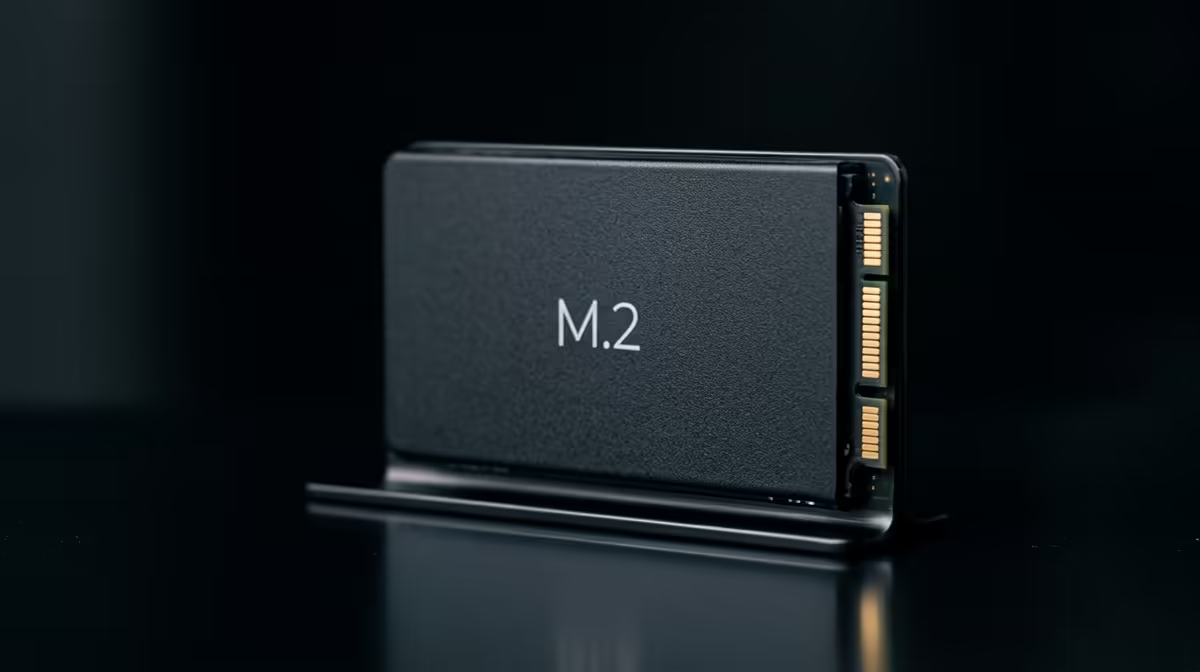
DRAM-cache drives carry dedicated LPDDR4 or LPDDR5 RAM on the drive PCB — typically 1–2GB for a 1–2TB NVMe. This DRAM stores the flash translation layer (FTL), enabling near-instant random I/O lookups without touching NAND. HMB (Host Memory Buffer) drives borrow a portion of system RAM (256MB–1GB) over the PCIe link instead, with slightly higher latency due to the PCIe round-trip.
On Z890's PCIe 5.0 interface, the PCIe latency for HMB lookups is lower than on Gen 4 platforms — the faster bus partially closes the gap between DRAM-cache and HMB in random read scenarios. However, DRAM-cache drives still maintain an advantage in queue-depth-1 (QD1) latency, which governs OS responsiveness for single-threaded tasks like opening applications, compiling shaders, and loading game assets sequentially.
Real-World Impact for SA Z890 Builders
For a gaming-focused Z890 build, DRAM-cache vs HMB translates to:
- Boot time: DRAM-cache drives boot Windows 11 roughly 2–4 seconds faster on average.
- Game load times: Difference is under 1 second in most titles — both are fast enough.
- OS responsiveness: DRAM-cache drives feel snappier during multi-tasking (switching between applications, opening large files).
- Price gap: A 2TB HMB drive like the Crucial P3 Plus costs around R1,600 vs R2,400 for a 2TB DRAM-cache Samsung 990 Pro at Evetech — an R800 difference.
For workstations on Z890 doing database operations, large-file indexing, or sustained random I/O, DRAM cache is worth the premium. For gaming-only Z890 builds, HMB is a legitimate budget choice.
Z890 GPU and CPU Pairing Context
Z890 builds typically feature RTX 5080 or RX 9070 XT class GPUs (R18,000–R25,000 range) and Core Ultra 9 processors. In this system context, the R800 price difference between DRAM and HMB NVMe is minor. SA builders at this budget tier should default to DRAM-cache NVMe — the quality and responsiveness match the rest of the platform.
FAQ
Does HMB NVMe significantly hurt gaming performance on Z890?
No. In most gaming benchmarks, HMB drives are within 5% of DRAM-cache drives in game load times. The difference is perceptible in OS responsiveness and multi-tasking but not in game FPS or load screens in the majority of titles.
How much system RAM does HMB use on Z890?
Typically 256MB–1GB, configurable via the NVMe driver. On a Z890 build with 32GB DDR5, allocating 512MB to HMB is imperceptible to gaming performance — DDR5's high bandwidth makes the HMB overhead negligible.
Is DRAM cache worth it for a Z890 build already spending R25,000+ on components?
Yes. A R800 premium for DRAM cache on a R25,000+ build is a trivial cost for meaningfully better OS responsiveness and drive longevity. Always choose DRAM cache at this budget tier — the Samsung 990 Pro 2TB or WD Black SN850X 2TB are the standard picks at Evetech.
choose DRAM-cache NVMe for your OS drive — the QD1 latency advantage makes everyday Windows use noticeably snappier, and on a high-end Z890 build the R800 cost difference between DRAM and HMB drives is easily justified by the overall system investment.