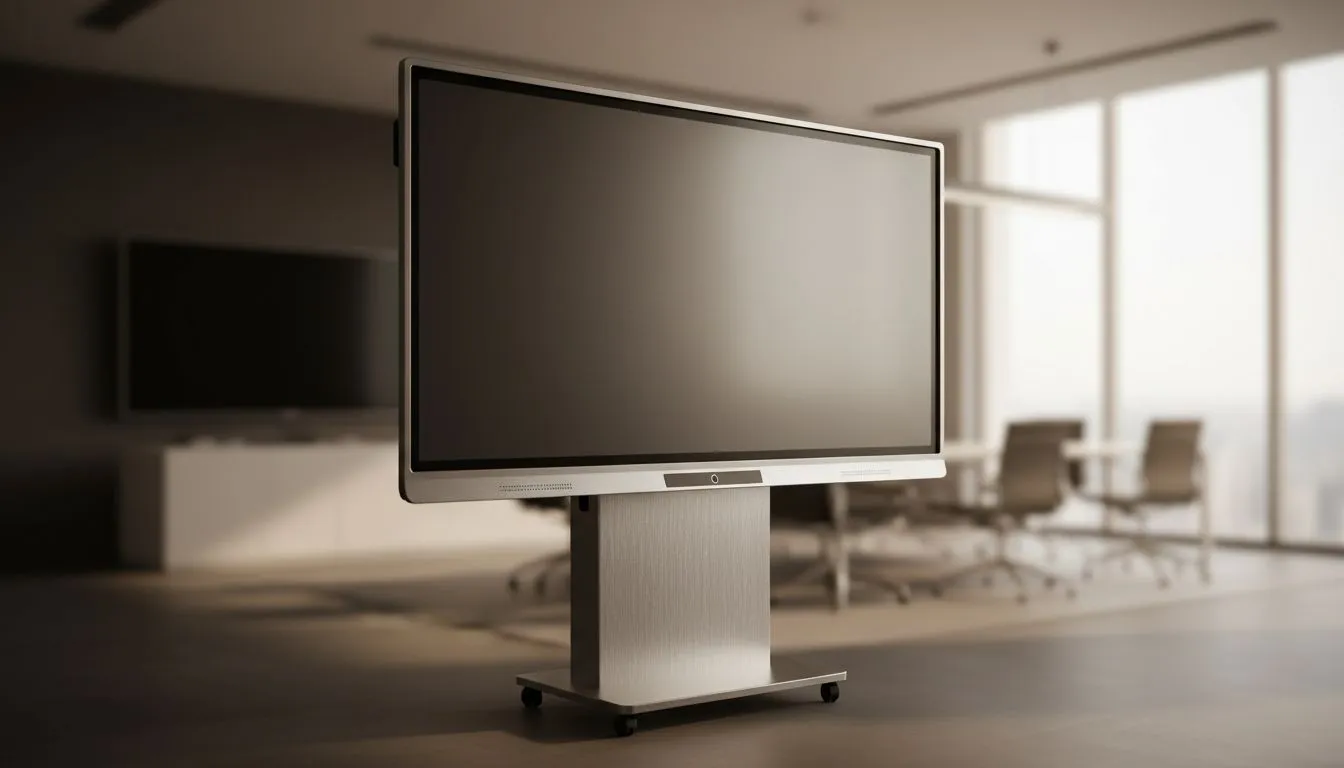
86-inch ViewBoard: Why size transforms your boardroom
An 86-inch ViewBoard is more than a big screen… it’s a focal point for collaboration, presentation and decision-making. South African teams running hybrid meetings notice fewer misunderstandings, faster sign-offs and higher engagement when everyone sees the same content clearly. 🔧
86-inch ViewBoard: Benefit 1 — All eyes on the data
Big canvases make detail readable at a glance. Use the screen for spreadsheets, dashboards and video calls, and you’ll reduce the back-and-forth that kills momentum. If you need display options that preserve clarity and colour across wide viewing angles, consider IPS panels for consistent image quality across the room (Evetech lists IPS monitors in their panel selection). https://www.evetech.co.za/PC-Components/pc-monitors-89?attributes-paneltype=IPS
86-inch ViewBoard: Benefit 2 — Smooth video and conferencing
Meeting content often mixes 4K video, screen shares and webcam streams. Adaptive refresh tech helps avoid judder when demoing video or live feeds. Explore monitors with Adaptive Sync for smoother motion during demos. https://www.evetech.co.za/PC-Components/pc-monitors-89?attributes-adaptivesync=Adaptive+Sync
86-inch ViewBoard: Benefit 3 — Tailored layouts and room fit
Whether your boardroom favours a flat wall-mounted display or a subtle curve to reduce glare, there are options. If you prefer a flat installation to match modern boardroom aesthetics, check flat-screen choices. https://www.evetech.co.za/PC-Components/pc-monitors-89?attributes-curved%2Fflatscreen=Flat
Or go curved where wraparound viewing helps presenters and side-seated attendees. https://www.evetech.co.za/PC-Components/pc-monitors-89?attributes-curved%2Fflatscreen=Curved
86-inch ViewBoard: Benefit 4 — Compatibility with your hardware
Your boardroom PCs and video systems should talk to the display without fuss. If your workflows benefit from GPU-synced rendering (for 3D demos or motion-heavy assets), look at displays compatible with G-Sync or FreeSync depending on your hardware. NVIDIA users can find G-Sync-capable monitors here. https://www.evetech.co.za/PC-Components/pc-monitors-89?attributes-adaptivesync=G-Sync+%28NVIDIA%29
AMD users can see FreeSync options here. https://www.evetech.co.za/PC-Components/pc-monitors-89?attributes-adaptivesync=FreeSync+%28AMD%29
86-inch ViewBoard: Benefit 5 — Future-proofing and upgrade paths
An 86-inch ViewBoard is a platform. Think interactive whiteboarding, multi-source inputs and rooms that scale with your team. Start from Evetech’s main monitors hub to compare sizes and features before choosing a large-format display. https://www.evetech.co.za/PC-Components/pc-monitors-89
Practical setup tips for South African boardrooms
- Mount height: centre at seated eye level for long meetings.
- Lighting: avoid direct sunlight; diffuse LEDs work best.
- Audio: pair the screen with a conference microphone array for hybrid meetings.
Installation Tip ⚡
On Windows, use the PowerToys FancyZones utility to create custom snap layouts for your windows. It's a lifesaver for managing multiple apps on an ultrawide monitor, letting you organise your timeline, preview window, and asset folders perfectly for video editing.
86-inch ViewBoard: Small investments, big gains 🚀
Choosing the right 86-inch ViewBoard reduces meeting time, improves clarity and lifts participation. If you need help matching a display to your room size, AV gear and company workflows, Evetech support can help you spec the right model and mounting kit.
Ready to Find Your Perfect Match?
The Mac vs Windows debate is complex, but for maximum power, choice, and value in South Africa, Windows is hard to beat. Explore our massive range of laptop specials and find the perfect machine to conquer your world.