Wireless charging gaming peripherals: why South African setups need them ⚡
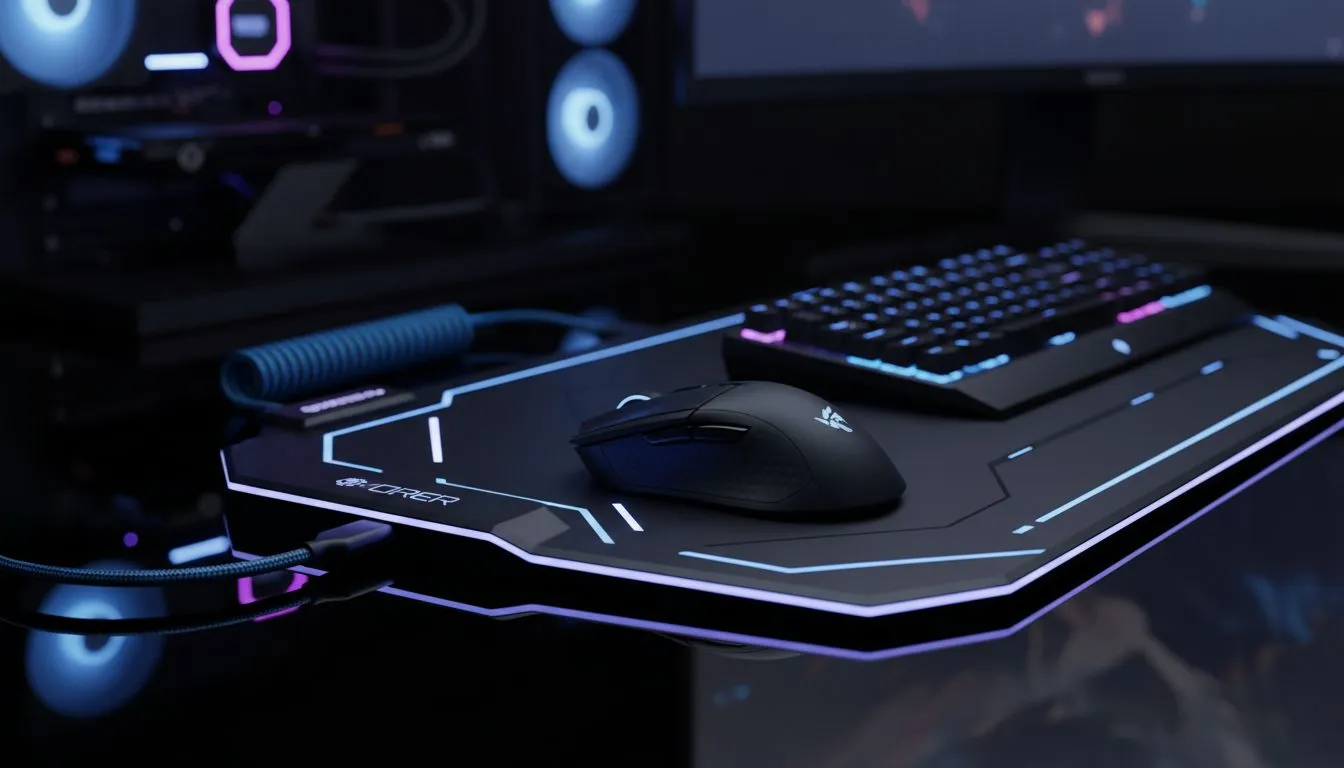
If you hate cable clutter and want a cleaner desk that still performs in ranked, wireless charging gaming peripherals make sense. They tidy your space, cut cord wear, and keep you focused on the frag, not the fray. Start small—think a charging mousepad before you rewire the whole rig.
In case you want a primer on pads first, read this mouse pad basics guide from Evetech: mouse pad basics.
Wireless charging peripherals: what to look for
Look for compatibility, charging standard, and pad surface. Many gaming pads use Qi-compatible coils; that matters if your mouse supports wireless charging. Also check surface texture and size—tactile feel affects aim and DPI consistency. For a branded range you can trust, browse the Evetech mousepad range.
If you prefer popular brand ecosystems, see what SteelSeries options and Marvo pads offer before buying.
Wireless charging gaming peripherals: RGB, size and surface choices ✨
Decide whether you want lighting. RGB adds flair and syncs with your rig, but non-lit pads often cost less and focus purely on performance. Compare both to find what fits your playstyle: no-lighting mouse pads or RGB mouse pads.
Size matters too. Extended and XXL pads give a smooth sweep for low-sense players. If you aim across wide arcs, check out XXL mouse pads and Extended options.
How to future-proof your setup with wireless charging
Future-proofing is about modular upgrades. Start with a wireless charging mousepad; you keep the desk tidy and can swap mice later. Look for pads with replaceable cables or multiple coil zones—these extend usable life.
Charging Placement Tip ⚡
Place the pad’s charging coil under your usual mouse zone. Test a 5–10 minute charge, then a full session. If your mouse slips or the charge is inconsistent, try a different surface alignment. This simple check saves returns and keeps latency low.
Micro-story: I switched to an extended charging pad and found cable tangles dropped by 90%. My desk looked sharper and I focused more during late-night sessions. Little wins add up.
Mixing wired and wireless: an upgrade path that works
You don’t need an all-or-nothing approach. Keep a wired backup for tournaments. Use wireless charging peripherals for daily play and practice. When choosing mice, check whether the manufacturer supports Qi or sells a charging receiver—this affects compatibility and performance.
Think of upgrades as layers: pad first, then mouse, then a charging mat for your phone and headset. Each layer should be tested for latency and ease of use.
Ready to Find Your Perfect Match?
The Mac vs Windows debate is complex, but for maximum power, choice, and value in South Africa, Windows is hard to beat. Explore our massive range of laptop specials and find the perfect machine to conquer your world.