


86-inch ViewBoard: Top 5 Benefits for Your Boardroom
86-inch ViewBoard transforms meetings with larger visuals, interactive touch, and seamless collaboration. Discover five benefits that boost clarity, engagement, and ROI. 📊🤝
Read moreDigital whiteboard solutions speed collaboration and simplify the move from analog tools 🧭 Learn practical steps, best digital whiteboard apps, hardware options, and rollout tips for teams.
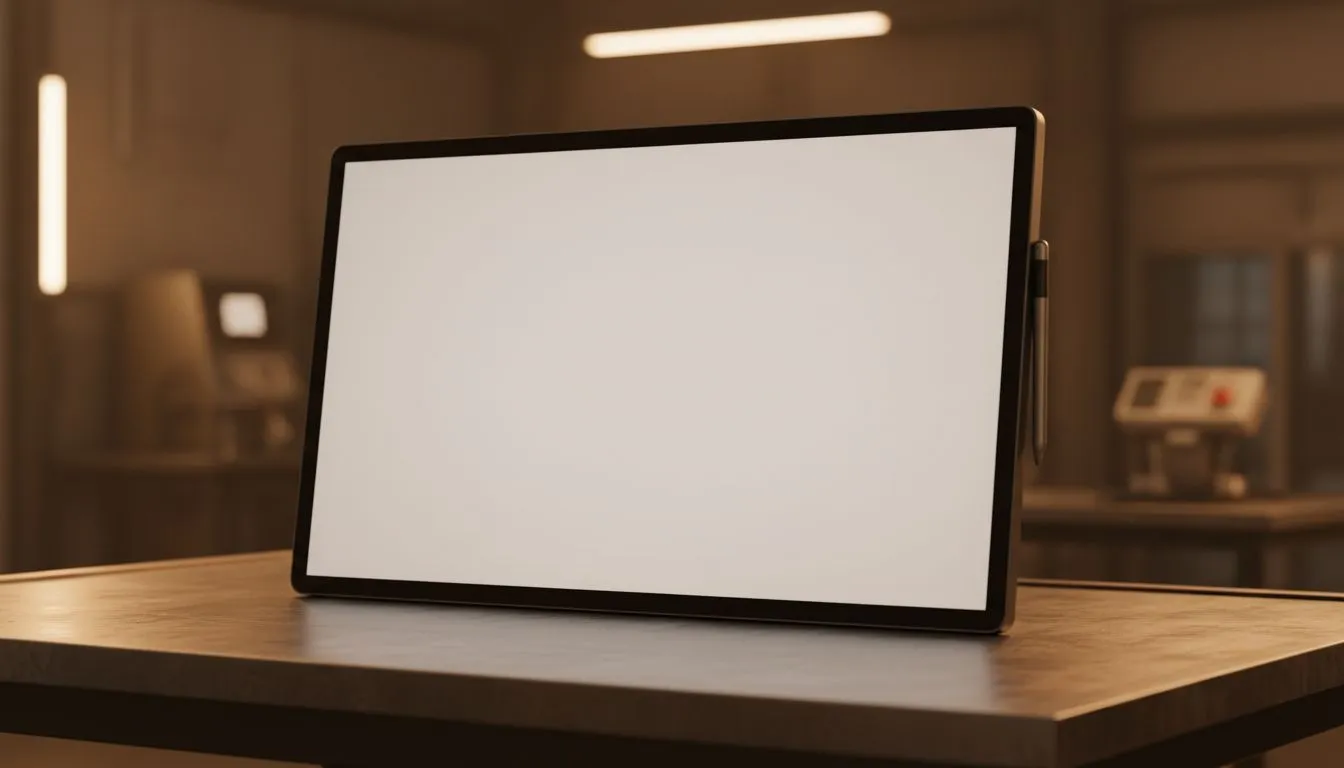
Thinking about how to "Digital Whiteboard Guide: Move from Analog to Digital"? Start small. Swap sticky notes and dusty markers for a cloud-syncing board and you’ll cut meeting time, stop lost ideas, and keep remote players in the loop. Whether you’re a classroom teacher in Joburg or a dev team in Cape Town, a digital whiteboard speeds collaboration and keeps a record you can actually search.
A great digital whiteboard feels like writing on paper. That starts with the right monitor. If you want smooth pen response and wide colours, look at IPS panel options — they offer consistent colour and viewing angles for group work (see IPS listings). Learn more about IPS panels here: IPS panel monitors at Evetech.
Pen latency can be affected by refresh rate and adaptive sync. If your workflow mixes fast animations or video playback with whiteboard sessions, consider displays with Adaptive Sync technologies. Evetech lists monitors with Adaptive Sync to reduce stutter and keep interactions smooth. Explore Adaptive Sync options: Adaptive Sync monitors.
For classroom walls or shared meeting rooms, a large flat screen often works best. For a focused single-user setup, an ultrawide curved panel gives immersive space for multiple app windows. Evetech separates flat and curved choices so you can compare form factors. Check flat screens: Flat monitors Check curved options: Curved monitors.
If you run AMD hardware, FreeSync models provide strong value. Nvidia users should target G-Sync compatible displays for guaranteed smoothness. Evetech’s filters let you match sync tech to your GPU and budget. AMD-friendly FreeSync displays: FreeSync (AMD) monitors Nvidia-compatible displays: G-Sync (NVIDIA) monitors.
Use a tablet or pen-display as your primary input. In Windows, map your stylus to a single app workspace; if you pair that with a 27"+ IPS monitor, you get both precision and the colour accuracy needed for design and teaching.
We swapped a weekly analog board for a shared digital board. Tasks that took 20 minutes to copy now sync instantly to remote teammates. Fewer follow-up messages. More focus. That came down to choosing an IPS panel and the right sync tech... then training the team for two short sessions.
Ready to Find Your Perfect Match? The Mac vs Windows debate is complex, but for maximum power, choice, and value in South Africa, Windows is hard to beat. Explore our massive range of laptop specials and find the perfect machine to conquer your world.
A digital whiteboard is software or hardware that lets teams draw, share, and save boards. It adds cloud saving and collaboration, unlike a dry-erase analog board.
Top options include Miro, Microsoft Whiteboard, and Jamboard. Choose based on integrations, templates, and real-time collaboration features.
Start with teacher training, pilot a classroom, use interactive displays or tablets, and pick classroom-ready digital whiteboard apps.
Consider interactive displays, touch-capable monitors, a reliable PC or mini PC, and a stylus. Match hardware to your digital whiteboard software.
Yes—digital whiteboards boost remote collaboration, reduce revisions, and save time. Compare software subscriptions and hardware lifespan.
Choose tools with SSO, encryption, and admin controls. Regularly audit shares and use enterprise plans when available.
Assess needs, pilot with a team, train users, standardize templates, and monitor adoption using feedback and analytics.
They provide live annotation, shared canvases, and saved session histories, making remote workshops interactive and trackable.
86-inch ViewBoard transforms meetings with larger visuals, interactive touch, and seamless collaboration. Discover five benefits that boost clarity, engagement, and ROI. 📊🤝
Read more
Wireless charging gaming peripherals transform cable clutter and extend device lifespan — learn to build a unified wireless charging ecosystem, choose compatible gear, and future-proof your setup. ⚡🎮
Read more
Wireless gaming accessories to pair with your Logitech G mouse — upgrade audio, keyboards, pads and charging for clutter-free, low-latency play. 🎧⚡
Read more
• Compare lifetime costs; • Estimate savings; • Recommend budget picks — Wireless charging mousepad lowers battery and cable expenses over time, reduces replacements and clutter ⚡
Read more
Logitech G PowerPlay 2 delivers refined wireless charging, improved surface compatibility and better tracking—discover if upgrading from PowerPlay boosts performance and value 🚀⚡
Read more
Expand console storage quickly and affordably: a practical guide for South African gamers covering SSDs, HDDs, expansion cards, USB solutions, price tips and local deals 🇿🇦🎮
Read more
Discover webcams that automatically adjust light and color for crystal-clear video calls 🎥✨. Boost your streaming quality today!

Discover webcams that blend into your workflow 🎯 Capture moments while you work, stream, or create. Upgrade your setup with smart, multitasking tech!

Dedicated media keys give streamers one-touch control to mute, switch scenes, clip highlights, and adjust audio — cutting task time and boosting consistency 🎛️⚡

PBT vs ABS keycaps: Clear, local guide for South African gamers—compare feel, sound, durability and where to buy. Find the best material for your budget and playstyle 🎮🇿🇦

- Multi-Function Digital Dial: define benefits - Show gamer setups and macros - Offer buying and setup tips Multi-Function Digital Dial puts programmable control at your fingertips for faster actions and smoother streaming. 🎮⚙️

- Explain benefits; - Show the science; - Compare options; - Recommend picks. Magnetic wrist rest for gaming cuts wrist strain and boosts comfort during long sessions 🕹️✨