


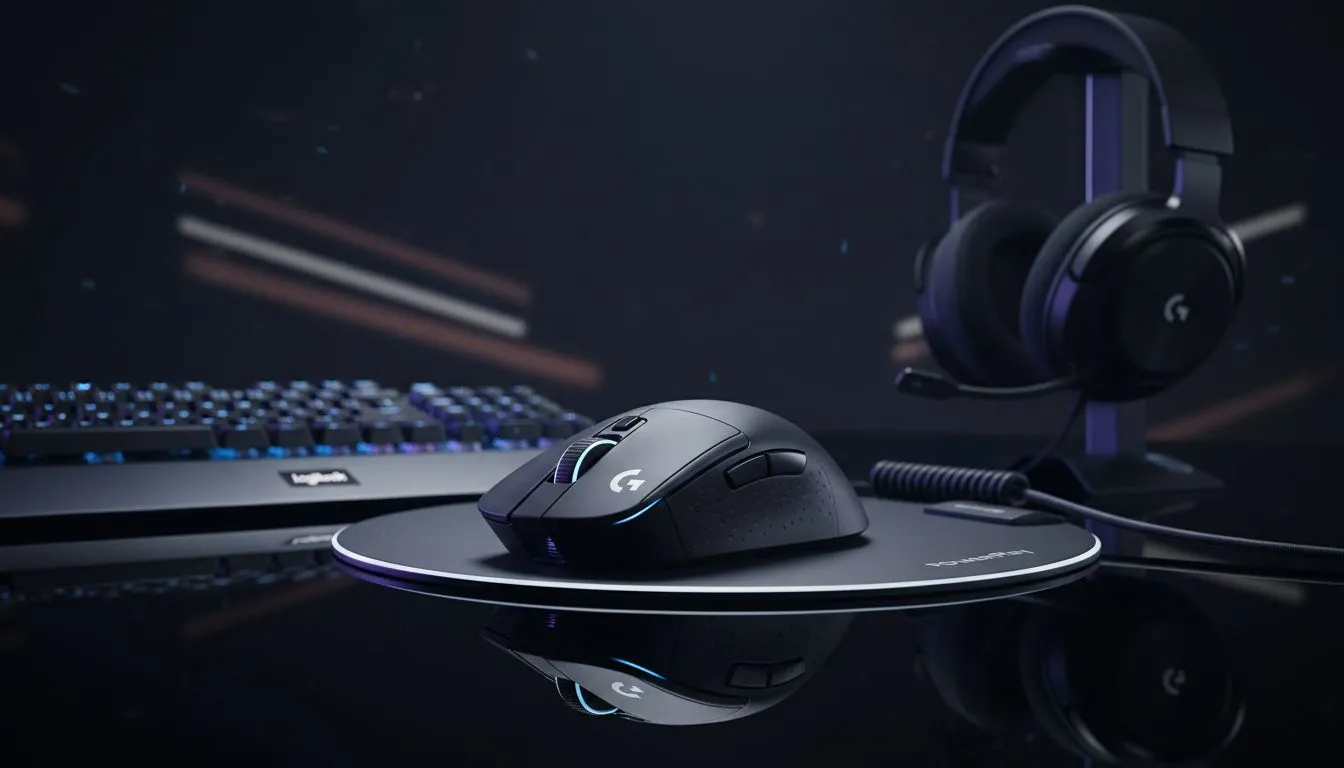
Wireless gaming accessories to add when you own a Logitech G mouse — quick wins 🔧
If you bought a Logitech G mouse, you already understand precision matters. Wireless Gaming Accessories to Add If You Own a Logitech G Mouse isn’t just a shopping list; it’s a practical upgrade path to reduce latency and boost comfort. Start with the right surface — Evetech’s mouse pad guide explains how cloth and hard pads change tracking and control. https://www.evetech.co.za/components/mouse-pads-101
Wireless gaming accessories to add when you own a Logitech G mouse — pick the right pad
A Logitech G sensor performs best on a matched surface. If you prefer premium cloth, check Evetech’s curated Evetech Mousepad options to find consistent glide and predictable stopping points. https://www.evetech.co.za/components/mouse-pads-101?category=Evetech+Mousepad
Clambake for specs? Instead of chasing specs you don’t need, choose a pad that feels right under your hand and complements your playstyle. Brands like SteelSeries offer textured surfaces tuned for esports players — worth testing if you aim for competitive play. https://www.evetech.co.za/components/mouse-pads-101?category=Steelseries+Gaming+Mouse+Pads
Wireless gaming accessories to add when you own a Logitech G mouse — lighting, size and layout ⚡
Want RGB flair or a subtle setup? There are solid, budget-friendly RGB mousepads from Marvo that add ambience without losing tracking quality. Match your mouse’s performance with a pad that lights the rig but keeps a flat, stable surface. https://www.evetech.co.za/components/mouse-pads-101?category=Marvo+Gaming+Mousepads
If you like a minimalist desk, choose a pad without lighting for fewer distractions and a cleaner battery life story. Evetech lists non-lit options if you prefer function-first. https://www.evetech.co.za/components/mouse-pads-101?attributes-lightingeffects=No
For desktop theatre, an RGB surface gives coordinated lighting across mouse and keyboard. If you like that look, explore pads with integrated lighting that still stay performance-focused. https://www.evetech.co.za/components/mouse-pads-101?attributes-lightingeffects=Yes+%28RGB%29
Size matters. A compact pad suits low-sensitivity players; an XXL surface supports sweeping flicks and consistent wrist placement. If your Logitech G is paired with widescreen monitors or an ultrawide, consider an XXL mat for one-surface coverage. https://www.evetech.co.za/components/mouse-pads-101?attributes-size=XXL
Prefer keyboard and mouse on the same mat? Extended desk mats provide consistent texture across both devices and reduce edge drag during big movements. https://www.evetech.co.za/components/mouse-pads-101?attributes-size=Extended
Wireless gaming accessories to add when you own a Logitech G mouse — pro tips & final checks 🚀
Small investments make big differences. Use a low-profile USB extension for the dongle to avoid interference. Keep firmware updated via Logitech G HUB for stable wireless performance. Try different pads for a week each — muscle memory adjusts fast.
Wireless Desk Setup Tip ⚡
Place a low-profile USB extension or a front-mounted hub for your Logitech receiver. Keeping the receiver unobstructed reduces signal bounce and tracking dropouts, especially on metal desks.
Want ergonomic comfort? Add a wrist rest that matches your pad height and a mouse bungee or cable-holder if you ever switch back to wired. These keep consistent hand placement, which improves aim and reduces fatigue.
Ready to Find Your Perfect Match? The Mac vs Windows debate is complex, but for maximum power, choice, and value in South Africa, Windows is hard to beat. Explore our massive range of laptop specials and find the perfect machine to conquer your world.











