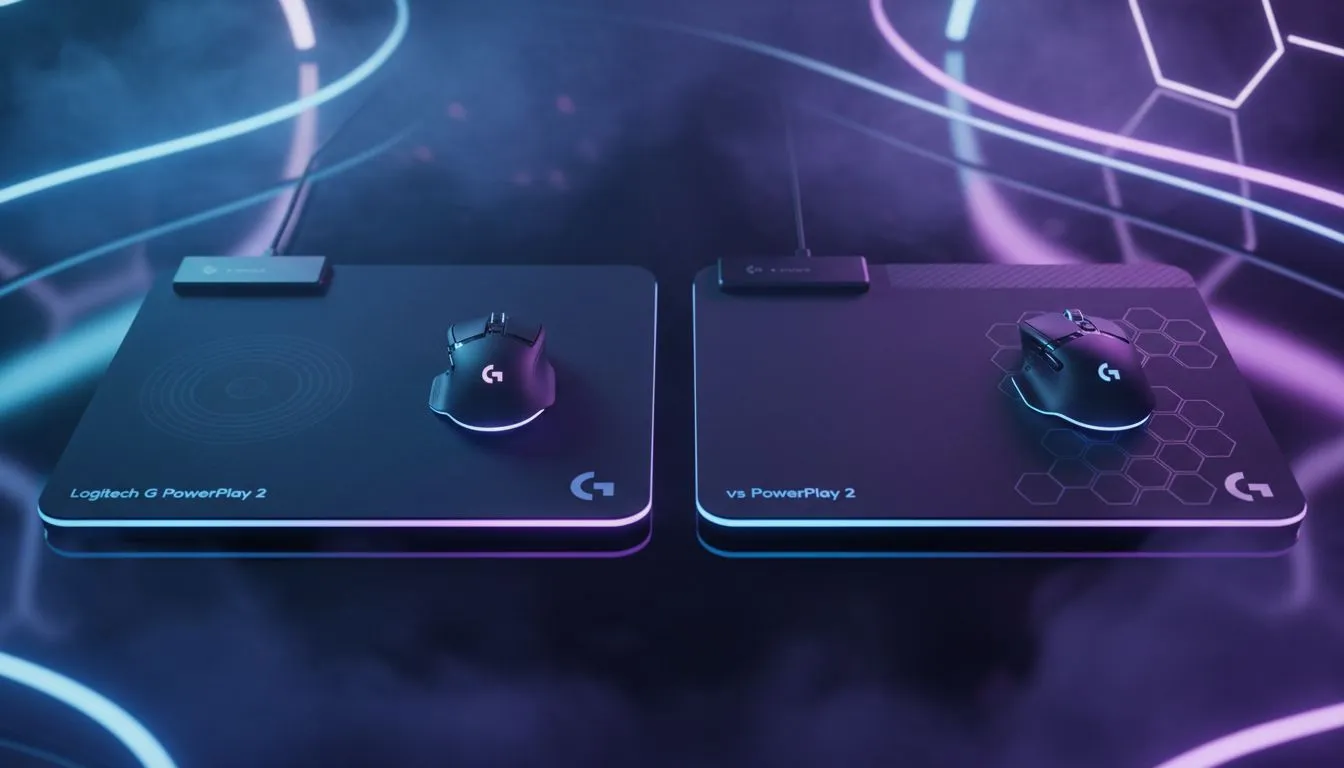
Logitech G PowerPlay 2 vs PowerPlay — First 10‑second verdict ⚡
Thinking about whether the Logitech G PowerPlay 2 vs PowerPlay debate matters for your rig? If you game in SA and value wireless convenience plus low-friction tracking, this quick read will help you decide fast — and point you to compatible pads and sensible upgrades without the hype. 🚀
Logitech G PowerPlay 2 vs PowerPlay — What changed
Logitech’s newer wireless charging mat focuses on tuned coil placement and surface texture. That means more consistent charging across the pad and a slightly different glide feel for some mice. For background on mouse‑pad types and how texture affects sensor performance, check Evetech’s mouse pad guide.
(Reference: Evetech mouse pad basics: https://www.evetech.co.za/components/mouse-pads-101)
PowerPlay 2 vs PowerPlay — Real-world upgrade value
Is the PowerPlay 2 worth swapping from the original? If your current mat already charges reliably and you don’t experience sensor lift or inconsistent charging, the upgrade is a marginal benefit. But for owners who experience dead zones or want a refined surface, the newer model can feel noticeably smoother.
Tip: pairing matters. If you want an Evetech-curated selection that matches different glide preferences, browse the Evetech mouse pad selection to see fabric, rubber base and coil-friendly layouts.
(Reference: Evetech selection: https://www.evetech.co.za/components/mouse-pads-101?category=Evetech+Mousepad)
Compatibility and pairing — what to buy next
Pairing a wireless charger mat with the right surface and mouse improves tracking and comfort. If you prefer firmer cloth or high-speed glide, check SteelSeries pads for a similar premium feel. If you’re on a budget but want decent performance, Marvo pads are worth a look.
(Reference: SteelSeries pads: https://www.evetech.co.za/components/mouse-pads-101?category=Steelseries+Gaming+Mouse+Pads)
(Reference: Marvo budget options: https://www.evetech.co.za/components/mouse-pads-101?category=Marvo+Gaming+Mousepads)
Consider whether you want RGB flair or a minimal setup. Evetech lists both non-RGB and RGB options so you can match desk aesthetics without compromising function: non-RGB pads here, RGB pads here.
(Reference: Non-RGB: https://www.evetech.co.za/components/mouse-pads-101?attributes-lightingeffects=No)
(Reference: RGB: https://www.evetech.co.za/components/mouse-pads-101?attributes-lightingeffects=Yes+%28RGB%29)
If desk space lets you, an XXL or Extended mat keeps your keyboard and mouse on the same glide plane — and helps keep charging placement consistent. Browse XXL and Extended options to visualise scale for your desk.
(Reference: XXL: https://www.evetech.co.za/components/mouse-pads-101?attributes-size=XXL)
(Reference: Extended: https://www.evetech.co.za/components/mouse-pads-101?attributes-size=Extended)
Pairing Pro Tip ⚡
Align the mouse’s charging coil area with the pad’s indicated charging zone. For trackers with low lift-off, slightly rougher cloth can improve aim stability. If you’re testing a PowerPlay mat, use consistent mouse feet and avoid swapping skates mid‑test — it keeps data honest.
Cost, availability and local perspective
Upgrading in South Africa should balance ZAR value vs real gains. If a PowerPlay 2 is listed notably higher than the original, ask whether the smoother coil map and surface texture justify the premium for your playstyle. Evetech’s product pages and guides help you compare features and stock quickly, and they often show local availability and pricing in ZAR.
Final thoughts — who should upgrade?
Upgrade if you:
- Notice dead zones or inconsistent charging.
- Want a slightly different glide profile for competitive aim.
Don’t bother if your current mat charges well and you prefer to spend ZAR on other upgrades like a new mouse sensor or better skates.
Ready to Find Your Perfect Match?
The Mac vs Windows debate is complex, but for maximum power, choice, and value in South Africa, Windows is hard to beat. Explore our massive range of laptop specials and find the perfect machine to conquer your world.