Moving Beyond USB Dongles for Better Connectivity
We have all been there... you are ready to jump into a lobby, but your Bluetooth headset keeps dropping connection because of a flimsy USB dongle sticking out of your front I/O. It is frustrating, inefficient, and frankly, it is time for an upgrade. If you want a rock-solid wireless connection for your controller, mouse, or audio gear without sacrificing a precious USB port, it is time to look at internal solutions. 🔧
The Superiority of PCIe Network Adapters
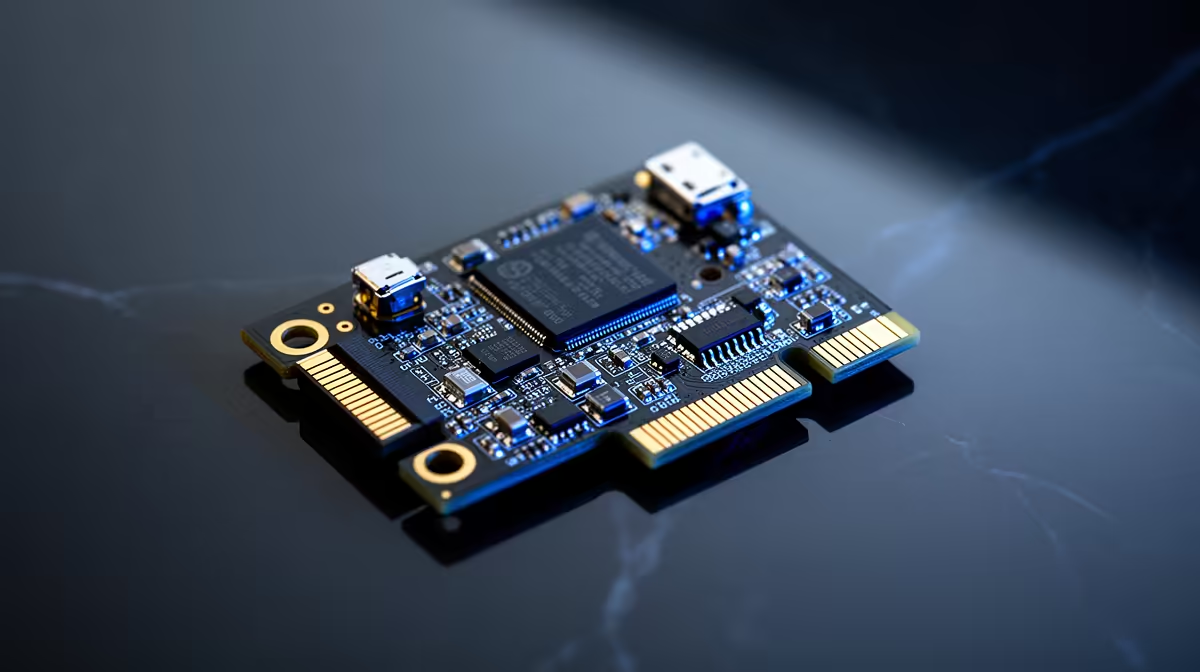
Why bother with a dongle when you can integrate Bluetooth directly onto your motherboard? By choosing to buy network adapters that feature PCIe interfaces, you gain access to external antennas. These provide significantly better range and signal stability compared to those tiny, interference-prone USB sticks. It is the cleanest way to add high-speed Wi-Fi and Bluetooth to your rig in one go.
Pro Connectivity Tip ⚡
When installing a PCIe card, always ensure you connect the internal USB header cable to your motherboard. Many users forget this step, which powers the Bluetooth module specifically. Without it, your Wi-Fi might work, but your PC will not be able to "see" any Bluetooth devices!
Choosing the Right Hardware for Your Rig
When you start shopping, you will notice a few standout brands that dominate the local market. If you are looking for reliability and proven performance, TP-LINK network adapters are an industry standard for a reason. They offer excellent driver support and consistent firmware updates to keep your connection secure.
Alternatively, if you are building on a budget but refuse to compromise on quality, Cudy network adapters provide incredible value for money. Whether you are gaming in a busy household or streaming in 4K, these cards ensure your peripherals stay synced without the dreaded input lag. 🚀
Why Internal Upgrades Win Every Time
Beyond the aesthetic appeal of a clutter-free desk, internal cards are less likely to be damaged by accidental bumps. They also leave your USB ports free for high-bandwidth devices like external SSDs or webcams. For the South African gamer, this is about building a machine that feels professional and performs without hiccups. ✨
Ready to Find Your Perfect Match? Upgrading your PC's connectivity is the easiest way to improve your daily gaming experience. Explore our massive range of network adapter specials and find the perfect component to conquer your world.