


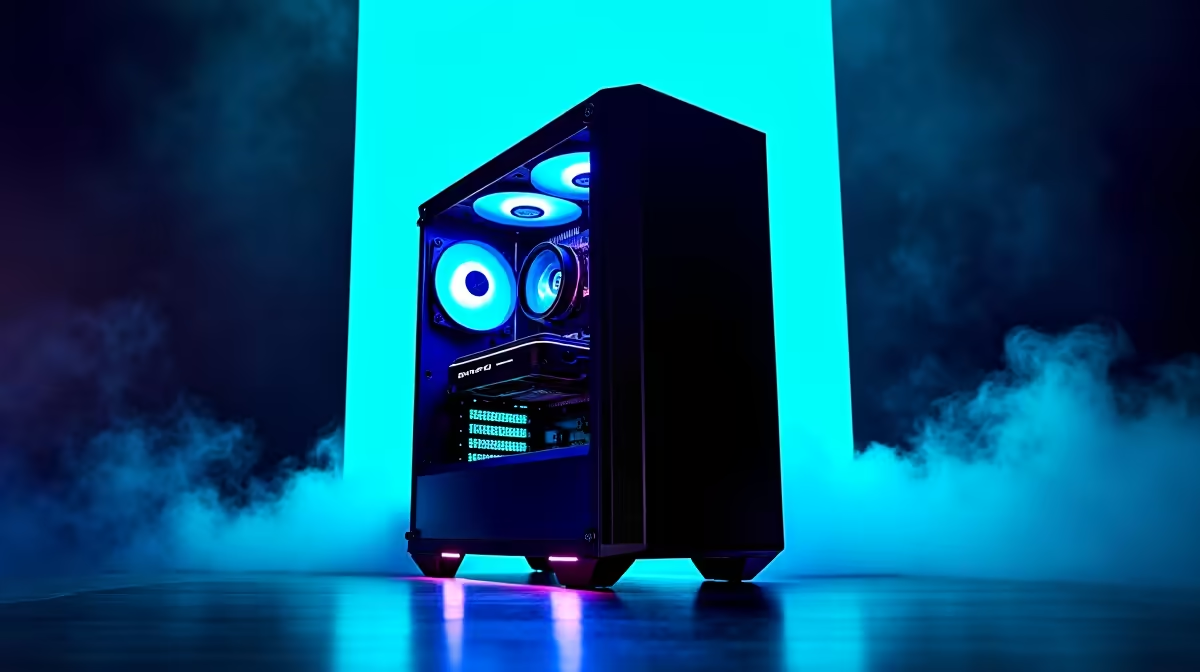
You’ve seen what AI can do online, but the real magic is happening right on our desktops. With powerful open-source models like DeepSeek, South African developers, creators, and gamers can finally run their own private AI. But this isn't like running your favourite game… it demands serious power. So, what are the actual DeepSeek hardware requirements, and is your current PC up to the task? Let's dive in and see what it takes. 🚀
Why Local AI Needs Serious Muscle
Running a large language model (LLM) like DeepSeek on your own machine is a whole different beast compared to using a web service. Instead of relying on a massive data centre, your PC handles everything. This gives you incredible privacy and control, but it means your components, especially your graphics card, are put to the test.
The main challenge is memory. These AI models are massive and need to be loaded into your GPU's video memory (VRAM) to run efficiently. If you don't have enough VRAM, performance drops dramatically. Understanding the specific DeepSeek hardware requirements is the first step to building a powerful local AI setup.
The Core Hardware You Need for DeepSeek
Getting your PC ready for AI isn't just about having the latest and greatest parts; it's about having the right parts. Let's break down the essentials.
The GPU: Your AI Powerhouse ⚡
The Graphics Processing Unit (GPU) is, without a doubt, the most critical component. It handles the complex parallel calculations needed to process AI models.
- VRAM is King: For LLMs, VRAM is everything. The more you have, the larger and more capable the models you can run smoothly. A card with 8GB of VRAM is the absolute minimum, but 12GB, 16GB, or even 24GB is highly recommended for a good experience.
- NVIDIA's CUDA Advantage: While both major brands make great gaming cards, NVIDIA currently holds the crown for AI. Its CUDA technology is the industry standard for machine learning, offering broad support and optimised performance. If you're serious about running local AI, choosing a system from our range of NVIDIA GeForce Gaming PCs is your most reliable path to success.
While NVIDIA is the top choice, AMD is making strides. For tinkerers and open-source enthusiasts, exploring options from our AMD Radeon Gaming PCs can be a rewarding, though often more complex, alternative.
Check Your VRAM 🔧
Unsure how much VRAM your GPU has? On Windows 11 10, open Task Manager (Ctrl+Shift+Esc), go to the "Performance" tab, and click on your GPU. The "Dedicated GPU Memory" value is what you're looking for. This is your primary resource for running AI models.
System RAM & Storage: The Supporting Cast
While the GPU does the heavy lifting, your other components can't be a bottleneck.
- System RAM: Aim for at least 32GB of fast DDR4 or DDR5 RAM. This gives your system enough breathing room to manage the OS, background tasks, and the AI model itself without constant slowdowns.
- Storage: AI models are large files, often many gigabytes in size. A fast NVMe SSD is essential. It will drastically reduce model loading times, getting you from a cold start to generating results in seconds instead of minutes.
Gaming PC vs. Workstation: Which is Right for AI?
The good news is that the hardware that makes a great gaming PC also makes a fantastic local AI machine. High VRAM, a powerful GPU, and a fast CPU are shared priorities. However, if your AI work is for professional projects where stability is paramount, a dedicated build might be better.
Our custom Workstation PCs are designed for sustained, heavy workloads, often featuring components like ECC (Error Correcting Code) RAM and NVIDIA RTX Ada Generation (formerly Quadro) GPUs for certified driver support and rock-solid reliability. For most hobbyists and gamers exploring AI, a high-end gaming rig is the perfect, cost-effective solution.
Ready to Build Your AI Powerhouse? The world of local AI is just getting started, and having the right hardware is your ticket in. Whether you need a full system or just a GPU upgrade, Evetech has the gear to get you running. Explore our powerful NVIDIA Gaming PCs and build the machine that will power your AI ambitions.









