Troubleshooting When Your PCI Network Adapter Is Not Detected
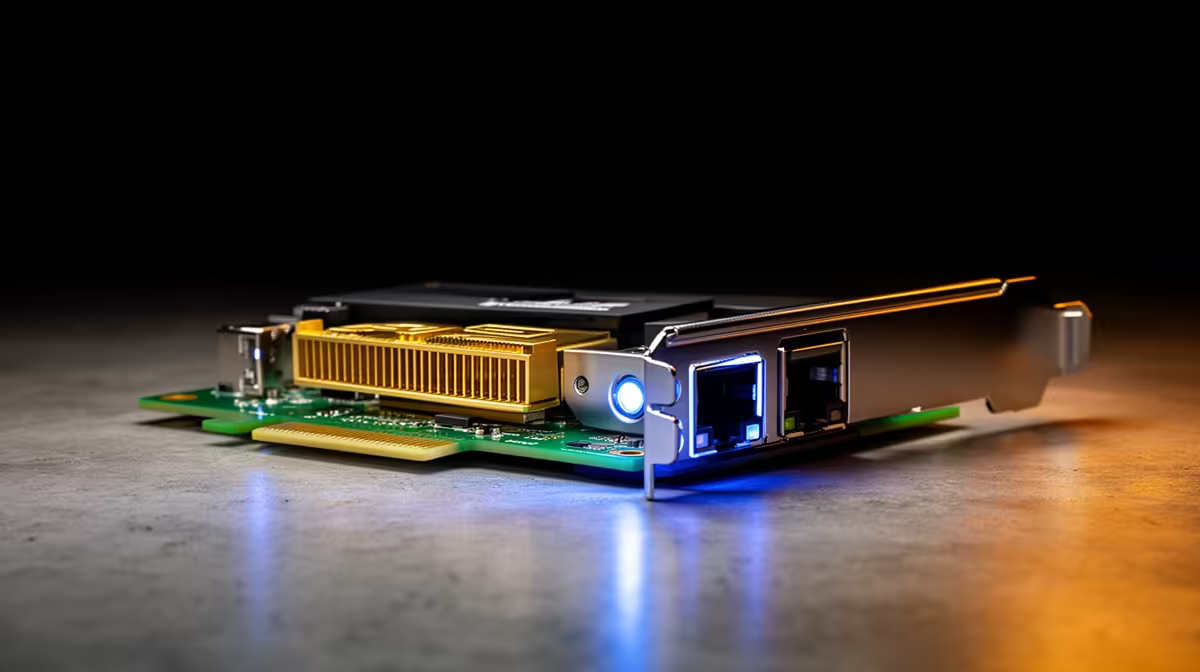
There is nothing more frustrating for a South African gamer than gearing up for a Friday night session, only to find your internet connection has completely vanished. You check the cables, restart the router, and still, your system acts like the hardware simply doesn’t exist. When your PCI network adapter is not detected in Windows, it often feels like a deep-dive into a technical nightmare, but it is usually a simple driver or seating issue. 🔧
Inspecting Hardware Seating and Power
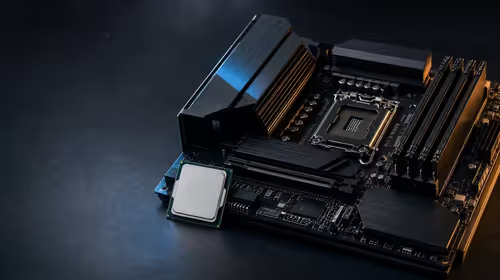
Before you start digging into software, let’s look at the physical connection. If your PC recently took a bump or you just finished a clean-out, the card might have shifted. Power down your rig, switch off the PSU, and ensure the card is firmly seated in the PCIe slot. Sometimes, dust build-up in the slot causes poor contact. If you have been running on an older card that keeps dropping connection, it might be time to browse our latest network adapters to ensure you are getting the stable pings you need for competitive play. ⚡
Resolving Driver Conflicts in Device Manager
If the hardware is seated correctly, Windows might be struggling with the driver. Press Win + X and open Device Manager. Look for "Network adapters" or "Other devices" with a yellow exclamation mark. If you see an "Unknown Device," your system isn't communicating with the hardware properly. For those using premium hardware, we often suggest looking at TP-Link network solutions as they offer superior driver support for Windows 10 and 11 environments.
Pro Tip: BIOS Settings 🚀
Always check your BIOS UEFI settings to ensure the PCIe slot you are using is enabled. Sometimes, if you have an M.2 drive installed, the motherboard will disable specific PCIe slots to save lanes. Consult your motherboard manual to ensure your network card has the lanes it needs to function correctly.
Choosing Reliable Hardware
If you have tried re-seating the card and reinstalling drivers but the device still fails to appear, the hardware itself might be faulty. In our experience at Evetech, selecting well-supported brands makes troubleshooting significantly easier. If you are looking for an upgrade that balances performance and ease of use, Cudy network adapters are a fantastic choice for South African users needing consistent, high-speed throughput without the headache of constant connection drops. ✨
Ready to Find Your Perfect Match? A stable connection is the backbone of your gaming experience, and sometimes, a hardware refresh is the only way to get back in the game. Explore our massive range of network adapters and find the perfect component to conquer your world.