


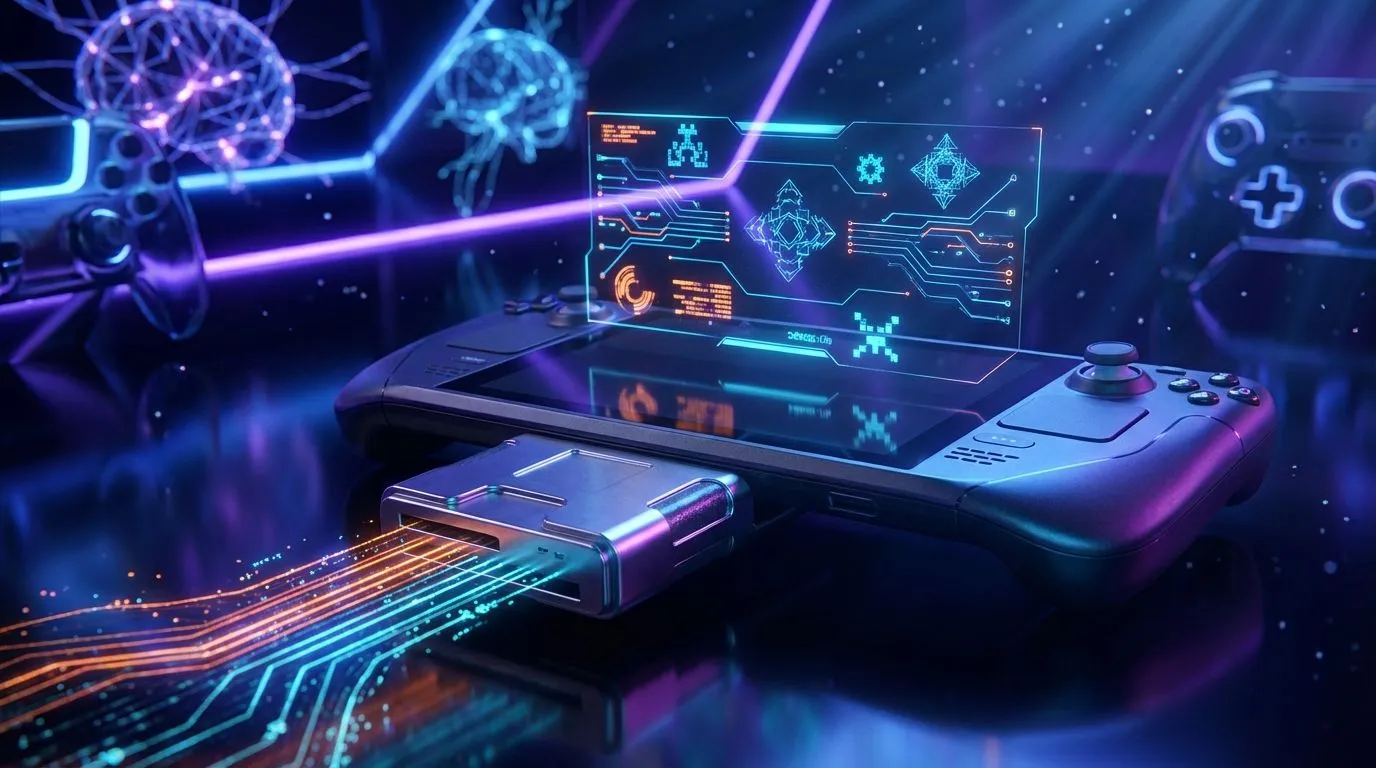
So, you’ve finally got your hands on a powerful handheld gaming PC. The freedom is incredible, right? But then reality hits… Call of Duty just ate 200GB of your precious internal storage. Suddenly, you’re stuck in the frustrating loop of deleting old favourites to make space for new ones. What if there was a simple, affordable way to expand your library without performing delicate SSD surgery? Enter the humble USB-C card reader for handheld gaming. 🚀
Why a USB-C Card Reader is Essential for Handheld Gaming
Modern handhelds are true marvels of engineering, packing serious desktop-grade power into a portable form factor. But their one common weakness is storage capacity. A high-speed USB-C card reader for handheld gaming paired with a large microSD card is the most practical solution for most South African gamers.
It’s a massively cost-effective upgrade. Instead of forking out thousands of Rands for a 2TB M.2 2230 SSD, you can grab a high-quality card reader and a 1TB microSD card for a fraction of the price. This simple accessory transforms how you use your device, allowing you to carry separate cards for your Steam library, emulation collection, or even media files. It’s the ultimate flexible storage fix for the growing family of powerful handheld gaming consoles available today.
Choosing the Best USB-C Card Reader and MicroSD
Not all cards and readers are created equal. Making the right choice here is crucial for ensuring your games load quickly and run smoothly. Performance bottlenecks can ruin the experience, so let’s get it right.
What to Look for in a Card Reader
Your handheld’s USB-C port is a gateway to high-speed data. To take full advantage, look for a reader that supports at least UHS-I speeds. If you're investing in a top-tier microSD card, a UHS-II compatible reader will offer even faster transfer speeds for moving games to and from your PC. Build quality is also key—a sturdy metal casing is better for life on the go than flimsy plastic. This is especially true for a versatile machine like the ASUS ROG Ally, where an external reader provides a reliable alternative to the built-in slot.
Picking Your MicroSD Card ⚡
For gaming, you need a card rated for application performance. Look for the A2 (Application Performance Class 2) symbol on the packaging. This rating ensures the card can handle the small, random read/write operations that games perform constantly, which directly impacts loading times and reduces stuttering. A V30 (Video Speed Class 30) rating is also a good indicator of solid performance.
Pro Gamer Tip 🔧
When you first use a new microSD card on a Windows-based handheld like the Legion Go or MSI Claw, format it using the NTFS file system, not exFAT. NTFS is more stable for large game installs and provides better performance on the Windows operating system, preventing potential data corruption issues down the line.
Setting Up Your External Storage for Handheld Gaming
Getting your new storage up and running is incredibly simple. On a Windows device, like the innovative Lenovo Legion Go, you just plug in the reader, format the card (as mentioned in our tip!), and then point your game launchers like Steam or the Xbox app to install new games to the new drive letter.
On SteamOS, the process is just as straightforward. Once connected, Steam will prompt you to format the card for its own use. After that, it appears as an available storage drive, ready for you to fill with games. This small peripheral makes managing your library a breeze, whether you're playing at home or on the move. It’s a must-have accessory that will be just as useful for future devices, including the much-anticipated MSI Claw. ✨
Stop juggling your game installs. Integrating a USB-C card reader is the smartest, easiest upgrade you can make for your handheld gaming PC, giving you the space you need to play what you want, when you want.
Ready to Expand Your Gaming Library? A USB-C card reader is the easiest, most affordable way to unlock more space on your handheld. Stop deleting games and start playing more. Explore our incredible range of handheld gaming consoles and find the perfect machine to take your games anywhere.









