


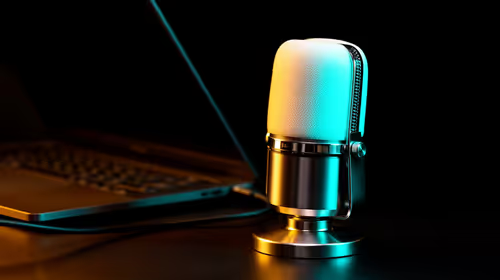
Is a streaming microphone the right choice for a YouTuber in SA?
YouTubers in SA can benefit from a streaming USB microphone when voice quality affects tutorials, reactions or narration.
Read moreFusion 360 work under R10,000 in South Africa needs a smart 4K webcam only if design discussions, demonstrations or remote checks are part of the job. Treat the webcam as a communication accessory and weigh the listed R130, R280, R525 and R2,708 examples accordingly.
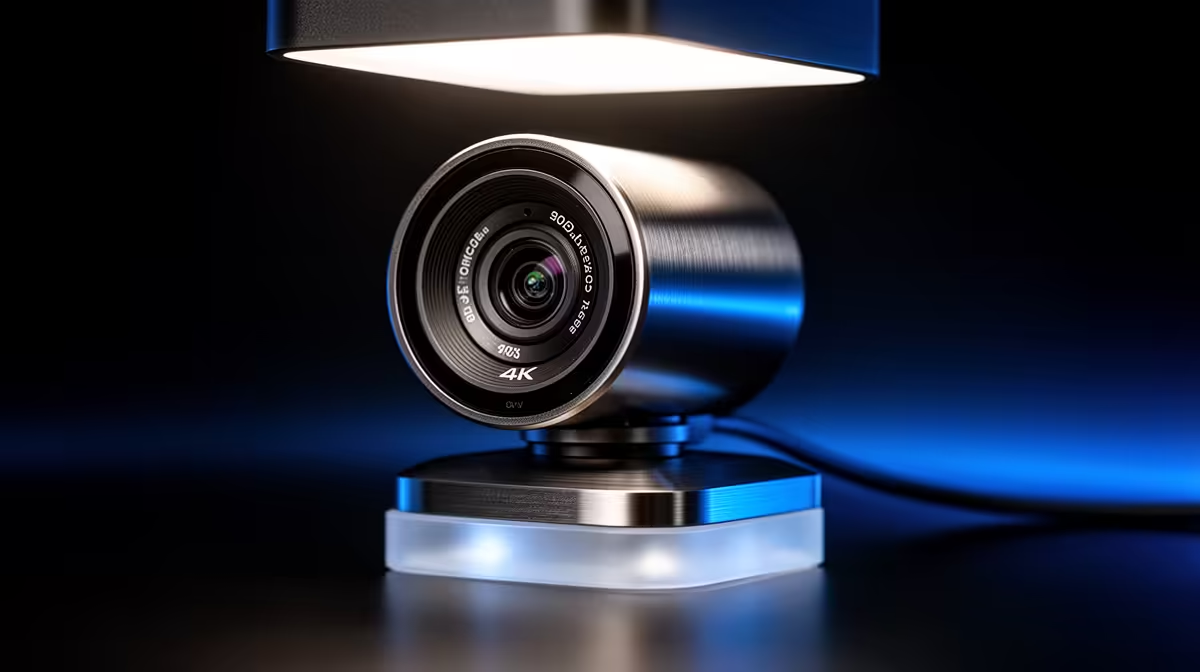
NearStream V08AF 4K at R678 suits South African makers, students, and small design desks that need sharper visual detail for Fusion 360 calls without moving near the the stated budget ceiling. It is the smart webcam pick here because the 4K spec gives clearer face and object framing when you are discussing a model, showing a prototype, or joining a client review from a compact desk.
The NearStream V08AF 4K at R678 is the strongest fit when the desk setup has to show more than a face. Its 4K spec is useful for product sketches, small parts, packaging mockups, and visual walkthroughs where extra image detail helps the person on the other side understand what you are pointing at.
The Logitech Brio 100 FHD at R458 is a sensible step-down option if the main need is clean everyday video for meetings, classes, and quick design check-ins. Its FHD spec is enough for a tidy head-and-shoulders view, and the lower R458 price leaves more budget for lighting, a stand, or a clearer desk layout.
The Logitech C270 HD at R252 is the budget fallback for simple video presence. Its HD spec suits short calls, admin meetings, and a second workstation where the camera only needs to make you visible rather than capture fine object detail.
On a local creator or student desk, the NearStream V08AF 4K at R678 works best when the camera can face both you and the object area beside the keyboard. That matters for CAD review calls, small prototype discussions, and showing physical notes without constantly moving the laptop lid.
Ready to choose the right webcam? Use Logitech Brio 100 FHD at R458 as the webcam shortlist benchmark, then check whether its listed spec matches the space, workload, and upgrade path.
Yes, it is a fit for Fusion 360 work when calls and design walkthroughs need clearer video.
For Fusion 360, the webcam should make design conversations clearer without taking budget from the main work device.
Check that the current Fusion 360 setup has a suitable connection before choosing the webcam tier.
Under R10,000, pay for reliable video only if remote design review is a regular part of work.
Fusion 360 users need a webcam that supports clear explanation of work, not one chosen for unrelated accessory appeal.
If Fusion 360 performance is already poor on the device, a webcam purchase will only improve calls.
YouTubers in SA can benefit from a streaming USB microphone when voice quality affects tutorials, reactions or narration.
Read more
TMR thumbsticks read position magnetically rather than through traditional resistive contact. Gamers may prefer the G7 Pro's Mag-Res TMR modules for drift resistance and precise control, while recognising that no mechanism is failure-proof.
Read more
Wi-Fi 7 can improve the local wireless path when paired with compatible infrastructure, especially where an older radio limits downloads or consistency. The X870E Extreme includes Wi-Fi 7, but fibre plan, router, signal conditions and game servers still shape results.
Read more
High-end GPU cooling works as a system: heat must move from the processor into a cooler and then leave the case. The ASUS TUF RTX 5090 combines a patented vapor chamber with axial-tech fans, while case airflow still determines where that heat goes.
Read more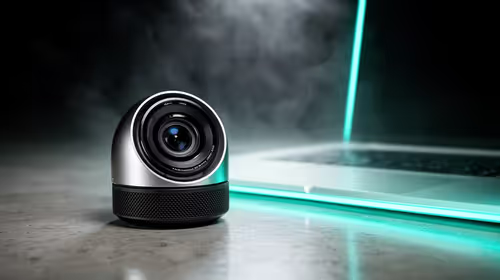
A 1080p webcam suits a hybrid worker who needs clearer calls without changing the whole setup. In SA, the buying ladder already spans GAMDIAS Hermes P2A R130, Promate Baton R280 and Logitech G305 R525, so pick by call comfort and daily use.
Read more
Vapor chambers, fans and interface materials perform different steps in graphics-card cooling, and exact materials vary by model. The ASUS TUF RTX 5090 specifically identifies a patented vapor chamber and axial-tech fans, so those are its confirmed thermal features.
Read more
RTX 5090 on a 750W PSU has limited headroom, especially with top-tier CPUs. For SA builds, treat OC potential cautiously and check PSU quality, cables, airflow, and total system load before pushing clocks.

RTX 5080 Super with a 1200W PSU is usually compatible when the power supply is modern, efficient, and correctly cabled. SA buyers should still match the full PC load, connector type, and warranty support.

An alternative to the RTX 5090 for 1080p gaming should match your screen, not chase excess headroom. Compare SA-friendly GPU classes, monitor needs, and upgrade priorities before choosing a balanced card for your rig. Keep heat and fit in view.

Windows 11 gaming PC dead pixel checks start with a pixel test and display isolation. This how to fix dead pixel windows 11 gaming pc guide helps SA gamers test cables, settings, monitor behaviour, and warranty-safe next steps.

This high-end AMD kit combines the platform parts that define CPU performance, memory and cooling, while the remaining PC still needs support hardware. Its 9950X3D sits on the Dark Hero board, with 48GB KLEVV memory and an LQ360 completing the package.

A gaming chair frame transfers seated and movement forces through the structure, making it more consequential than surface styling. The HERO uses a robust steel frame and is designed for users up to 150kg, though those facts cannot establish an exact lifespan.

Gaming chair material affects more than appearance: upholstery shapes feel while foam manages pressure beneath it. The HERO TX combines premium TX fabric with cold-foam, then uses enlarged 4D armrests and a memory headrest to refine upper-body contact.

Faster memory can increase data bandwidth for workloads that respond to it, while sufficient capacity prevents concurrent tasks from exhausting the available pool. This kit's 48GB DDR5-7200 configuration targets both needs for gaming, streaming and creative work.
YouTubers in SA can benefit from a streaming USB microphone when voice quality affects tutorials, reactions or narration.
TMR thumbsticks read position magnetically rather than through traditional resistive contact. Gamers may prefer the G7 Pro's Mag-Res TMR modules for drift resistance and precise control, while recognising that no mechanism is failure-proof.
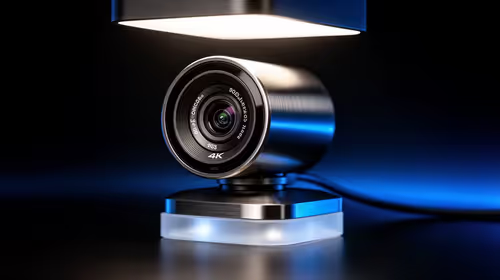
Fusion 360 work under R10,000 in South Africa needs a smart 4K webcam only if design discussions, demonstrations or remote checks are part of the job. Treat the webcam as a communication accessory and weigh the listed R130, R280, R525 and R2,708 examples accordingly.
Wi-Fi 7 can improve the local wireless path when paired with compatible infrastructure, especially where an older radio limits downloads or consistency. The X870E Extreme includes Wi-Fi 7, but fibre plan, router, signal conditions and game servers still shape results.