


Dreaming of a beastly gaming rig but your budget is looking a little... well, South African? We get it. The latest tech comes with a hefty price tag. But what if you could build a powerful PC for a fraction of the cost? Welcome to the thrilling world of hunting for used PC parts in South Africa. It’s a savvy way to get maximum performance for your rand, and with this guide, you’ll be sniffing out bargains like a pro. 💰
Why Go Second-Hand in SA?
The biggest reason is simple: value. A high-end graphics card from a generation or two ago can often outperform a brand-new budget card, sometimes for half the price. By sourcing pre-owned computer parts, you can allocate more of your budget to the components that matter most to you, whether that's a faster processor or more storage. You're also giving quality hardware a second life, which is a nice win for the planet.
The market for used PC parts in South Africa is vibrant, but it requires a sharp eye. Let's break down what to look for.
The Expert's Component Checklist
Navigating the second-hand market isn't just about finding the cheapest price; it's about finding reliable hardware. Here’s how to inspect the most critical components before you part with your cash.
The Core: CPU & Motherboard
The CPU is the brain, and the motherboard is the nervous system. When buying used, inspect these meticulously. For the processor, always ask the seller if you can see the pins (on AMD CPUs) or the pads (on Intel CPUs). Any bent pins are a major red flag. For motherboards, check the CPU socket for damage and look for any bulging or leaking capacitors. It's often safer to browse a range of affordable new Intel and AMD motherboards to see how prices for new, warrantied hardware compare. A faulty motherboard can be a nightmare to diagnose. When considering a CPU, compare the used price against the cost of brand-new CPU processors online to ensure you're getting a real bargain.
The Powerhouse: Graphics Cards (GPUs)
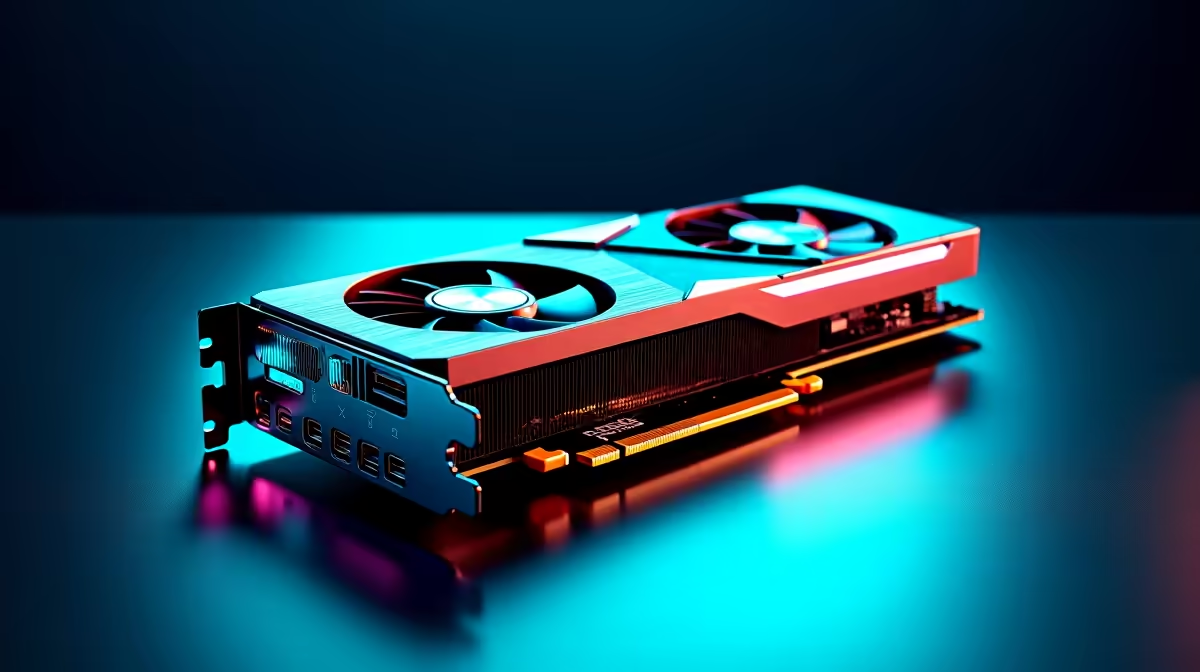
This is where you can save the most money. A used GPU can deliver incredible gaming performance for its price. The key is to verify its condition. Always ask the seller for a recent video or screenshot of it running a stress test like FurMark or a benchmark like 3DMark. Watch for visual glitches, called artifacts, which can signal a dying card. If the seller refuses... walk away. There are always other deals on the horizon, and sometimes the peace of mind from our collection of new NVIDIA and AMD graphics cards is worth the extra cost.
Memory & Storage: RAM & SSDs
RAM is generally quite reliable, but it’s still wise to ask the seller if they can run a MemTest86 scan to show it's error-free. You can find great deals on older kits, like our selection of DDR3 gaming RAM modules, which are perfect for budget builds. For storage, especially SSDs, the drive's health is critical. Ask for a screenshot from a tool like CrystalDiskInfo, which shows the "Total Host Writes" and overall health status. A drive with extremely high usage may have a shorter remaining lifespan, making new solid-state drives a more dependable option for your operating system.
Test Everything Immediately! ⚡
The moment you get your used parts home, build a test bench outside the case. Install the CPU, one stick of RAM, and the GPU on the motherboard. Boot it up and run stress tests on each component for at least an hour. This helps you identify any faulty hardware immediately, while you still have a chance to contact the seller. Don't wait until your entire PC is built!
The Supporting Cast: PSU, Case & Cooling 🔧
These parts are often overlooked, but they are crucial for a stable system.
- Power Supply (PSU): This is the one component many builders refuse to buy second-hand. A failing PSU can take your entire system with it. If you do buy a used one, stick to reputable brands and ask for its age. Anything over 5 years old is a gamble. Often, the safest bet is a new, reliable unit like a Corsair power supply.
- Case: A used case is usually a safe bet! Just check for physical damage, ensure all the screws are included, and make sure it has decent airflow. You can find amazing bargains here compared to brand new computer cases.
- Cooling: Used fans and AIO liquid coolers can be risky. Fans can have worn-out bearings, and you never know the condition of the liquid or pump inside a used AIO. For something as critical as cooling your CPU, investing in new CPU coolers is highly recommended. And always, always use fresh paste from quality thermal solutions when installing any cooler.
Is Hunting for Used PC Parts Worth It?
Absolutely... if you're careful. Becoming an expert at finding used PC parts in South Africa takes patience and a bit of technical know-how. You can build an incredible machine for a fantastic price. ✅
However, you trade warranty and peace of mind for that lower cost. Every purchase carries a small risk. For builders who want guaranteed compatibility, spotless condition, and the confidence of a full warranty, buying new is the only way to go.
Ready to Build with Confidence? Hunting for used PC parts in South Africa can be a rewarding challenge... but it's not for everyone. For guaranteed compatibility, brand-new performance, and a full warranty, nothing beats a curated bundle. Explore our Intel & AMD Upgrade Kits and build your dream rig the smart, hassle-free way.











