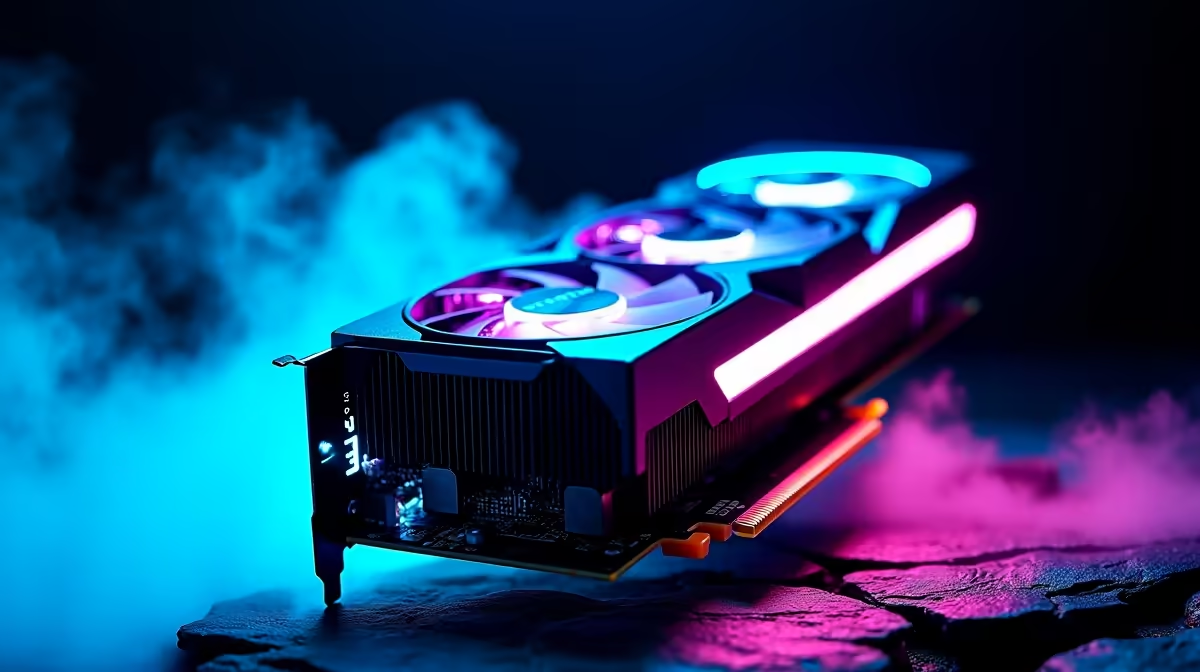
So, you’ve heard the buzz about DeepSeek, the powerful AI coder and assistant, and you're keen to run it locally right here in South Africa. Lekker! But before you dive in, there’s a critical question: does your PC have the muscle for it? The secret isn’t just your CPU; it’s all about the graphics card. This guide cuts through the noise to pinpoint the best GPU for DeepSeek SA, focusing on NVIDIA’s powerful RTX lineup.
Why Your GPU is the Engine for AI like DeepSeek
Think of a Large Language Model (LLM) like DeepSeek as a massive, complex brain 🧠. To run smoothly, it needs two things your GPU provides in spades: lightning-fast parallel processing and a huge amount of dedicated memory (VRAM).
NVIDIA's RTX cards are the industry standard for a reason. Their CUDA cores are perfect for the heavy lifting AI requires, while their Tensor Cores are specifically designed to accelerate AI calculations. More VRAM means you can load larger, more capable models without your system grinding to a halt. A powerful GPU is the difference between asking DeepSeek a question and getting an answer in seconds... or minutes. For those who want a system ready out of the box, exploring pre-built PC deals can be a fantastic starting point.
The Best NVIDIA GPU for DeepSeek in South Africa: Tiered Picks
Choosing the right card depends on your budget and how seriously you're taking your AI journey. We've broken down the top options to help you find the best GPU for DeepSeek SA that fits your needs.
The Powerhouse: NVIDIA GeForce RTX 4090
If you're a developer, researcher, or AI enthusiast who wants zero compromises, the RTX 4090 is the undisputed king. With a massive 24GB of GDDR6X VRAM, it can handle the largest publicly available models with ease. The performance is simply in a class of its own, making it the ultimate tool for serious AI work. This level of hardware is often found in high-end workstation PCs built for maximum productivity.
The Sweet Spot: NVIDIA GeForce RTX 4070 SUPER / Ti SUPER
For most users in South Africa, this is the sweet spot. The RTX 4070 SUPER and its Ti variant offer a brilliant balance of price and performance. With 12GB or 16GB of VRAM respectively, they provide more than enough memory for experimenting with and running very capable DeepSeek models. This is the perfect choice for someone who wants a powerful AI machine that also doubles as a phenomenal gaming rig. You'll find these cards at the heart of many of the best gaming PC deals available today.
The Smart Start: NVIDIA GeForce RTX 3060 12GB / RTX 4060
Looking to get started without breaking the bank? The RTX 3060 with 12GB of VRAM remains a legendary value proposition for AI. That 12GB of memory is the key, allowing it to load models that cheaper 8GB cards struggle with. The newer RTX 4060 is also a solid entry point. These cards are perfect for learning, tinkering, and running smaller models efficiently, making them a cornerstone of many budget gaming PCs that can pull double duty for AI.
VRAM is Key ⚡
Before you start a project, check the AI model's size (measured in billions of parameters). A good rule of thumb is that you need roughly 1GB of VRAM for every billion parameters in the model you want to run. This will help you choose a graphics card with enough memory for your ambitions!
Building Your Full AI Rig: It's a Team Effort 🔧
While the GPU does the heavy lifting, it needs a good support system. A powerful CPU is essential for keeping the entire system responsive while the GPU is working hard. Pairing your new RTX card with a modern processor is crucial for a balanced machine. Whether you prefer the latest from Intel PC deals or are looking at a system from the AMD Ryzen PC deals range, ensure your processor won't be a bottleneck.
And while NVIDIA's CUDA platform currently dominates the AI space, it's worth noting that other players are making progress. Keep an eye on developments for both AMD Radeon gaming PCs and the newer Intel Arc gaming PCs as the software ecosystem continues to evolve.
Ultimately, the best graphics card for DeepSeek is one that fits your budget and goals. By focusing on an NVIDIA RTX card with sufficient VRAM, you're setting yourself up for success in the exciting world of local AI. ✨
Ready to Unleash Your AI Potential? 🚀
Choosing the right hardware is the first step to unlocking the power of local AI with DeepSeek. An NVIDIA RTX-powered PC is your ticket to faster, more efficient, and more creative workflows. Explore our range of NVIDIA GeForce gaming PCs and find the perfect machine to build your future on.